QuickMPG - gas mileage calculator

QuickMPG - gas mileage calculator Summary
QuickMPG - gas mileage calculator is a mobile iOS app in Tools by Steven Romej. Released in Nov 2009 (16 years ago). It has 34 ratings with a 1.91★ (poor) average. Based on AppGoblin estimates, it reaches roughly 97 monthly active users . Store metadata: updated Feb 14, 2017.
Store info: Last updated on App Store on Feb 14, 2017 .
1.91★
Ratings: 34
Screenshots

App Description
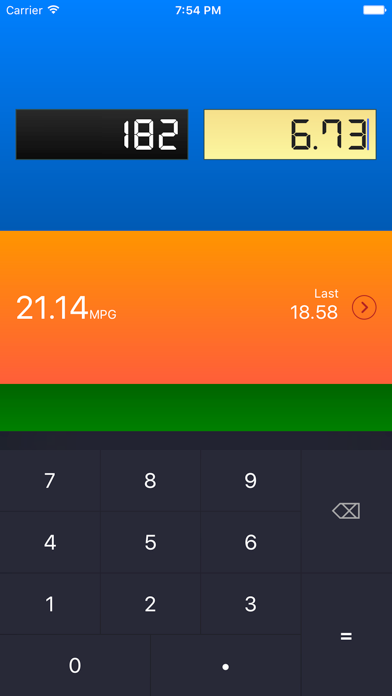
Easy gas mileage calculator built with usability in mind. Do it all on one screen with a few taps.
Who should use it? Anyone wanting a fast way to do a mileage calculation. Previous MPG rating shown for quick comparison. No frills; does one thing well.
Tap the history button next to your previous MPG to view all of your mileage calculations.
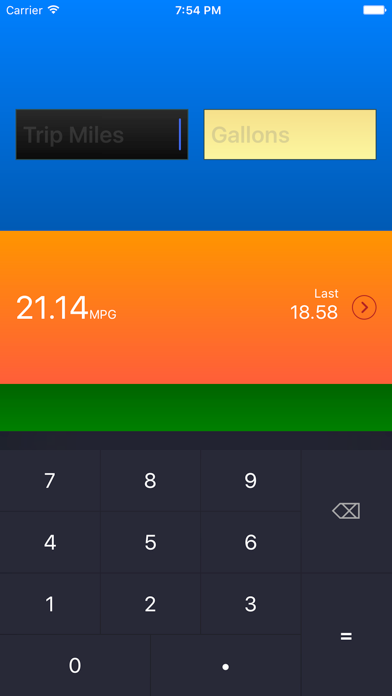
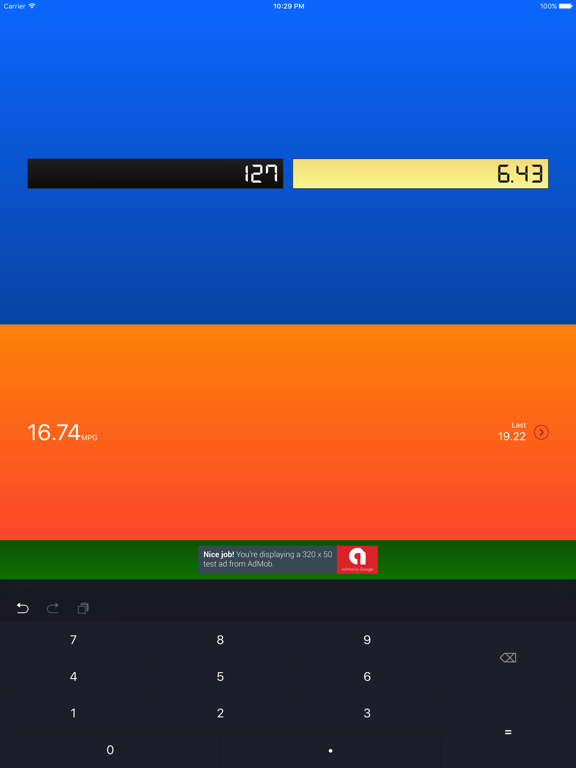
Simply enter the number of miles your trip meter reads and the number of gallons you used to fill your tank. The fuel mileage will be displayed and saved.
Now set your trip meter to zero in your car and just type in what you see at your next fill-up.
QuickMPG will show a current MPG rating as well as the date and rating of your last fill-up, so quick comparisons are easy.
MILEAGE CALCULATION TUTORIAL
1) Set your trip meter to 0 when you fill up.
2) (...drive around...)
3) At your next fill-up, note the number of gallons you put in your vehicle.
4) Read the value from the trip meter.
5) Enter the miles from the trip meter and the number of gallons into QuickMPG.
NEED HELP?
Contact me anytime at steven@slidetorock.com