ArtStudio - Draw and Paint
ArtStudio - Draw and Paint Summary
ArtStudio - Draw and Paint is a with in-app purchases iOS app in Photo And Video by Lucky Clan. Released in Feb 2010 (16 years ago). It has 653 ratings with a 4.63★ (excellent) average. Based on AppGoblin estimates, it reaches roughly 320 monthly active users and generates around $<10K monthly revenue (100% IAP / 0% ads). Store metadata: updated Jan 18, 2019.
Store info: Last updated on App Store on Jan 18, 2019 .
4.63★
Ratings: 653
Screenshots


App Description
*** This is the LEGACY version. ARTSTUDIO PRO, the successor to this app, is available now with many new features and improvements. Find it by searching for “Artstudio Pro” on the Mac/iOS App Store.
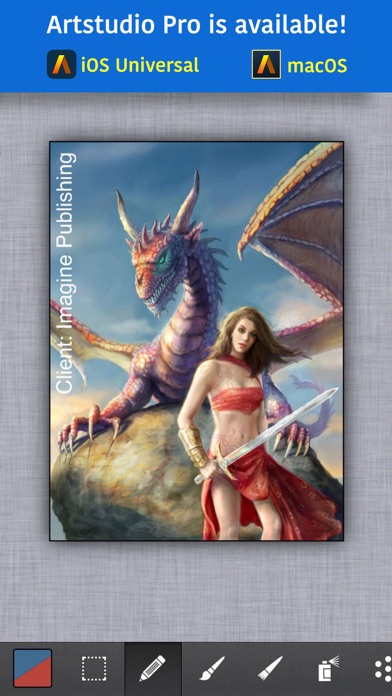
ArtStudio is the most comprehensive, sketching, painting and photo editing tool in the App Store. Completely re-designed from the ground up the new ArtStudio features a beautiful new user interface and a powerful new graphics engine to make creating works of art faster, easier, and more fun! Using advanced drawing algorithms this is the fastest and most precise version of ArtStudio to date.
See the video:
http://www.youtube.com/watch?v=P__arq3jk3U
Follow us on twitter: http://twitter.com/lucky_clan
Follow us on facebook: https://www.facebook.com/LuckyClanApps
Gallery:
http://flickr.com/groups/artstudioimages/
appmodo.com:
"It doesn’t matter whether you’re a skilled artist or a newbie; ArtStudio is for you."
appsmile.com: 5/5
"This is what PhotoShop Mobile wishes it had been."
FEATURES:
- flexible canvas size, max: 3024x4032(iPhone 6s), 3264x2448(iPhone 5/5s/6), 2592×1936 (iPhone 4s, iPhone 4), 2048×1536 (iPhone 3gs)
- 16 tools: select, pencil, wet paintbrush, dry paintbrush, spray, dots, eraser, smudge, bucket fill, gradient, text, clone, heal, blur/sharpen, dodge/burn, eyedropper
- 450 HIGH QUALITY BRUSHES (150 free, 300 paid) divided into 30 groups
- custom brushes, max size: 500x500px
- select tool: rect/ellipse/lasso/magic wand/by color, add/sub/intersect, contract/expand/round corners/border/...
- text tool: over 150 system fonts, support of external TTF fonts (just upload .ttf file in iTunes using File Sharing), special text layer to easy edit text
- favorites list to quickly access user's favorite brush settings
- fully customizable stroke settings: blur, flip, size, opacity, spacing, fadeout, squeeze, angle, speed-size, speed-opacity, random flip, scatter, jitter-spacing, jitter-angle, jitter-size, jitter-squeeze, jitter-opacity, jitter-hue, jitter-saturation, jitter-lightness
- symmetric drawing
- guidelines, grid
- shapes: lines, rectangles, ellipses, polygons (open, closed)
- layer options: add, duplicate, merge down/visible, delete, lock alpha, show/hide, link, name, reorder, opacity, blending modes
- layer masks
- layer/selection transformations: move/scale/rotate with multi-touch, flip, rotate left/right, fill/erase
- distort (ske