TeachMe: 3rd Grade
TeachMe: 3rd Grade Summary
TeachMe: 3rd Grade is a mobile iOS app in Education by 24x7digital LLC. Released in Feb 2013 (13 years ago). It has 75 ratings with a 3.77★ (average) average. Based on AppGoblin estimates, it reaches roughly 41 monthly active users . Store metadata: updated Jan 17, 2025.
Store info: Last updated on App Store on Jan 17, 2025 .
3.77★
Ratings: 75
Screenshots

App Description
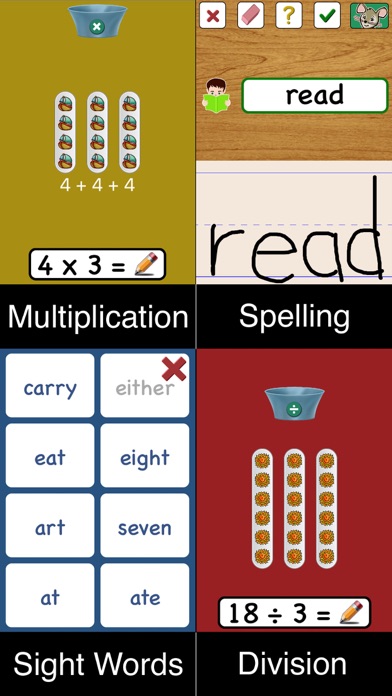
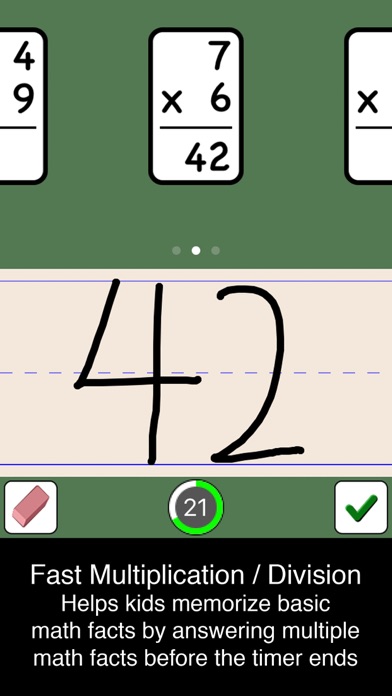
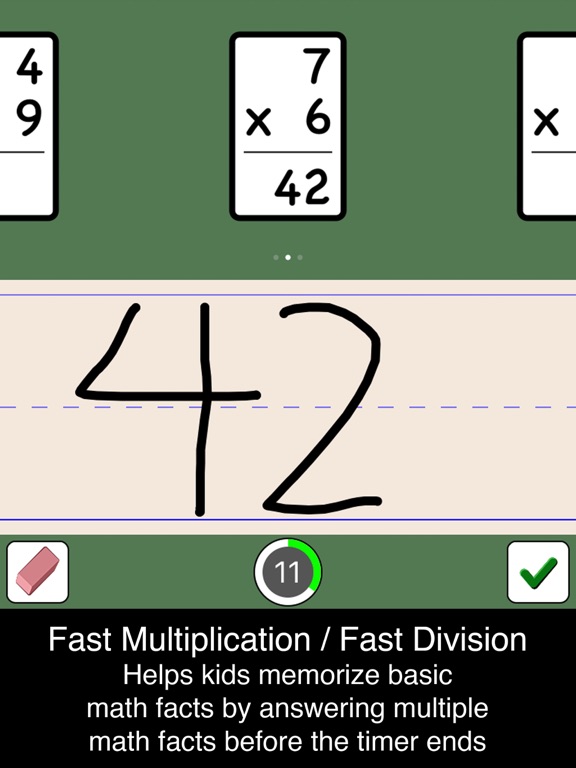
TeachMe: 3rd Grade is the fifth installment in the popular TeachMe series of educational apps for the iPhone, iPod touch, and iPad. TeachMe: 3rd Grade teaches six age-appropriate subjects to third grade children: spelling, sight words, multiplication, division, fast multiplication, and fast division. TeachMe: 3rd Grade's unique TeachTech character recognition engine interprets a child's written answers, helping to reinforce writing skills while teaching math and spelling.
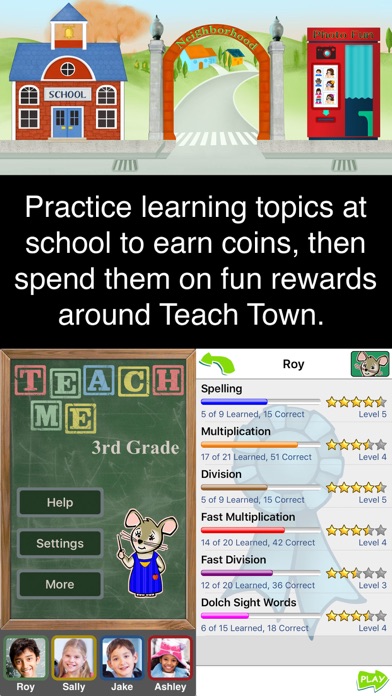
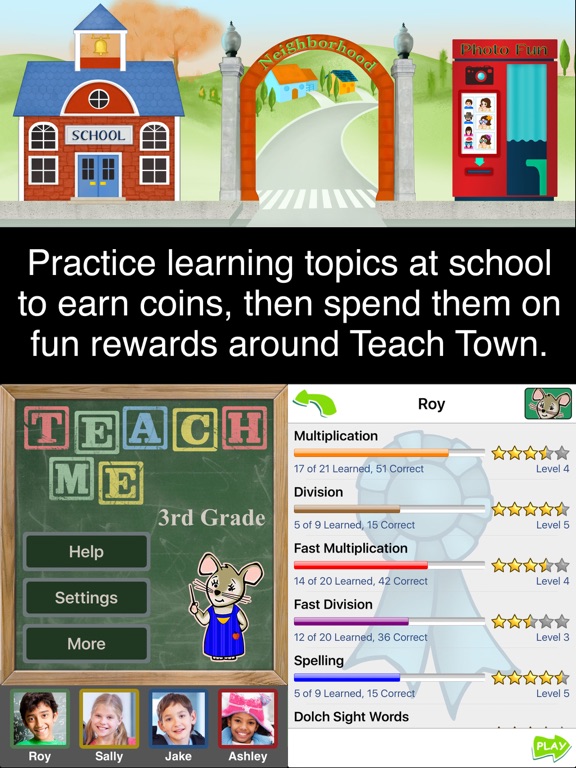
TeachMe: 3rd Grade keeps children engaged with a unique reward system where children earn coins by playing learning games at the school. They can move around the rest of TeachTown to spend their coins on fun rewards. Children can build their dream home in the TeachTown Neighborhood, make fun photos at the Photobooth, collect stretchable shapes at the Shape Store, visit their virtual aquarium at the Fish Store, and decorate different scenes at the Art Store. The simple and intuitive user interface is designed to be child friendly, allowing children to play without help from an adult. Mimi Mouse, the animated teacher, gives verbal instructions and feedback to encourage the child to learn and succeed! In addition, the learning screens are colorful, fun and rotate between six different subjects so children don't get bored.
TeachMe: 3rd Grade is the only educational app which reads your child's writing using TeachTech, 24x7digital's writing recognition engine. Children write their answers for math and spelling questions and TeachMe: 3rd Grade reads them using TeachTech. If your child needs help, TeachMe: 3rd grade will show them how to write the correct answer including the proper stroke order.
Each child has an achievements screen which motivates and encourages learning by showing progress and levels for each topic. Parents can use this screen to quickly see progress of their child. Parents can select which subjects they want, set different difficulty levels, and even choose specific questions. Parents can also review performance history for each subject to check how their child is doing.
FEATURES:
• TeachTech writing recognition
• Achievement screen shows progress and levels for each topic
• Explore TeachTown to spend coins on fun rewards
• Design a dream house with the House Builder reward
• Turn ordinary pictures into fun photos at the Photobooth
• Collect stretchable shape r