Exposure Calculator
Exposure Calculator Summary
Exposure Calculator is a with in-app purchases iOS app in Photo And Video by Essence Computing. Released in Mar 2010 (16 years ago). It has 10 ratings with a 3.90★ (average) average. Based on AppGoblin estimates, it reaches roughly 3.00 monthly active users and generates around $<10K monthly revenue (100% IAP / 0% ads). Store metadata: updated Dec 20, 2025.
Store info: Last updated on App Store on Dec 20, 2025 .
3.9★
Ratings: 10
Screenshots
App Description
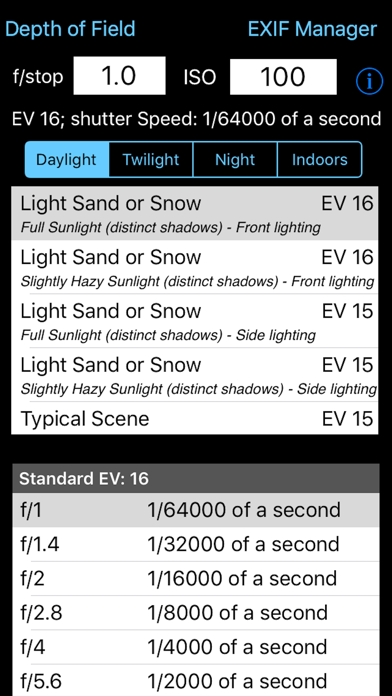
Takes the guesswork out of what shutter speed to use. Ever struggled with an exposure meter or the camera's auto exposure system and found that it just cannot seem to determine the correct shutter speed? I have and that is why this App was written. There are tables and formulae to help you to work out the shutter speed for yourself, but that's not easy. This App takes some simple information about the lighting conditions, the f-stop of the camera and the ISO rating being used and calculates what the correct shutter speed should be. It is that simple. If you have used the pre-calculated tables before you might be suprised by the answers this App gives you but, believe me, I have implemented the formulae and the pre-calculated tables are approximations (sometimes rather wild ones). The tables do not include all f-stops, the tables do not take account the different ISO values cameras can be set to. This App does.
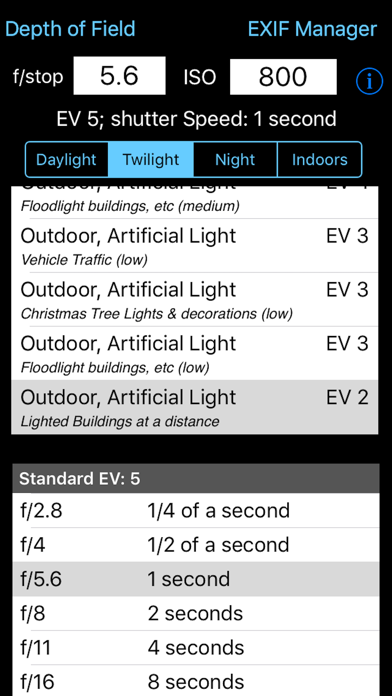
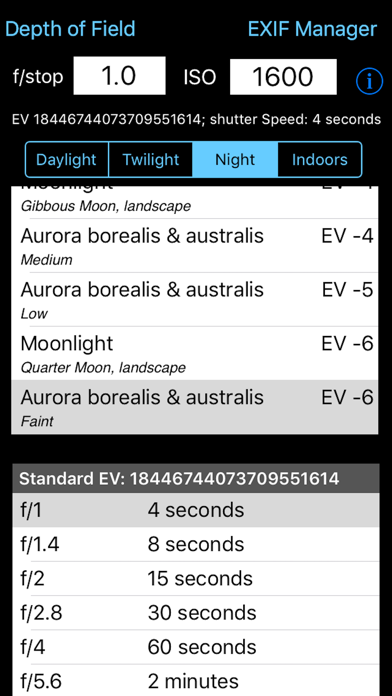
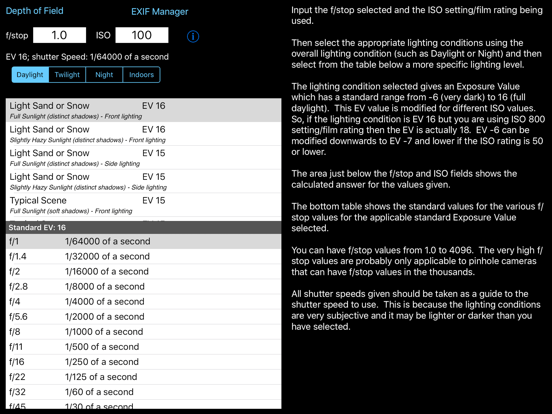
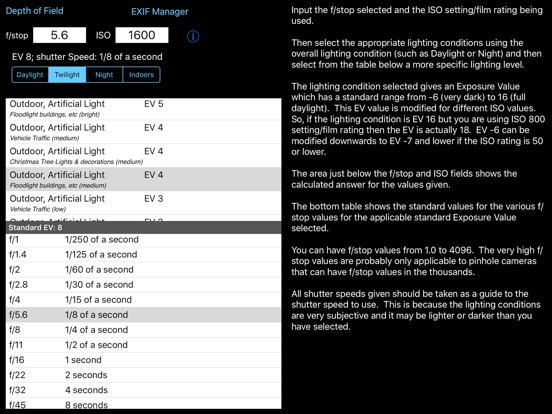
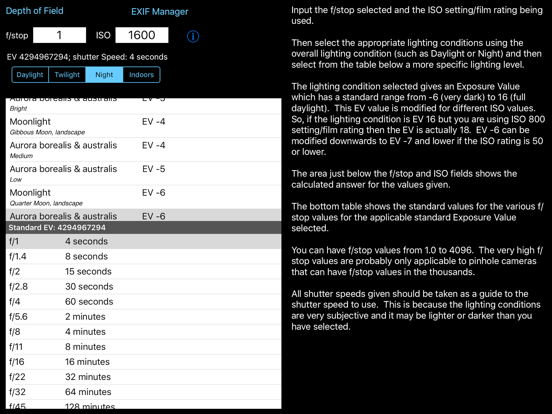
This App takes this information and presents it in an easy to use form. Just type in the f/stop value using the keypad, type in the ISO rating using the keypad and then select the applicable lighting conditions from the four lighting condition types: Daylight, Twilight, Night and Indoors. Each has a range of Exposure Values to select from.
The App then calculates what the effective EV value is (given the ISO rating) and so can calculate what the actual shutter speed should be. It also shows the applicable row from the standard tables for the EV.
Depending on the ISO rating being used the Exposure value selected from the list can be increased or decreased e.g. if the light is low and the EV is -3 but you are using ISO 800 then the effective Exposure value is zero (ISO 800 counts as +3 to EV) the shutter speed needs to match this value not that selected from the standard lighting condition values.
The tables only show some of f/stop values. For example the tables show f/2.0 and f/2.8 but you might have the camera set to f/2.4. Well it is possible to calculate the exact value so this is what the App does. Coupled with ISO values that do not generate exact EV numbers this value can show you the true value you should be attempting to use. An ISO of 250 adds +1.32 to the EV value. It is a log2 scale.
Now you may not be able to set you camera to the exact value given but it does give you a much better idea of the real shutter speed requir