Pinball HD: Classic Arcade

Pinball HD: Classic Arcade Summary
Pinball HD: Classic Arcade is a ad-supported, with in-app purchases iOS app in Games by BrainVault Games, LLC. Released in Apr 2010 (16 years ago). It has 1.6K ratings with a 4.42★ (good) average. Based on AppGoblin estimates, it reaches roughly 2.8K monthly active users and generates around $<10K monthly revenue (30% IAP / 70% ads). Store metadata: updated Aug 17, 2024.
Store info: Last updated on App Store on Aug 17, 2024 .
4.42★
Ratings: 1.6K
Screenshots
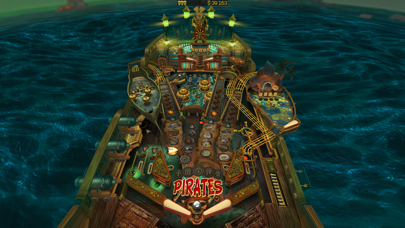
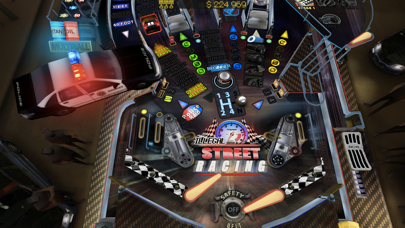
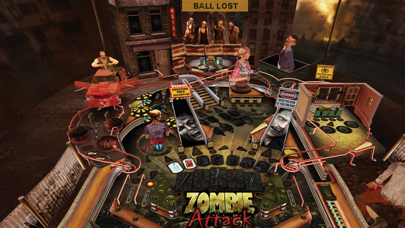
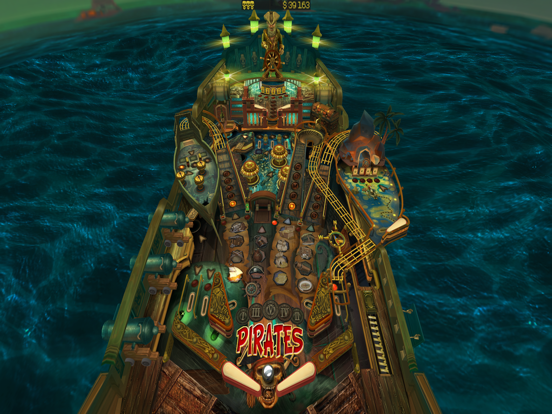
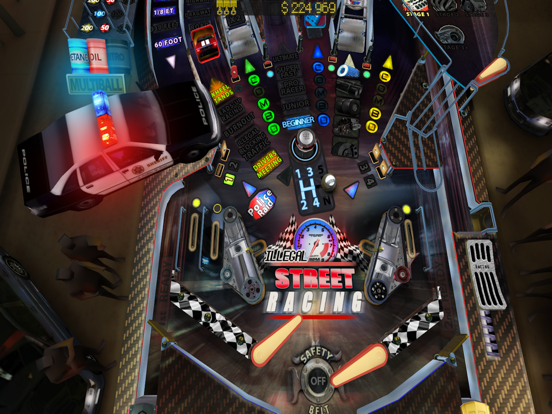
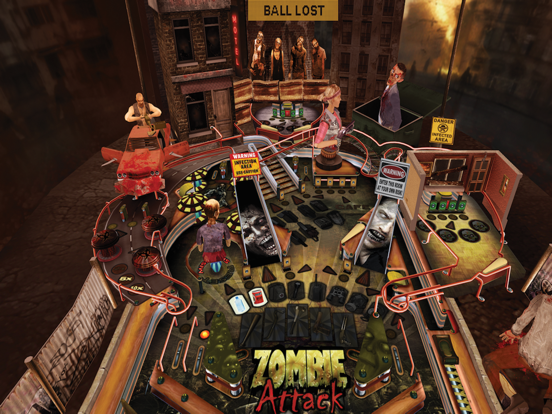
App Description
This unique table features pinball bumpers and targets, plus a color monitor where you can take on a variety of old-school digital minigame challenges - an endless space scroller, plus car racing, missile defense, a block breaker, and more at incrementing skill levels.
Apple Design Awards 2010 winner
Listed by Apple in "Best 10 iPad Apps in 2010"
1st place in US top paid apps during the first sales day
"Pinball HD is simply a game that was just made for the iPad: it has intuitive controls, takes full advantage of the device’s hardware and delivers a truly immersive experience that will take you right back to the golden age of the arcade."
-- Marco Tabini, Macworld.com
"With three tables, reliable physics and controls, and gorgeous graphics, it is a pleasure to recommend."
-- Levi Buchanan, IGN.com
ABOUT THE GAME
Pinball HD - This game will change your idea of Pinball on the iPad. Each table - Wild West, The Deep, and Jungle style - are masterpieces. You'll be stunned with the level of realism. This is a REAL Pinball simulator with stunning 3D graphics both with or without 3D glasses.
IMPORTANT
• Landscape mode - "full table" view
• Portrait mode - "flying-table" view
• In portrait mode slide up or down your both thumbs to toggle camera view from "flying-table" to "full table".
FEATURES
• 3 pinball tables with unique graphics, instructions, missions system, locations and characters
• Landscape mode shows a full table view. The games can be played in either landscape orientation with the button to the left or right of the screen.
• Portrait mode gives you a flying-table view with the camera panning and zooming over the action. This can only be played when holding the iPad with the button on the bottom. If you activate the screen orientation switch, the game only plays in portrait mode.
• A wonderful 3D engine that does true justice to the graphic capabilities of the iPad.
• Realistic physics.
• Built in help for each table. Tap the circled "I" at the bottom right of each table to get a display detailing instructions and descriptions of the features of each table. Make sure to swipe left and right when viewing since the instructions don't fit on one screen.
• Local and global high scores. Swiping right brings up a table of local high scores and further tapping brings up high scores from copies sold throughout
the world. At