PDF Reader Pro Edition®

PDF Reader Pro Edition® Summary
PDF Reader Pro Edition® is a mobile iOS app in Business by iTECH DEVELOPMENT SYSTEMS INC.. Released in Apr 2010 (16 years ago). It has 2K ratings with a 4.38★ (good) average. Based on AppGoblin estimates, it reaches roughly 9.7K monthly active users . Store metadata: updated Jun 25, 2019.
Store info: Last updated on App Store on Jun 25, 2019 .
4.38★
Ratings: 2K
Screenshots
App Description
**Winner of the Tabby Awards for best iPad- Productivity/Documents App**
PDF Reader Pro Edition is the best app to read, manage and annotate PDF files and it works beautifully on iOS 12.
The most powerful PDF reader, carefully designed and optimized specially for the iPhone & iPad.
The best mobile PDF reader for your iPad Pro and Apple Pencil.
Part of the @work campaign by Apple.
Some of the great features of PDF Reader Pro Edition are:
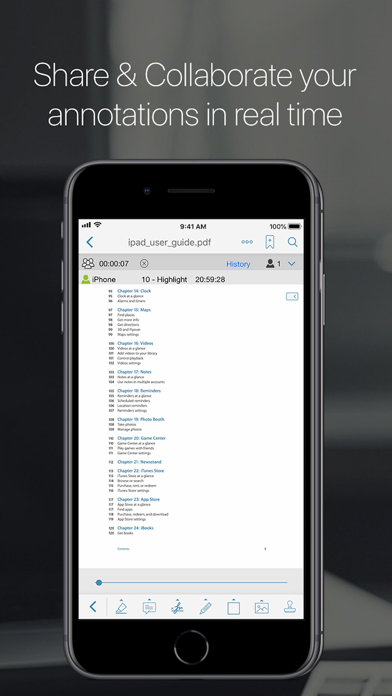
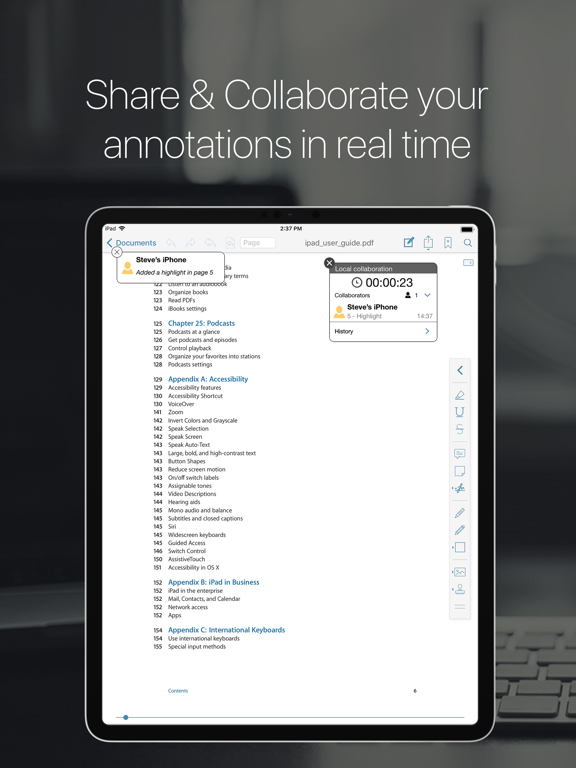
• Real-time online collaboration & chat
Now you can collaborate and add annotations with other users on the same file over the internet in real time and you can chat about your progress simultaneously.
They will be able to see what changes you are making as you make them all in real time.
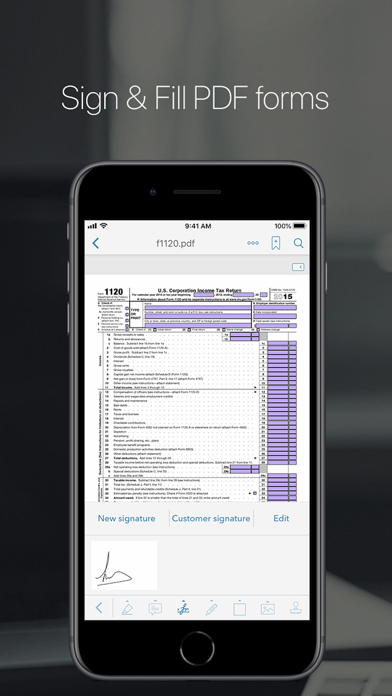
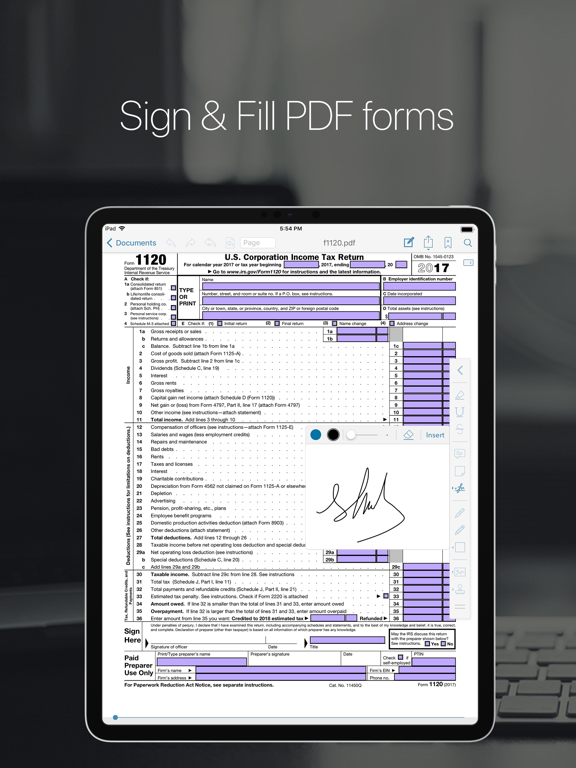
• PDF forms support
Now you can fill out PDF forms directly on your iPad/iPhone.
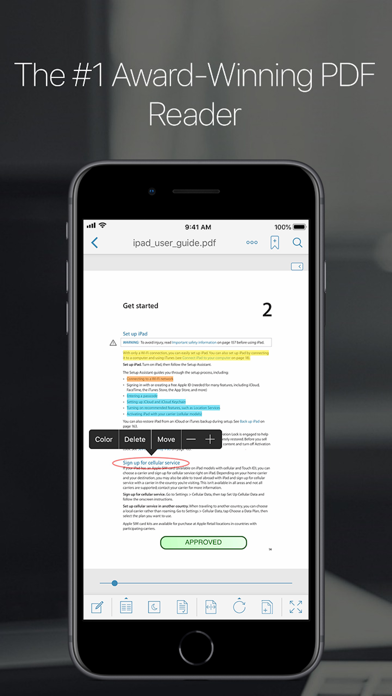
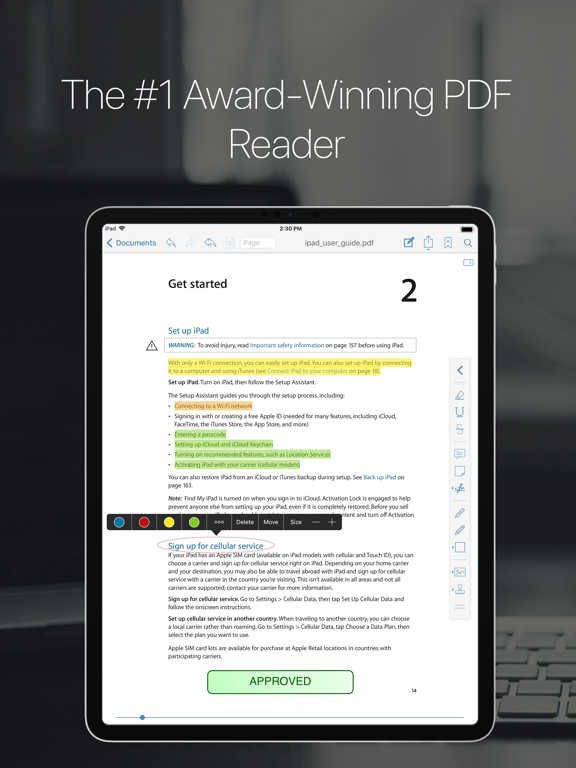
• Full Annotations/highlight support
Now you can add notes directly from your iPad anywhere on the document.
Highlighter, stamps, sticky notes, text boxes, underlines, strikeout, dynamic stamps (with date & time), freehand drawing, signature, free highlight, lines, arrows, rectangles and ovals, fully compatible with Apple Preview and Adobe Acrobat.
• New EasyReview mode
With this new amazing feature you are able to mark up PDF documents faster and easier than ever before. Just tap on the part of text where you need to make changes and correct it in the text editor (similar to Word). The text will be marked as removed and the new text will have a different color so you can easily identify it. When you save the PDF file all the modifications will appear as standard annotations (replace text and insert text annotations).
• Fresh new user interface specially design to merge beautifully with iOS 12.
• Create new PDF files
Extract and email pages from a PDF file or create a new document using pages from an existing file.
• Share & collaborate
Connect with all your colleagues and friend to share and collaborate your PDF files and annotations in real time.
• Rotate function
You can rotate a single page or the whole document.
• Vault folder
Securely store your important PDF files.
• Bookmarks/Outlines
Bookmark pages on your PDF files.
Add outlines to create or modify a table of contents for your document directly from your iPad.
• Reflow mode
• Full Web browser to download PDF files from the web
• Scanner
Create multipage