Find My iPhone

Find My iPhone Summary
Find My iPhone is a free iOS app in Tools by Apple. Released in Jun 2010 (16 years ago). It has 31K ratings with a 3.96★ (average) average. Based on AppGoblin estimates, it reaches roughly 111K monthly active users . Store last updated Sep 17, 2014
Recent activity: -1 new ratings this week View trends →
Find My iPhone SDKs Summary
App not yet scanned for SDKs.
3.96★
Ratings: 31K
Screenshots
App Description
Find My iPhone:
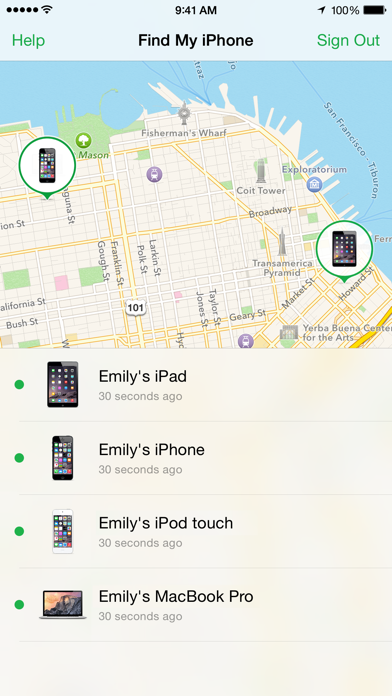
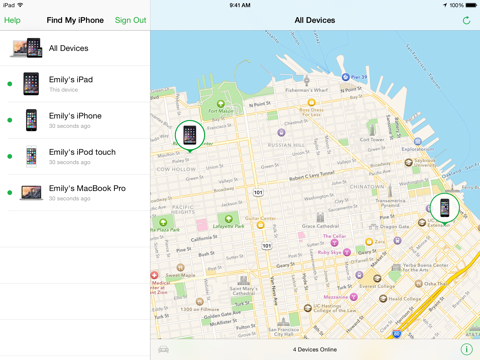
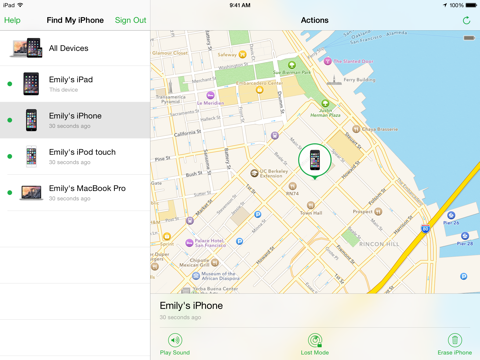
If you misplace your iPhone, iPad, iPod touch, or Mac, the Find My iPhone app will let you use any iOS device to find it and protect your data. Simply install this free app, open it, and sign in with the Apple ID you use for iCloud. Find My iPhone will help you locate your missing device on a map, remotely lock it, play a sound, display a message, or erase all the data on it.
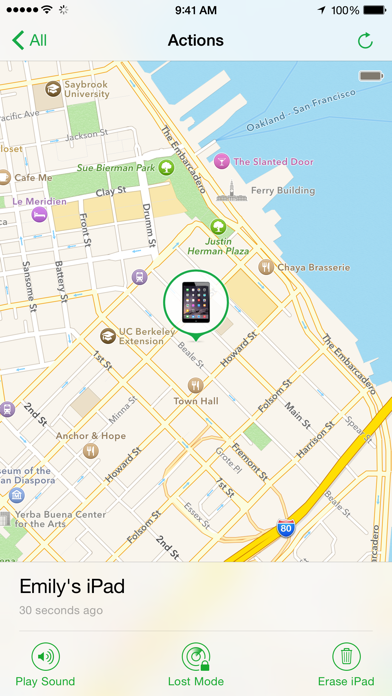
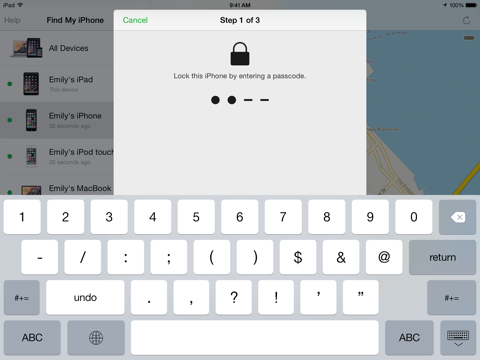
For missing iOS devices, Find My iPhone also includes Lost Mode. Lost Mode locks your device with a passcode and can display a custom message and contact phone number right on the Lock Screen. While in Lost Mode, your device can keep track of where it has been and report back so you can view its recent location history, right from the Find My iPhone app.
Please note that Find My iPhone must be enabled in iCloud settings on your device before you can locate it with this app.
FEATURES
• Locate your iPhone, iPad, iPod touch, or Mac on a map
• Play a sound for two minutes at full volume (even if your device is set to silent)
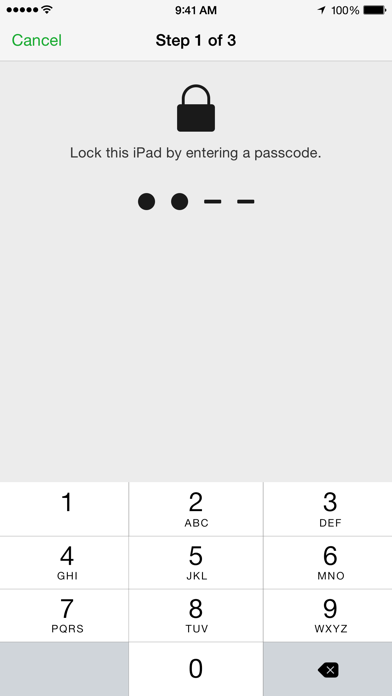
• Remotely lock your device with a passcode
• Display a custom message on the Lock Screen
• View recent location history of your device while in Lost Mode (iOS devices)
• Get driving directions to device location
• Remotely erase all content and settings on your device
• Battery charge indicator
New for iOS 9:
• View your current location and the location of your missing device on the same map.
• Cancel a pending erase request if your missing device is offline.
How Your Data is used
When you use Find My iPhone, your device’s location, as well as information about your device and your account will be sent to and retained by Apple so Apple can provide you with the service. Your device’s location is only sent to Apple if you actively request the location of a device or accessory. If you choose to enable the Send Last Location feature, your device’s last known location will be automatically sent to Apple any time your device’s battery reaches a critically low level. Apple retains location information and makes it accessible to you for 24 hours, after which it is deleted.
Supported languages: English, Arabic, Australian English, Brazilian Portuguese, British English, Canadian French, Catalan, Croatian, Czech, Danish, Dutch, Finnish, French, German, Greek, Hebrew, Hindi, Hong Kong Chinese, Hungarian, Indonesi