Conference Pad

Conference Pad Summary
Conference Pad is a with in-app purchases iOS app in Productivity by airfolio GmbH. Released in Jun 2010 (15 years ago). It has 29 ratings with a 3.69★ (average) average. Based on AppGoblin estimates, it reaches roughly 111 monthly active users and generates around $<10K monthly revenue (100% IAP / 0% ads). Store metadata: updated Dec 20, 2022.
Store info: Last updated on App Store on Dec 20, 2022 .
3.69★
Ratings: 29
Screenshots


App Description
Control a presentation on iPads, iPhones, and iPod Touches from your device, simultaneously and wirelessly over Wi-Fi or Bluetooth. Display it seamlessly on one or more external screens or projectors attached to iPads and iPhones.
As featured in Apple's "iPad At Work: Powerful Presentations" feature!
Perfect for making a lasting impression with a high-tech, multi-iPad replacement for the traditional ‘Powerpoint and slide-printouts’ approach at an important meeting or talking to a large auditorium without being stuck behind a lectern or, Conference Pad frees you to travel light and present strong.
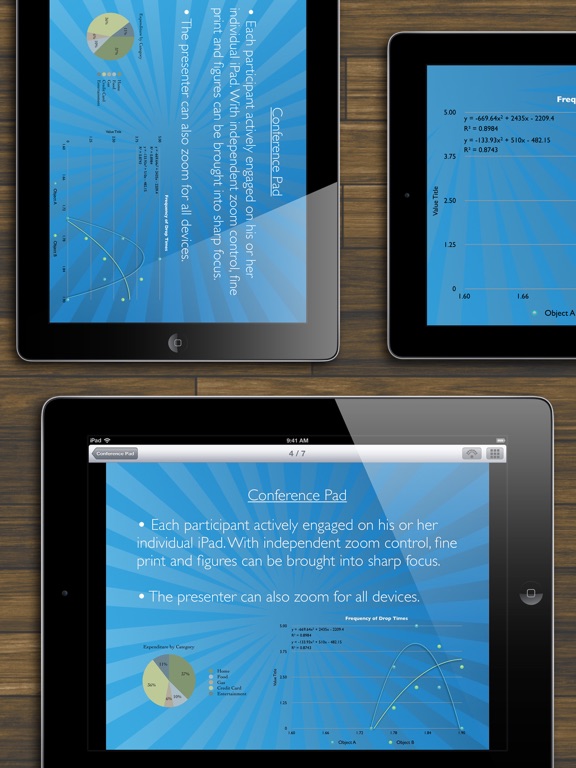
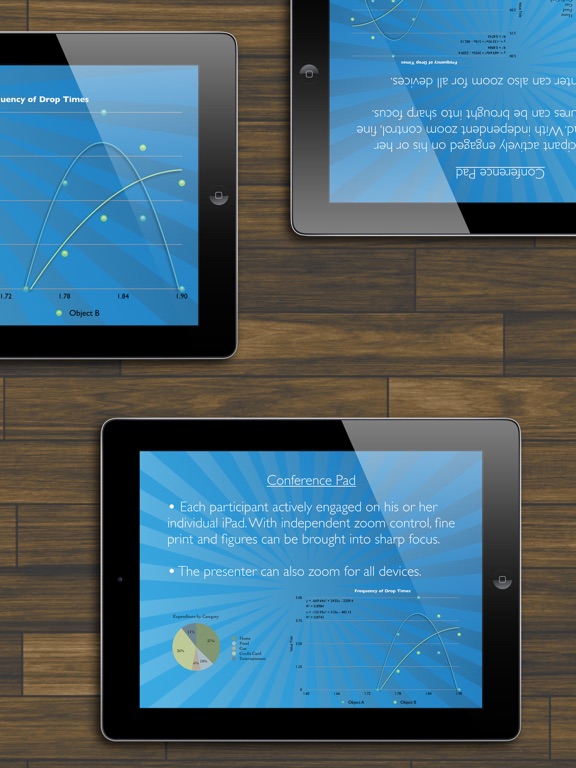
The controlling device allows any number of other devices to connect to it while it displays a PDF on its own screen and any connected display. The display is fully under *your* control; when you change pages, pinch to zoom and pan around, or tap-and-hold to activate the laser pointer, all other devices instantly do the same.
Conference Pad shows PDFs, which means that presentations in other forms must be converted for use. Conference Pad Loader, a free app for macOS available from conferencepadapp.com, can use Keynote to automatically convert Keynote and Powerpoint presentations to PDF before sending them wirelessly to Conference Pad on your device.
FEATURES
‣ Control a PDF from any device for display on any others which are running Conference Pad.
‣ Automatic mirroring to attached external screens. You'll just need the appropriate cable, such as the Lighting Digital AV Adapter from Apple.
‣ Zoom and pan within the screen with full clarity at all zoom levels
‣ Viewers can also control their own zoom within the current slide, letting them expand on charts and figures.
‣ Laser pointer by tapping and holding
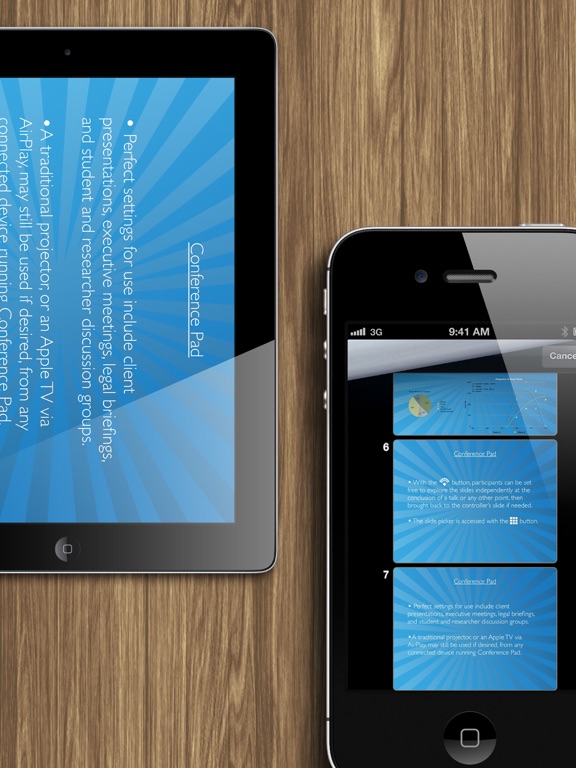
‣ Jump quickly to any page via the thumbnail slider
‣ Set your audience free to explore the presentation with a single tap, then regain control when desired
‣ Bluetooth and Wi-Fi seamlessly supported
‣ Password protected access to your presentations
SCENARIOS
‣ Provide an iPad to each member of the executive board and control from your own device rather than printing a booklet of slides for each meeting
‣ Attach your iPad to a projector; control the presentation from your iPhone while moving freely around the room
‣ Control screens in several locations around the room by attaching each to an iPad
‣ Lead a discussion of a jo