Mind Mapping - MindMeister

Mind Mapping - MindMeister Summary
Mind Mapping - MindMeister is a with in-app purchases iOS app in Productivity by MeisterLabs. Released in Jul 2010 (15 years ago). It has 13.8K ratings with a 4.43★ (good) average. Based on AppGoblin estimates, it reaches roughly 36.7K monthly active users and generates around $<10K monthly revenue (100% IAP / 0% ads). Store metadata: updated Apr 30, 2026, version 7445.
Data tracking: SDKs and third-party integrations were last analyzed on May 26, 2026.
Store info: Last updated on App Store on Apr 30, 2026 (version 7445).
SDKs, Trackers & Permissions
Mind Mapping - MindMeister was last scanned for SDKs 2026-05-26. Below is the overview of third party companies detected in the app. The full list of raw SDKs, app permissions and unknown SDKs is available here.
 Alamofire
 Google
 OpenID
 nanopb
 Firebase
App Details
App Store
Ads & App-Ads.txt
AppGoblin SDK Scans
4.43★
Ratings: 13.8K
Screenshots



App Description
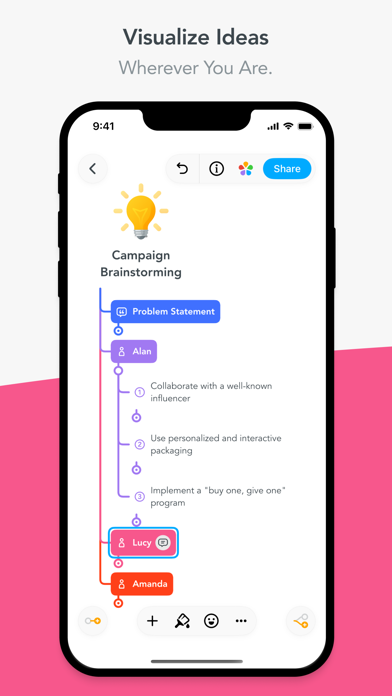
MindMeister is the one and only mobile mind mapping app you’ll ever need. Whether you’re using it in the boardroom, the classroom, the presentation hall, or the lunch meeting, MindMeister can help you organize, prioritize, and even generate new thoughts.
Designed from the ground up as an extension to our award-winning, browser-based interface, the MindMeister app stores your mobile creations and seamlessly syncs them with your online account.
Feature highlights in the free “Basic” plan:
- Create up to three free mind maps
- Seamlessly sync maps and folders with your free online account
- Multi-touch support for drag & drop, zoom, pan
- Add icons, colors, styles and map themes
- View and edit notes, links, tasks and attachments on ideas
- Draw connections between nodes
- Play presentations
- Share maps directly from the device
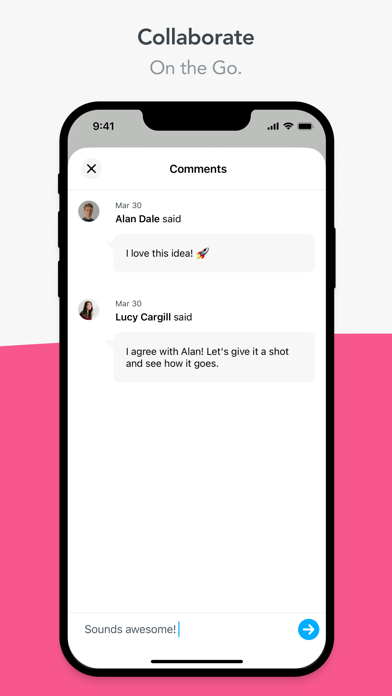
- Real-time collaboration
Additional features in the “Personal” plan:
- Create and edit unlimited mind maps
- Add files and images to topics
- Export maps in PDF and PNG format
- Priority support
Additional features in the “Pro” plan:
- Export maps in MS Word and MS PowerPoint format
- Export slides as zip file
NOTE: Requires a free account registration.
The “Basic” version of MindMeister is free. You can try the “Personal” plan free for 1 week after signing up! If you enjoy your “Personal” trial, do nothing and your membership will automatically continue as an auto-renewing month-to-month subscription.
If you subscribe via iTunes: Payment will be charged to iTunes Account at confirmation of purchase. Subscriptions automatically renew unless auto-renew is turned off at least 24-hours before the end of the current period. Account will be charged for renewal within 24-hours prior to the end of the current period at the rate of your selected plan above.
Subscriptions may be managed by the user and auto-renewal may be turned off by going to the user’s Account Settings on the device.
If you haven’t subscribed through iTunes, you can manage your subscription through MindMeister.
Privacy policy: https://www.mindmeister.com/privacy
Terms of use: https://www.mindmeister.com/legal