OPlayer Lite - media player

OPlayer Lite - media player Summary
OPlayer Lite - media player is a free, ad-supported, with in-app purchases iOS app in Tools by Suzhou Totoro Network Technology Co., Ltd.. Released in Aug 2010 (16 years ago). It has 38K ratings with a 4.48★ (good) average. Based on AppGoblin estimates, it reaches roughly 102K monthly active users and generates around $10K+ monthly revenue (23% IAP / 77% ads). Store last updated Mar 10, 2025
Recent activity: 1.00 new ratings this week View trends →
SDK intelligence: AppGoblin detected 1 ad networks(e.g. Google) integrated into OPlayer Lite - media player. View full SDK list →
OPlayer Lite - media player SDKs Summary
OPlayer Lite - media player was last scanned for SDKs on 2026-09-02. Below is the overview of third-party companies detected in the app. The full list of SDKs, permissions and unknowns is available here.
 Google
4.48★
Ratings: 38K
Screenshots
App Description
Play all your videos directly without having to convert them! OPlayer supports almost every format for video/audio playback. It gives you the flexibility to be able to download your files to your device, or browse a SAMBA/FTP/UPnP/DLNA share over the network.
"Best video player on the App Store"
OPlayer has been rated as "iPhone Apps Plus Best"!
OPlayer has been around for 9 years, continuous improvement in video playback and feature enhancements, has made it the first choice for millions of the users. With positive endorsements and feedback from our users we endeavor to make it even better with each upgrade.
========================================
Support Dolby Digital Audio (AC3)
Official AVI/DivX license (In App Purchase)
Official DTS license (In App Purchase)
========================================
【Supported Formats】
- Video: mkv, wmv, avi, divx, xvid, rmvb, rm, flv, mp4, 4k, mov, 3gp, m4v, blu-ray, ts, m2ts, swf, asf, vob, h265 (hevc), webm...almost all movie file formats.
- Audio: mp3, wma, wav, dts, ac3, eac3, aac, flac, ape, cue, amr, ogg vorbis, lossless music...almost all audio file formats.
- Subtitle: srt, ass, smi, sub...almost all subtitle file formats.
- Stream: http, ftp, samba, rtp, rtsp, mms...
- Widely devices support: Optimized for all iPhones running iOS 6.0 and later, including iPhone 6s (Plus).
【Key features】
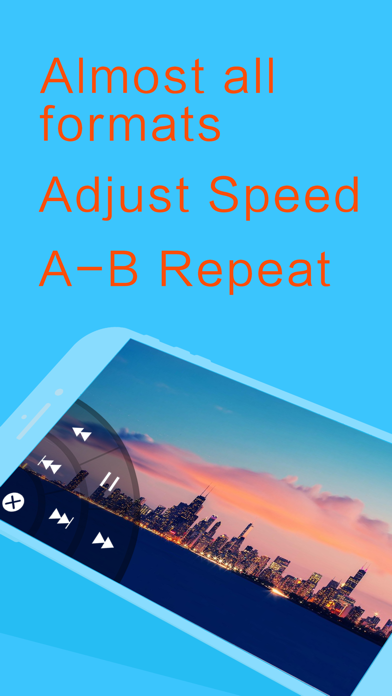
• Adjust playback speed: 0.1x ~ 4.0x
• A-B repeat: play from start point (A) to end point (B) repeatedly
• Background play: continue playing videos when app enters background
• Landscape play: useful when iPhone turned on 'Portrait Orientation Lock'
- SAMBA/FTP/HTTP/UPnP/DLNA client
- Multiple transfer ways: 1. USB transfer (support folder) 2. Wi-Fi transfer
- Play files in PC remotely without downloading
Share folders on PC, then you can stream files by OPlayer.
- Privacy protect: support password for app and folders, hide password-protected folders, Touch ID
- Excellent performance: support 1080P HD video on iPhone 5 and newer devices
- Less battery consumption: hardware decoding mp4/mp3 files by default
- Single hand mode: you can control playback with one hand
【Basic functions】
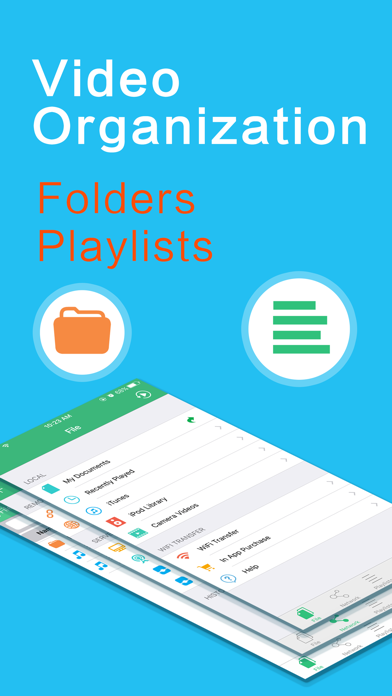
- File Manager: new folder/rename/move/delete/search/sort/open in with
- Built in web browser
- Support NAS, Router, Dropbox...network storage
- Support text file: TXT, WORD, EXCEL, PPT,