Hand BASIC - CBM Flavor
Hand BASIC - CBM Flavor Summary
Hand BASIC - CBM Flavor is a with in-app purchases iOS app in Education by Ahmad Hawwash. Released in Oct 2010 (15 years ago). It has 69 ratings with a 4.54★ (excellent) average. Based on AppGoblin estimates, it reaches roughly 74 monthly active users and generates around $<10K monthly revenue (100% IAP / 0% ads). Store metadata: updated Jan 31, 2024.
Store info: Last updated on App Store on Jan 31, 2024 .
4.54★
Ratings: 69
Screenshots
App Description
Learn and Program BASIC Language on your iPhone, iPod Touch or iPad!
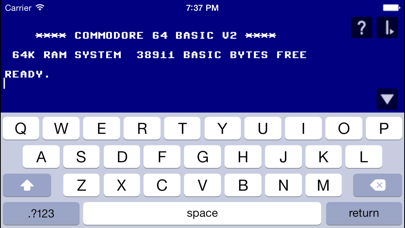
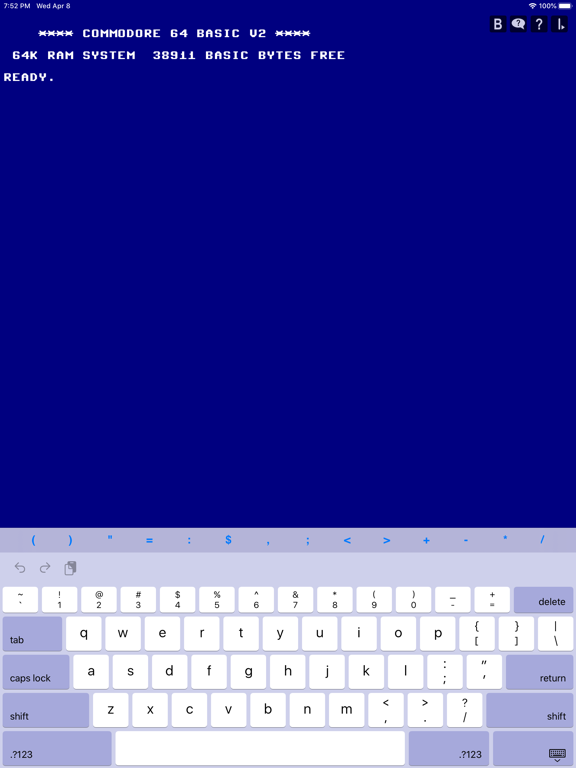
Hand BASIC - CBM Flavor is a compatible version of Commodore's version of Microsoft BASIC 6502 as found on the Commodore 64.
Released for Educational purposes.
BASIC (Beginner's All-purpose Symbolic Instruction Code) is a computer language designed so that it can be learned very easily.
Hand BASIC users could be students, scientists, or any productivity workers.
Type HELP to get started!
*** Credits for CBMBASIC go to Michael Steil and James Abbatiello ***
Features
+ Compatible with Commodore 64 BASIC V2
+ It is not emulated, it runs with your device full speed
+ The ability to LOAD/SAVE files (case sensitive file names)
+ File I/O Support (Read/Write data files)
+ Full featured iPhone Text Editor to build your programs
+ The ability to make directories ** NEW **
+ Provided with helpful Direct Mode Commands (nonstandard, see support webpage)
+ Renumber your program, plus other helpful file keeping functionality
+ Alert Sounds
+ In App Help (type HELP)
+ Portrait/Landscape Views
+ Supplied with Sample code (type FILES to see list).
Now available through In-App Purchase:
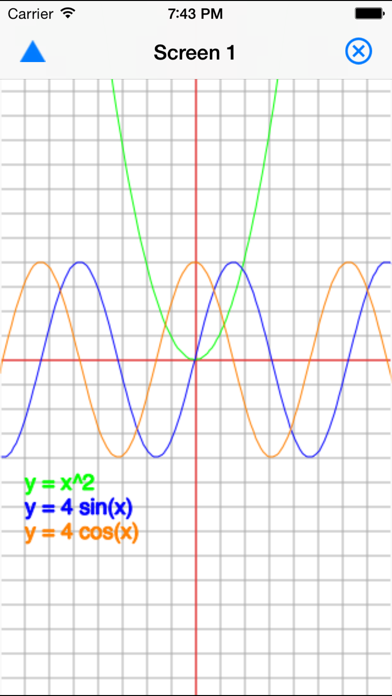
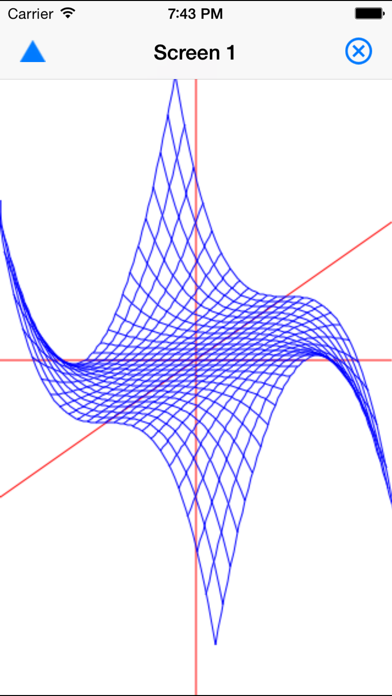
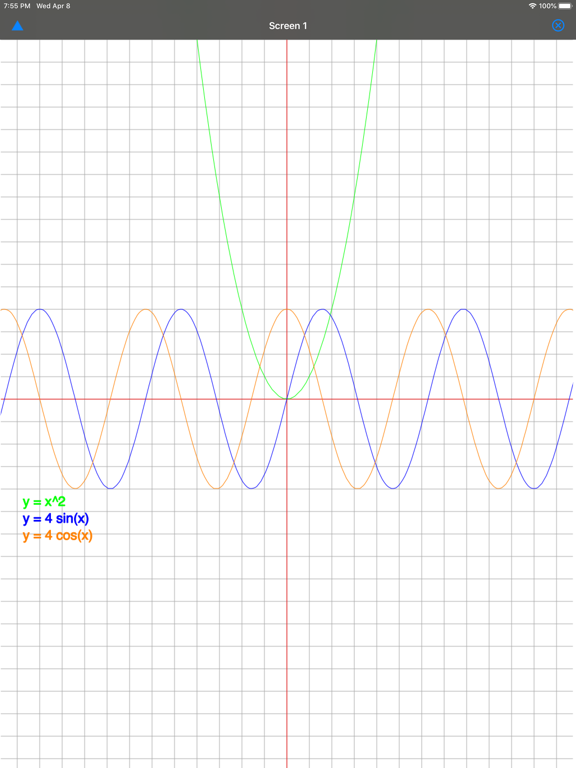
Graphics Extension: Empowers you to create complex graphics from simple graphic objects
Features
+ Draw simple graphic objects: lines, rectangles, circles, text, ...
+ Draw at the super speed of your device
+ Make animations
+ Use Graphics Macro Language (GML) to draw objects
+ Define your colors with alpha channel (32bit color with transparency)
+ Select your drawn text font face and size
+ Interact with user taps
+ Assistant for typing Graphic Commands
+ Enables you to run included Graphic Sample Programs(10 samples)
To find more details type HELP then select Graphics Extension Reference
To open Graphics Extension Purchase Screen:
- Type: PURCHASE
- Type: ACTION then select Purchase
- Or, run a program that uses Graphics
Make sure to check out App Blog Page:
cbmhandbasic.blogspot.com
Please Note:
- This is not Commodore 64 emulator. It is “Standalone” BASIC of Commodore 64.
- Basic knowledge of Commodore 64 BASIC V2 is needed to use this App or just Read FAQ's.
- While BASIC requires all commands to be capitalized (Lock Caps by double taping), commands will be automatically capitalized
- Since this is not Commodore emulator, PEEK/POKE does not work. See New Commands for alter