Scenic Map Alaska
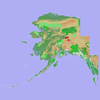
Scenic Map Alaska Summary
Scenic Map Alaska is a mobile iOS app in Maps And Navigation by GrangerFX. Released in Dec 2010 (15 years ago). It has 5.00 ratings with a 4.00★ (good) average. Based on AppGoblin estimates, it reaches roughly 13 monthly active users . Store metadata: updated Jan 19, 2024.
Store info: Last updated on App Store on Jan 19, 2024 .
4★
Ratings: 5.00
Screenshots
App Description
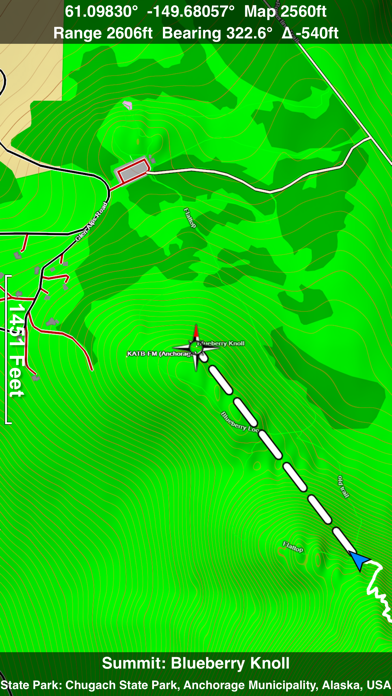
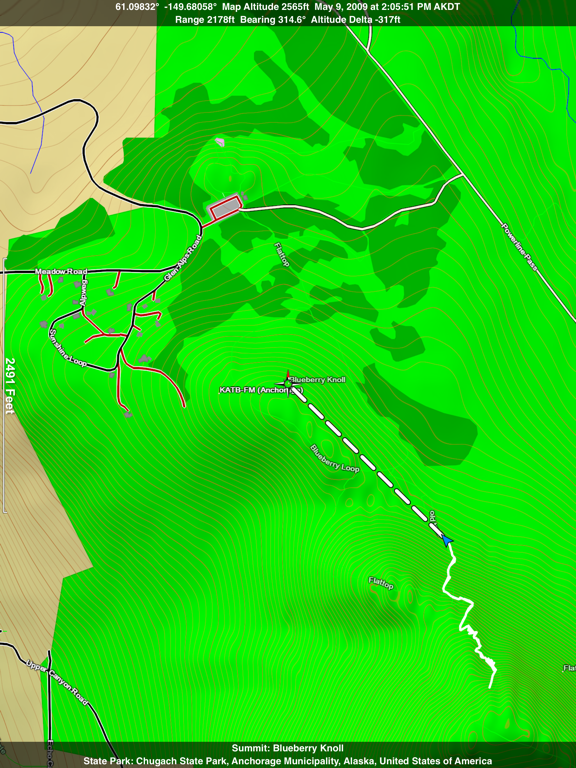
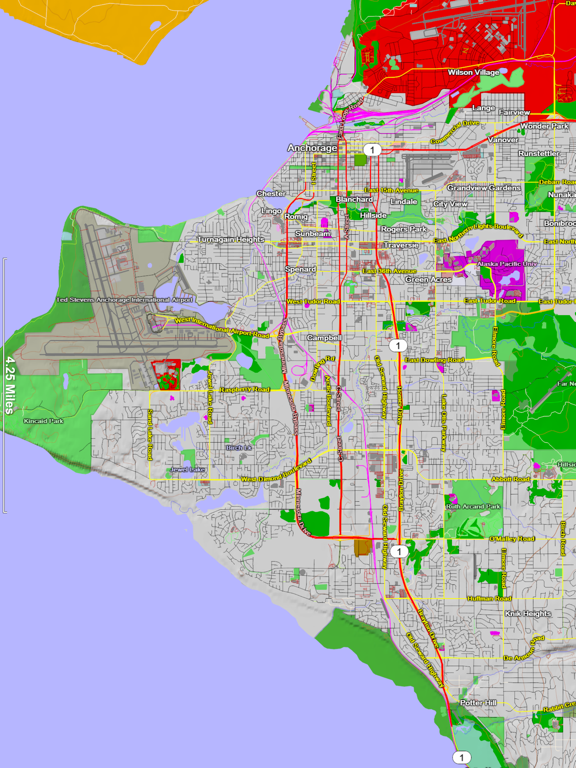
A 3D topo map of State of Alaska, USA. The vector map data is contained within the app and can be used without an internet connection. Use it in a car, a boat, a plane or while hiking. It is like having the entire state in your pocket.
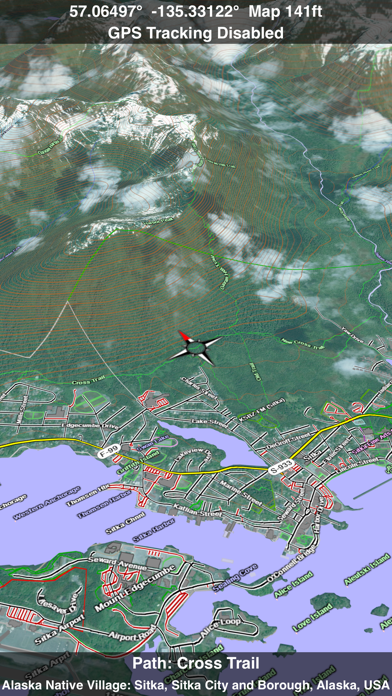
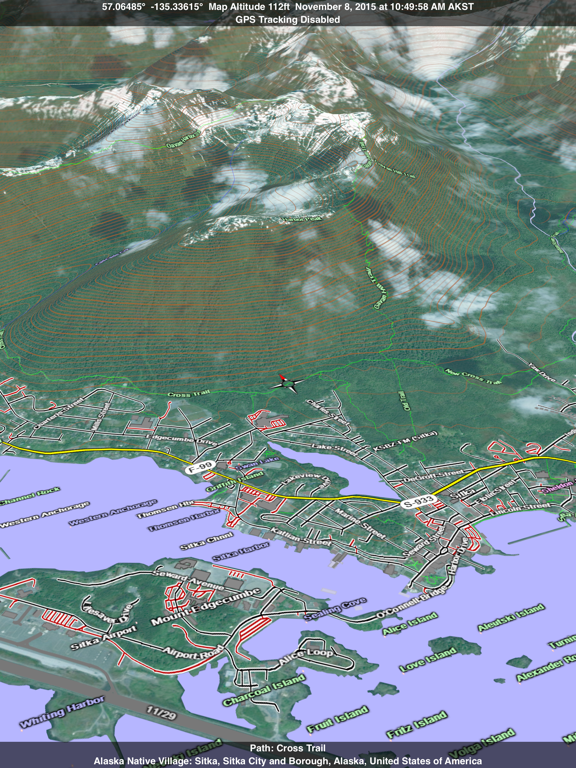
Scenic Map now covers the entire world via online maps. The maps are cached automatically so they can still be used when there is no cell coverage. Turn on Online Map in the Settings menu and you can then scroll or go to any location on the planet. Satellite image overlays add breathtaking detail and realism to the maps (tap preset 2 or 4 when Online Map is enabled). You can use them as you travel to see what is hidden from view at ground level. This takes moving maps to a whole new level.
Use the two finger vertical swipe gesture to tilt the map for a 3D view. Scroll like a map or fly like a flight simulator. Enable Joystick Gestures in the Settings menu and then fly around the terrain using a virtual joystick. Prefer only 2D maps? Enable the 2D Map option in the Settings menu.
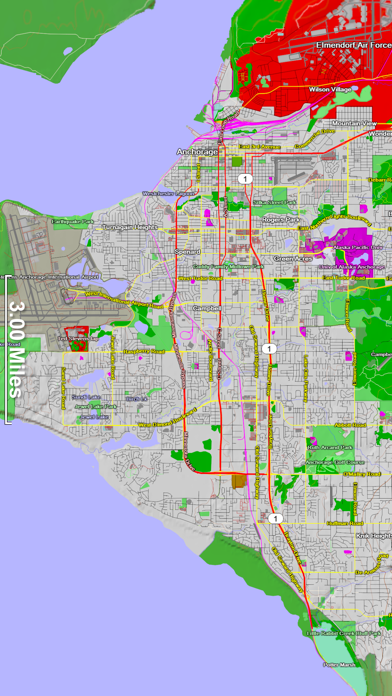
Scenic Map is simply the best 3D topo map available for a mobile device. You will see incredible detail while scrolling, rotating and zooming perfectly smoothly. You will see every road even if you zoom out to the altitude of a satellite. As you zoom in, you will see every small bump and hollow of the Earth and terrain features as small as ten meters. Unlike old fashioned topo maps, Scenic Map’s roads and trails are up to date thanks to OpenStreetMap.org. It contains polygons for urban areas, shopping malls, an ever growing number of buildings and many other features, The best lake, pond, stream and rivers from the USGS and Canadian public databases are also included.
Tap the GPS center button to begin tracking your location. As you move, you will generate a track file. Tracks can be replayed with video like controls to speed up, slow down, pause, restart or skip to the end. You can display existing tracks while recording another if you want to retrace your route. When online, you can automatically create a route from your current GPS location to any other point on the map. Tracks can be received from or sent to other apps in GPX format. GPS recording stops automatically after you have remained stationary for some time or you can choose to manually stop tracking by tapping on the top track in the Tracks view.
Never before have maps been this cus