Weather⁺

Weather⁺ Summary
Weather⁺ is a free, ad-supported, with in-app purchases iOS app in Weather by Impala Studios. Released in Dec 2010 (15 years ago). It has 374K ratings with a 4.50★ (excellent) average. Based on AppGoblin estimates, it reaches roughly 887K monthly active users and generates around $50K+ monthly revenue (23% IAP / 77% ads). Store last updated Sep 21, 2026
Recent activity: 18 new ratings this week View trends →
SDK intelligence: AppGoblin detected 11 ad networks(e.g. Google), 4 development tools, 3 analytics: product,and 1 business tools integrated into Weather⁺. View full SDK list →
Weather⁺ SDKs Summary
Weather⁺ was last scanned for SDKs on 2026-10-02. Below is the overview of third-party companies detected in the app. The full list of SDKs, permissions and unknowns is available here.
 Google
 Facebook
 AppLovin
 Unity
Unity Airbnb Engineering
 nanopb
 SDWebImage
 Firebase
 CleverTap
 Amplitude
 Adapty
4.5★
Ratings: 374K
Screenshots
App Description
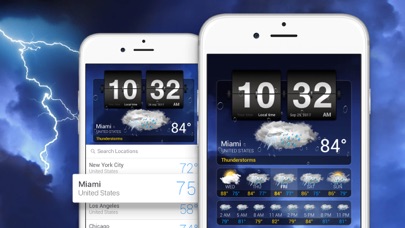
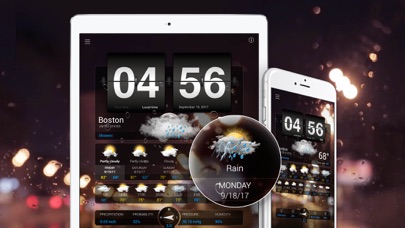
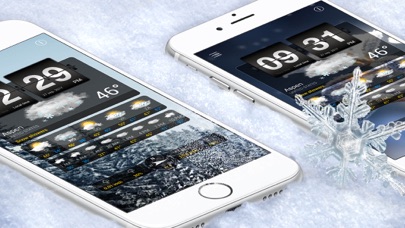
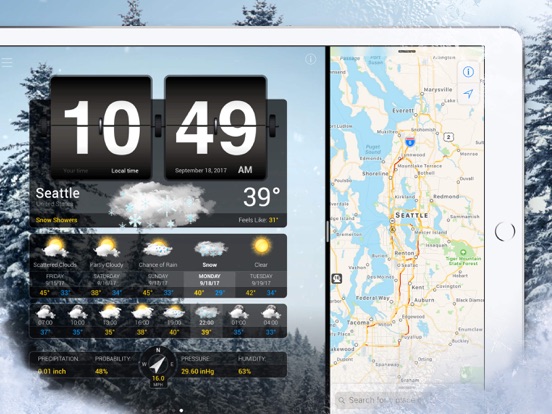
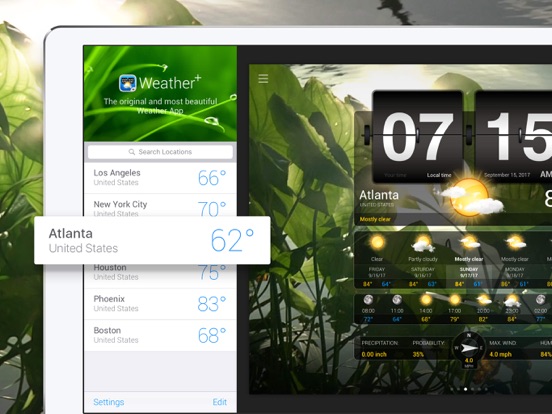
Weather⁺ is more than just the weather! Experience the weather forecast with beautiful video backgrounds that change along the local weather conditions of your location.
FREE IN WEATHER⁺
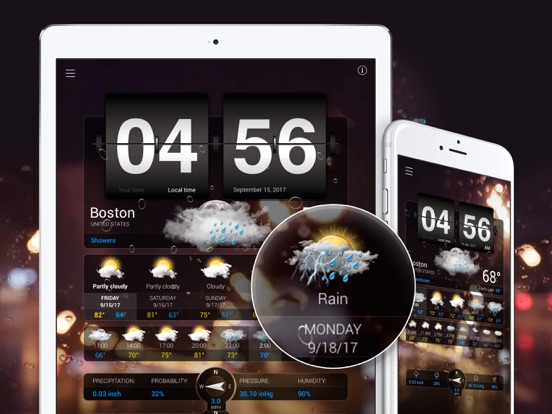
• Forecast Daily & 3-Hourly
• Humidity, Precipitation, Pressure, Wind direction & speed
• Visibility details
• Weather Widgets - Weekly Weather (iPhone & iPad)
• Changing Video Background along with weather conditions
• Personalize your Forecast Layout screen
• Animated Flip Clock
• Split View for multitasking support
• Full Apple Watch support
SUBSCRIPTION TO PREMIUM ACCESS
• a 100% Ad Free experience
• Full access to all Weather Videos
• Premium Customer Support
Subscriptions automatically renew each month 24 hours before the end of the current period and your iTunes account will be charged unless auto-renew is turned off at least 24 hours before the end of the current period. You can turn off auto-renew at any time from within the app. Any unused portion of a free trial will be forfeited if you purchase a subscription. Terms & Conditions: https://impalastudios.com/terms Privacy Policy: https://impalastudios.com/privacy
CHANGE THE TIME
In the settings, you can switch between ‘Your time’ and ‘Local time.’ To switch between them, click the ‘Your time’ and ‘Local time’ options on the clock's hour section.
ADD LOCATION ON APPLE WATCH
It’s handy to know that the first location added to your list is set as the location on your Apple Watch. To edit or change this, you can reorder the cities in your location overview on your iPhone.
CHANGE MY BACKGROUND VIDEO
Unfortunately, you can’t manually select a video to play as a background. The app selects a random video from a pool of weather videos that match the weather for the report you’re currently viewing.
You can expand this pool of videos by unlocking videos in the menu screen, which is done by watching a short ad per video.
YOUR EXPERIENCE IS IMPORTANT TO US!
Please check if the answers are available in the Frequently Asked Questions app Settings.
We’re pleased with your feedback, questions, and suggestions.
Our support team is always ready to help via support@impalastudios.com.
LOVING WEATHER⁺?
Please show your support by rating us! Thank you.