Pulseway

Pulseway Summary
Pulseway is a mobile iOS app in Productivity by MMSOFT Design Ltd.. Released in Dec 2010 (15 years ago). It has 782 ratings with a 4.59★ (excellent) average. Based on AppGoblin estimates, it reaches roughly 2.2K monthly active users . Store metadata: updated Feb 15, 2026.
Store info: Last updated on App Store on Feb 15, 2026 .
4.59★
Ratings: 782
Screenshots
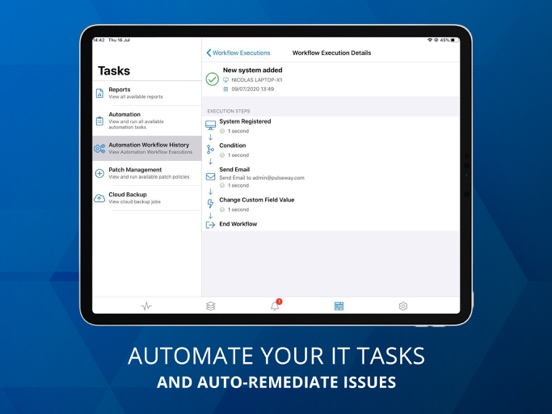
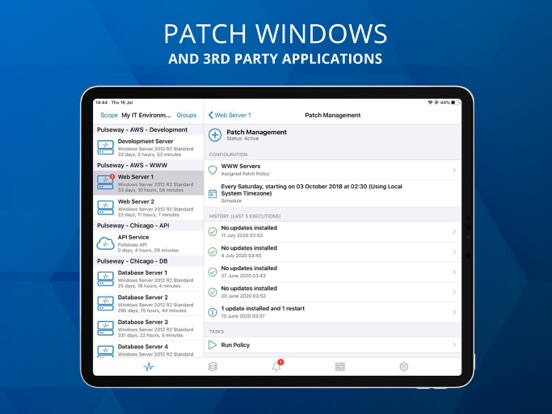
App Description
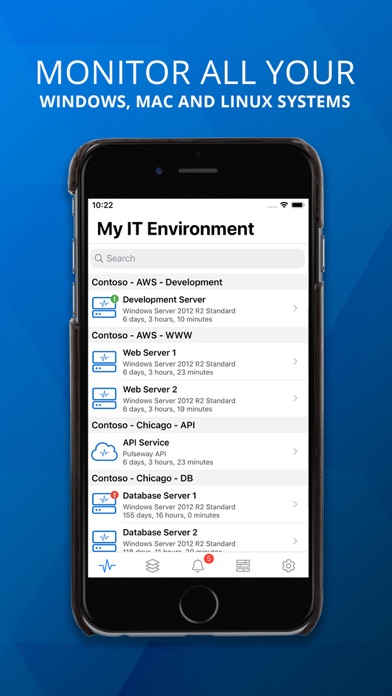
Remotely monitor and manage your IT systems securely from any smartphone or tablet. Pulseway gives you complete control of your computers and applications from anywhere, at any time.
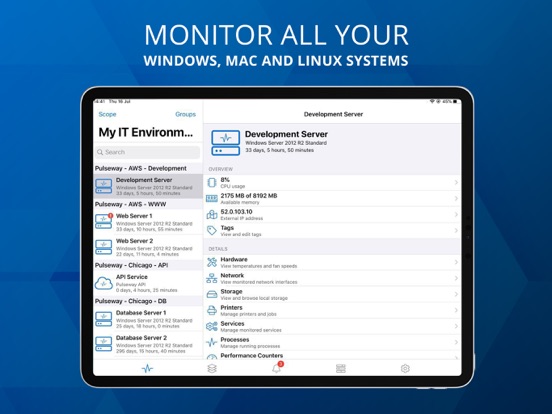
You can monitor and control Windows, Linux and Mac Operating Systems as well as any application using the monitoring API.
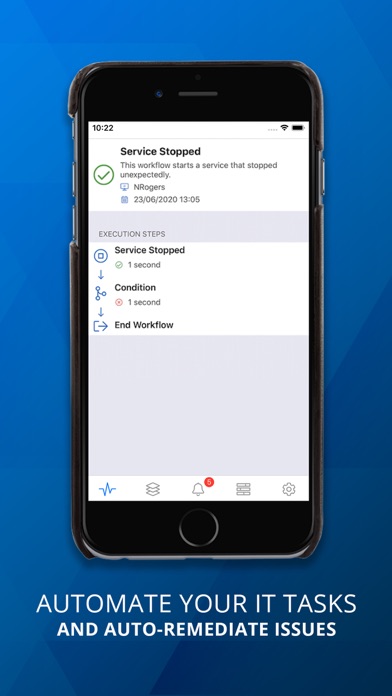
Pulseway dramatically reduces the level of manual checks for support engineers and provides them with a real time status of their monitored systems. You are the first to know about any potential issues affecting your systems and can resolve those issues immediately.
*** IMPORTANT ***
• To monitor a computer, download and install the agent software from our website;
• The communication between this application and the monitored computers is always encrypted.
MONITOR:
• The status and uptime of all systems
• CPU usage and usage history chart
• Current available memory and usage history chart
• External IP address and the location on the map using GeoIP
• Ping round trip response time and response time chart
• Status of local hard disks
• Services status
• Network interfaces status and traffic chart
• Running processes
• Event logs
• Scheduled tasks status
• Ports status
• Logged in users
• Hardware details
• Status of web sites and application pools in Internet Information Server
• User accounts status in Active Directory including locked user accounts
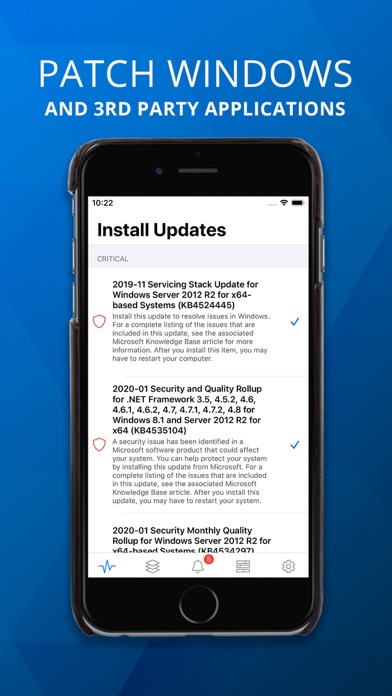
• View and manage Windows updates
• Performance counters
• ... and more
MANAGE:
• Start, pause, continue and stop a service
• Kill a process
• Start and stop a scheduled task
• Log off any logged in user
• Send a message to the logged in users
• Command prompt and PowerShell support
• Restart, wake up (Wake on WAN over Internet supported), shutdown, power off, suspend or send the computer into hibernation
• Send commands to multiple systems in the same group
• Start/stop/restart Internet Information Server web sites
• Start/stop/recycle Internet Information Server application pools
• Mobile device authorization for system commands - only selected authorized devices on your account can be allowed to send system commands
• Enable, disable, unlock and reset password for user accounts in Active Directory
• Add and remove groups for a user account in Active Directory
•