Microsoft OneNote

Microsoft OneNote Summary
Microsoft OneNote is a free, with in-app purchases iOS app in Productivity by Microsoft Corporation. Released in Jan 2011 (15 years ago). It has 3.9M ratings with a 4.64★ (excellent) average. Based on AppGoblin estimates, it reaches roughly 10.3M monthly active users and generates around $200K+ monthly revenue (100% IAP / 0% ads). Store last updated Oct 5, 2026
Recent activity: 3.6K new ratings this week View trends →
SDK intelligence: AppGoblin detected 1 development tools(e.g. Microsoft) integrated into Microsoft OneNote. View full SDK list →
Microsoft OneNote SDKs Summary
Microsoft OneNote was last scanned for SDKs on 2026-07-26. Below is the overview of third-party companies detected in the app. The full list of SDKs, permissions and unknowns is available here.
 Microsoft
4.64★
Ratings: 3.9M
Screenshots
App Description
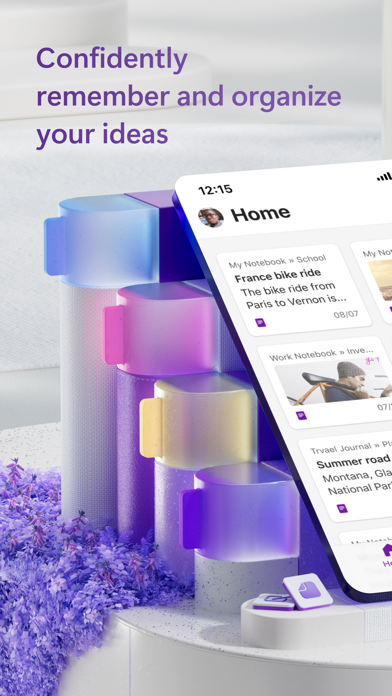
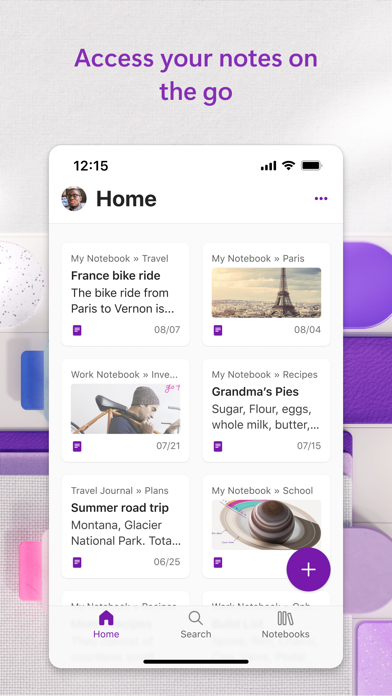
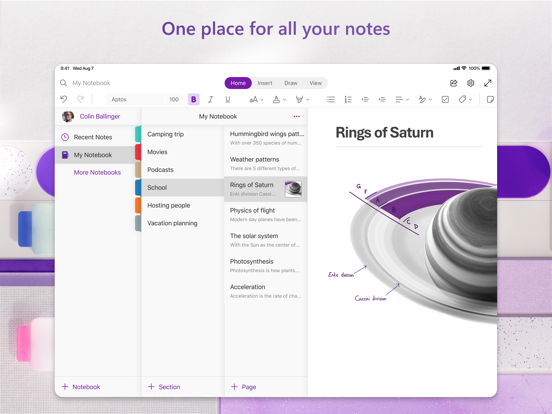
Supercharge your productivity with OneNote. Organize thoughts and ideas, and simplify planning important moments with your digital note-taking. Smart notes on your phone can sync across all your devices with Microsoft OneNote.
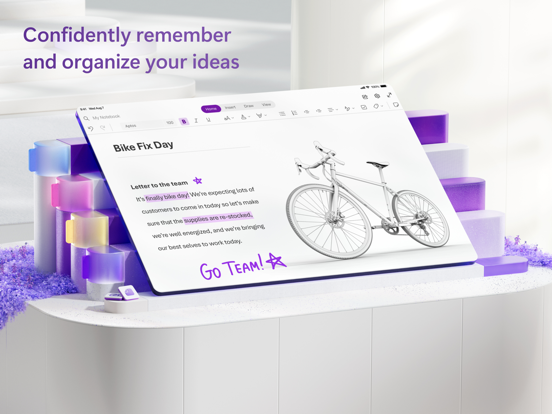
Combine the power of digital ink with the natural feel of a pen to help you sketch out your inspirations. Take smart notes and capture every detail with voice transcription. Our writing tools make it easy to capture your notes, review your content later, and access AI studying.
Take smart notes, share writing ideas, organize note-taking, and collaborate on your creative ideas and writing - all with Microsoft OneNote.
ONENOTE APP FEATURES:
AI-POWERED COPILOT NOTEBOOKS
• Make sense of your files with AI chat
• Summarize meetings, classes, and discussions easily from your notes
• Listen to audio overviews, created directly from the notes you take
AI NOTE-TAKING WITH HOMEPAGE AND QUICK CAPTURE
• Streamlined writing: Find notes from your connected accounts in one place to easily create, find, & act on your notes. Now with Samsung Notes integration.
• AI workflows with Copilot: Capture text, voice, ink or images to your notepad with Quick Capture
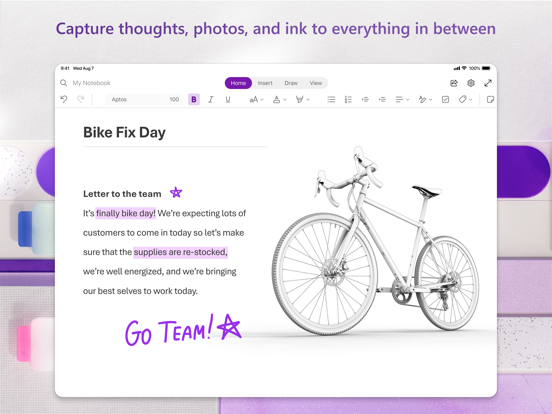
• Smart notes: Capture smart notes in ink. Click the pen button & write down thoughts
• Write smart notes, draw & clip things from the web to add to your writing notebook
SCAN PICTURES & EXTRACT TEXT FROM WRITING
• Note-Taking Scanner: Scan documents, pictures, or files to extract writing
• Capture images to extract text from documents & more
• Apply different filters to change colors, add ink, crop images & more
SMART NOTES & AUDIO TRANSCRIPTION
• Voice smart notes: Take accurate notes with voice dictation
• Click the Mic button to record, then click it again to end recording & save the file
• Dictate smart notes in 27 languages (note some languages are in preview) & use Auto-Punctutation to format
NOTE-TAKING THAT HELPS YOU ACHIEVE MORE
• Organize writing using to-do lists, follow-up items, marks for what’s important & custom labels
• Use OneNote as a notebook, journal or a notepad for work or AI studying
• Notepad badge hovers on screen & lets you quickly write your thoughts down any time
• NEW Sticky notes - Make quick memos & note-taking
COLLABORATE WRITING & SHARE SMART NOTES
• Write meeting notes, brainstorm projects, & draw attention to im