WebDAV Nav+

WebDAV Nav+ Summary
WebDAV Nav+ is a with in-app purchases iOS app in Tools by Schimera Pty Ltd. Released in Jan 2011 (15 years ago). It has 1K ratings with a 4.32★ (good) average. Based on AppGoblin estimates, it reaches roughly 2.9K monthly active users and generates around $<10K monthly revenue (100% IAP / 0% ads). Store last updated Nov 26, 2023
WebDAV Nav+ SDKs Summary
App not yet scanned for SDKs.
4.32★
Ratings: 1K
Screenshots
App Description
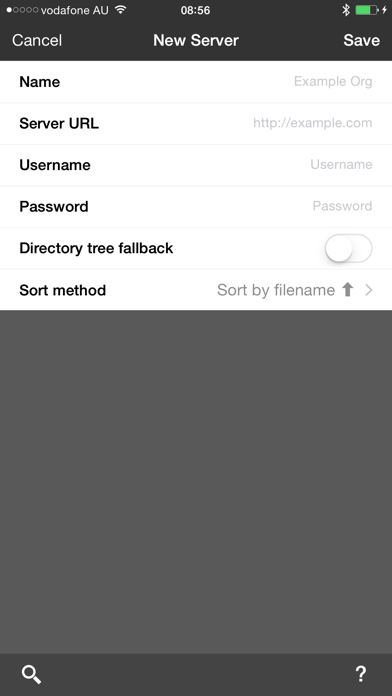
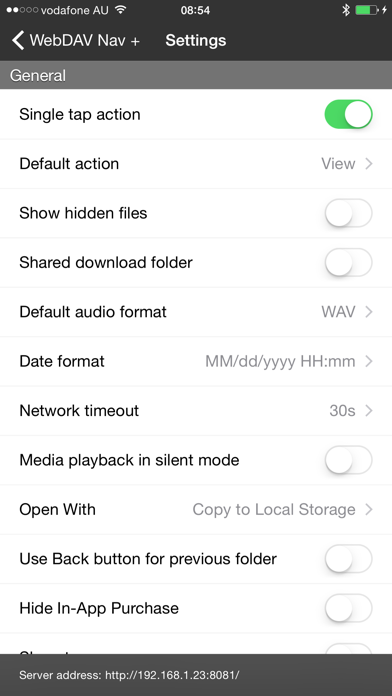
With WebDAV Nav+ you can download, share, store and edit files on your iPhone or iPad when utilising your local server, Network Attached Storage or a cloud storage provider.
FEATURES
• Download files and store them locally on your mobile device, open them in other installed applications and email or upload the changes
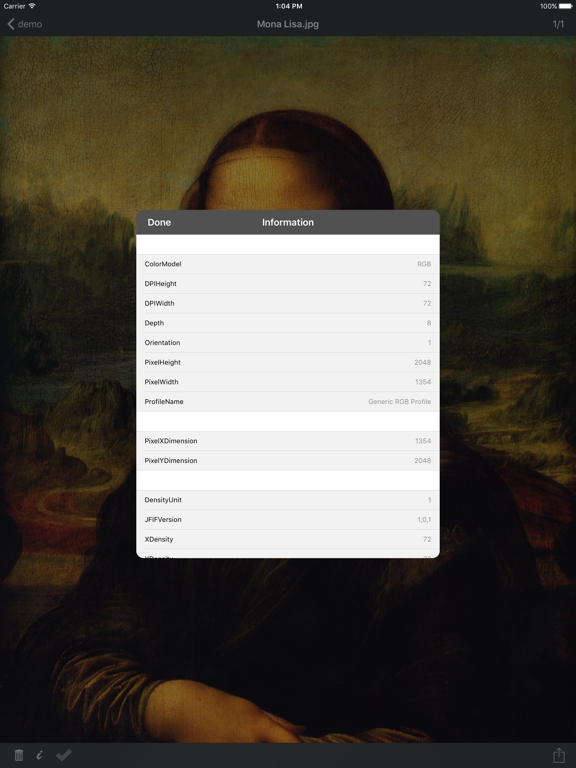
• Supports viewing most common file formats including Microsoft Office formats (.doc .xlsx, .ppt), OpenOffice, PDF, Keynote, Pages, Numbers, RTF and DICOM images
• Save attachments from emails and upload them to your WebDAV server
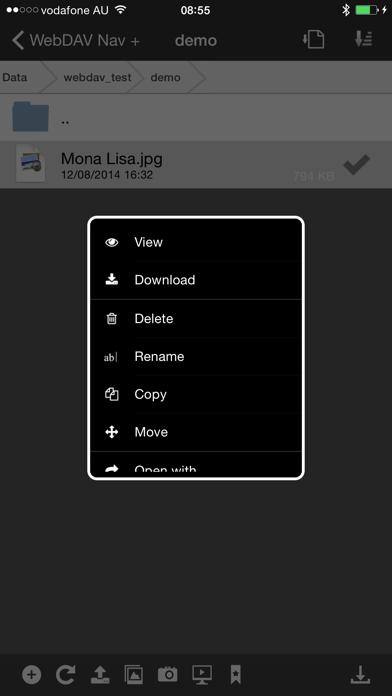
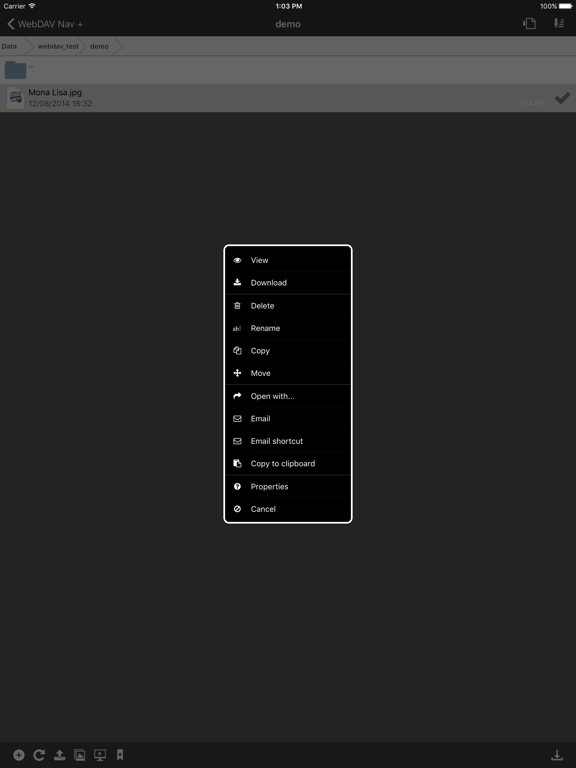
• Navigate your remote storage folders and perform common file and folder operations like Delete, Copy, Move, Rename
• Local storage area with the ability to create folders and Delete, Copy, Move and Rename files
• iOS8 Document Picker and Provider support. Import files from other apps, as well as upload files through webdav from other apps
• Full synchronisation support to keep your local and remote storage in sync
• Forward downloaded documents by email and select multiple files to include in email attachments
• Upload images and videos from the photo gallery or camera
• Stream Video and Music straight from the server (if your server supports Range requests)
• Mount your local storage as a network drive on OSX, Linux, Windows XP and Windows 7
• PIN code access to protect the files in local storage
• Built in basic text editor, edit text files like .txt, .html, .css, .js, .rb or .py
• Browse your local storage files through web browser
• Built-in voice recorder with an option to record audio in WAV or AAC
• AirPlay support for streaming local media to supported devices
• Bonjour integration to find WebDAV servers on the local network
• Select and upload multiple photos including the embedded EXIF data
• Image slideshow feature to swipe between images in your current folder
• ZIP file support include creating ZIP archives from local storage folders and files
• Client side certificate support
• Import photos into the Photos app
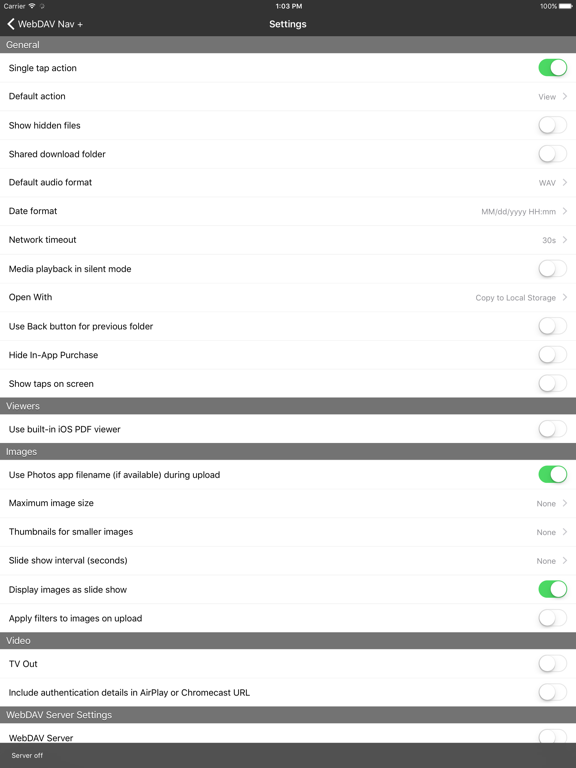
• Support for TV out adapters to mirror the contents of the screen to a TV
• Built-in screencast server to display the contents of your screen in a web browser.
• Syntax Highlighting of common text formats like python, PHP, Java, Diff, JavaScript, Perl, CSS and HTML
• Filename search, including sub folders on supported servers
• Up