iCatcher! Podcast Player

iCatcher! Podcast Player Summary
iCatcher! Podcast Player is a with in-app purchases iOS app in News by Joeisanerd.com. Released in Mar 2011 (15 years ago). It has 3K ratings with a 4.72★ (excellent) average. Based on AppGoblin estimates, it reaches roughly 7.4K monthly active users and generates around $<10K monthly revenue (100% IAP / 0% ads). Store metadata: updated Nov 12, 2025.
Store info: Last updated on App Store on Nov 12, 2025 .
4.72★
Ratings: 3K
Screenshots

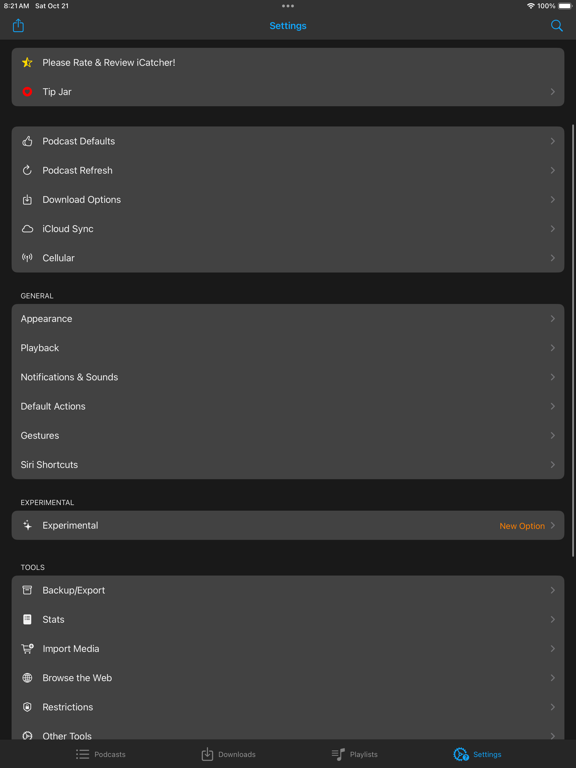
App Description
Download, listen, watch, and relish your favorite podcasts.
FEATURES
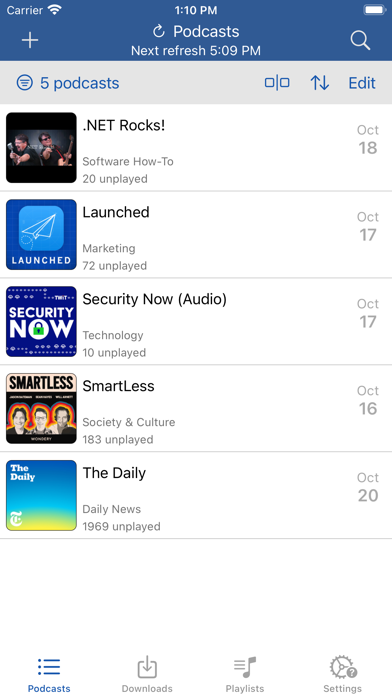
- Subscribe to your preferred podcasts within the app and manage them conveniently.
- Download episodes over WiFi or Cellular (available on devices with cellular capabilities).
- Support for password-protected feeds.
- Background refresh and download in the background.
- Sync subscriptions, episode playback positions, and playlists between your devices using iCloud.
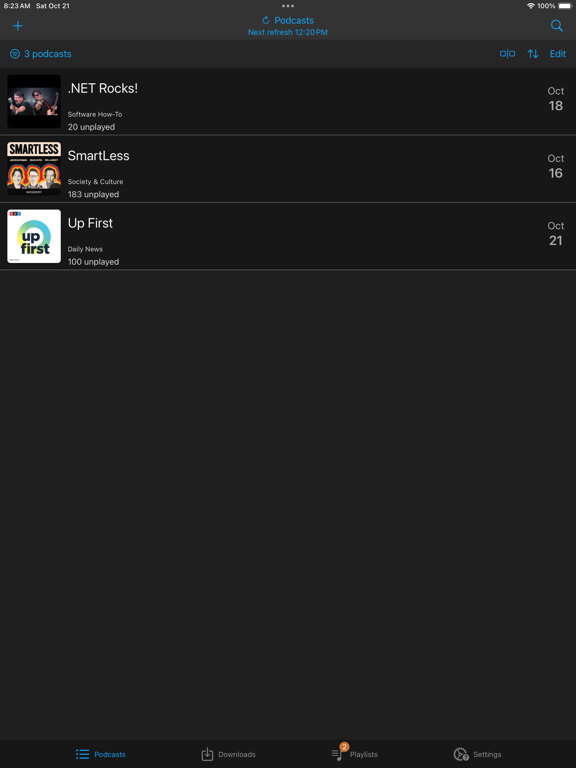
- Universal App (compatible with iPhone and iPad).
- Search across all views to locate the podcast or episode you’re seeking.
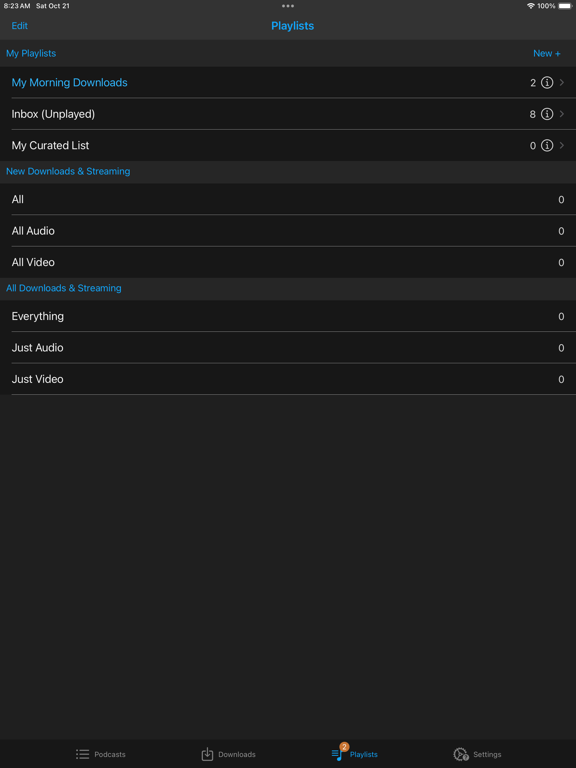
- Customize playlists with filtering options based on podcasts, episodes, and more.
- Support for continuous playback (toggle it on the now playing screen just below the time elapsed).
- Portrait and landscape orientation supporter, with a configurable option in the settings.
- Unfollow podcasts and still keep them on your device. This feature is particularly useful for podcasts that don’t meet your expectations.
PLAYBACK
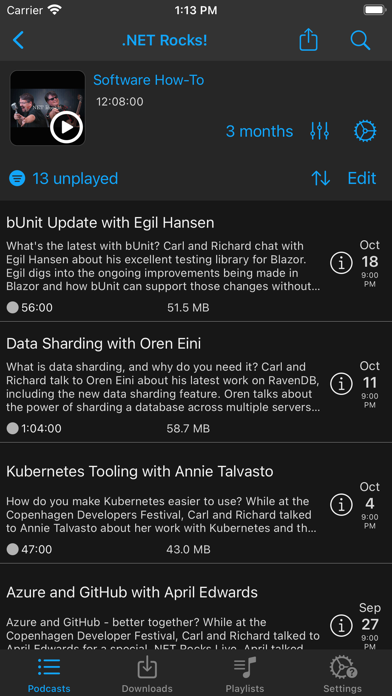
- Variable playback speed.
- Remembered playback speed per podcast.
- Support for podcasts with chapters and chapter images (MP3 and M4A formats).
- Utilize your headset controls, including Bluetooth car controls (when paired), to play/pause, jump forward or backward 30 seconds.
- Sleep timer.
- Beautifully rendered show notes.
- Onscreen controls for skipping ahead and skipping back.
- Gesture support on the now playing screen (when the podcast logo is visible) to facilitate hands-free use.
- Double-tap to play/pause.
- Swipe up to adjust playback speed.
- Swipe left or right to rewind or fast-forward.
- Home to the L gesture for the 2-minute Leo jump.
- Refer to Settings and Gestures for more information and customization options for rewind/fast-forward gestures.
- AirPlay support allows you to watch or listen to podcasts on your large screen.
- External display support for videos is available for devices that support an external display (use the Apple HDMI adapter).
- Enjoy your favorite podcasts with a familiar layout.
FIND NEW PODCASTS QUICKLY
- Search for your podcasts by title, keyword, or author.
- Browse the top podcasts categorized by different genres.
• Manually add podcasts by entering their URLs.
• Support for password-protected feeds.
• Option to download a single episode.
• Import podcast subscriptions for episodes already on your device from