Nav Trainer Pro

Nav Trainer Pro Summary
Nav Trainer Pro is a mobile iOS app in Maps And Navigation by FLEMINGER MEDIA LLC. Released in Mar 2011 (15 years ago). It has 50 ratings with a 3.86★ (average) average. Based on AppGoblin estimates, it reaches roughly 123 monthly active users . Store last updated Mar 27, 2024
Nav Trainer Pro SDKs Summary
App not yet scanned for SDKs.
3.86★
Ratings: 50
Screenshots
App Description
Selected by AOPA.org readers as number one of five aviation apps you can't live without! *
***** Reached No. 4 in the Navigation category of the U.S. app store for iPad! *****
Make IFR flight training easier!
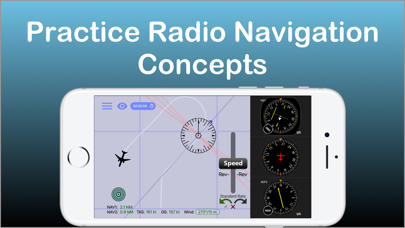
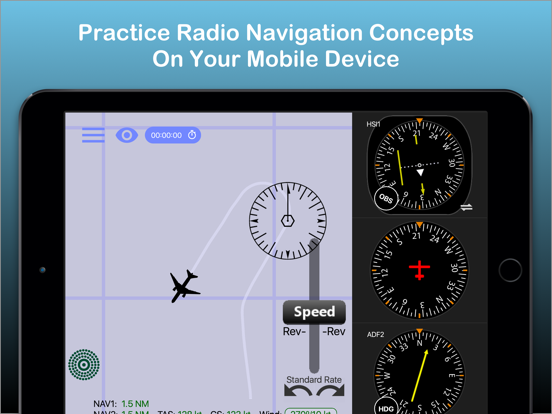
Practice the use of aviation navigational equipment on your mobile device.
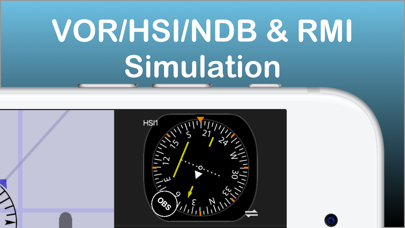
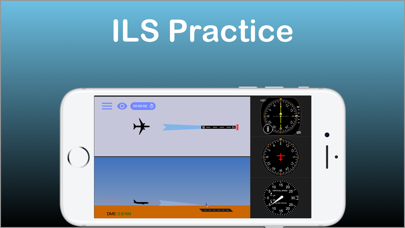
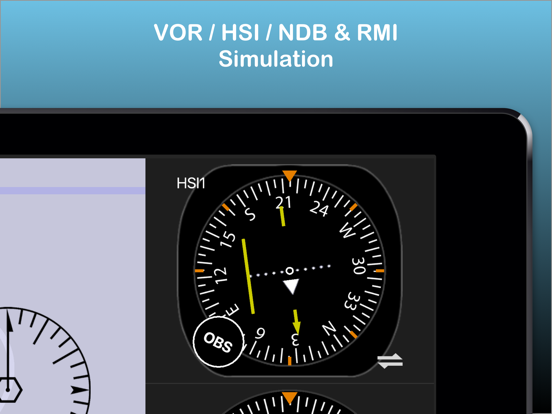
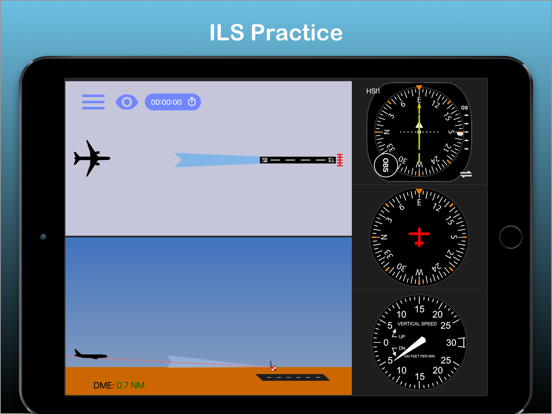
Simulates VOR, HSI, RMI, ADF, DME and ILS navigation.
A must have tool for any CFII, student and instrument pilot!
-Students and pilots: improve your understanding of radio instrument navigation at the comfort of your own mobile device.
-Instructors: demonstrate complex IFR concepts to your students from bird's-eye view while on the ground.
-Also suitable for flight simulator enthusiasts.
Used in classrooms, one-on-one ground sessions and by individuals to improve their IFR orientation skills.
--------------------------------------
-user reviews (from all markets)
***** Great to study instruments and saves lots of $$$!!!"
"***** I have been looking for an app such as this to teach my students"
"***** Before I used this app all this VOR orientation was so complicated, and now it's clear as ice!"
"***** Easy to use, perfectly designed and helping to understand basic navigation stuff. Highly recommended for student pilots, instrument applicant and CFI's."
- Improve your situational awareness under IFR.
- Save time and money on your instrument and initial flight training.
- Prepare for your instrument rating or proficiency check.
- Test your NAV situational awareness with the test mode.
- Flight instructors: the perfect tool to help you easily explain and demonstrate complex radio navigation concepts to your students.
***Features:***
-Dual navigation displays.
-VOR\NDB trainer screen: Simulates VOR and NDB navigation using VOR, HSI, ADF and RMI displays.
-ILS trainer with both VOR and HSI displays.
-DME visualization screen - demonstrates how DME slant range distance is affected by ground distance and altitude.
-Test mode - generates phantom aircraft around the navaids. Your goal is to find the correct aircraft position.
-Drag and drop the aircraft and nav fix around the screen.
-Fly! mode - Make the airplane fly around the screen. great for practicing intercepting and tracking courses.
-Wind direction & velocity control.
-Aircraft tracing (contrail mode).
-Accelerator support for aircraft control.
How to use:
-Select the various instruments by double-t