Phone Drive: File Storage

Phone Drive: File Storage Summary
Phone Drive: File Storage is a free, with in-app purchases iOS app in Productivity by Eightythree Technology. Released in May 2011 (15 years ago). It has 6.5K ratings with a 4.63★ (excellent) average. Based on AppGoblin estimates, it reaches roughly 508K monthly active users and generates around $10K+ monthly revenue (100% IAP / 0% ads). Store last updated Sep 22, 2026
Recent activity: -1 new ratings this week View trends →
Phone Drive: File Storage SDKs Summary
App not yet scanned for SDKs.
4.63★
Ratings: 6.5K
Screenshots


App Description
Phone Drive – File Manager
Turn your iPhone or iPad into a powerful wireless flash drive and file manager.
With Phone Drive, you can easily store, view, and manage local and cloud files all in one place. Connect wirelessly to your Mac or PC over Wi-Fi and transfer files instantly with simple drag-and-drop through your browser, Finder, or Windows Explorer.
Manage multiple cloud accounts seamlessly, stream music or videos directly from the cloud, and enjoy a complete set of built-in tools for documents, media, and file organization.
Why You’ll Love Phone Drive
• All-in-One File Hub – Access and manage files from your device, Wi-Fi, or cloud storage.
• Seamless Transfers – Move files between your iPhone/iPad and computer without cables.
• Built-in Media & Document Tools – View PDFs, Office files, images, play music, stream videos, and more.
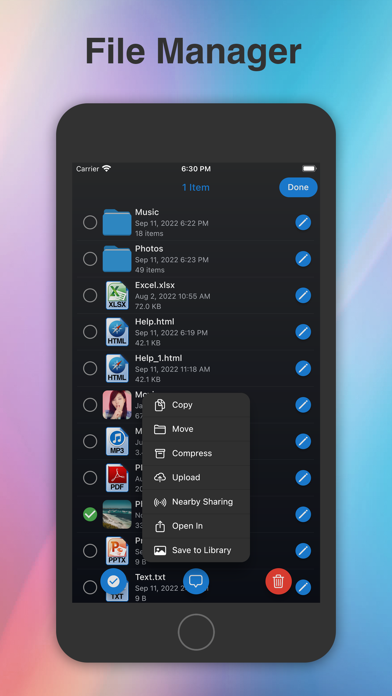
• Powerful File Management – Copy, move, rename, zip/unzip, share, or protect files with passcode, Touch ID, or Face ID.
• Universal Purchase – One app for both iPhone and iPad.
Key Features
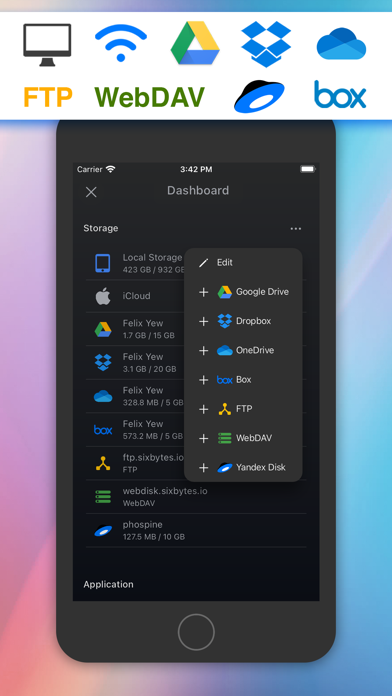
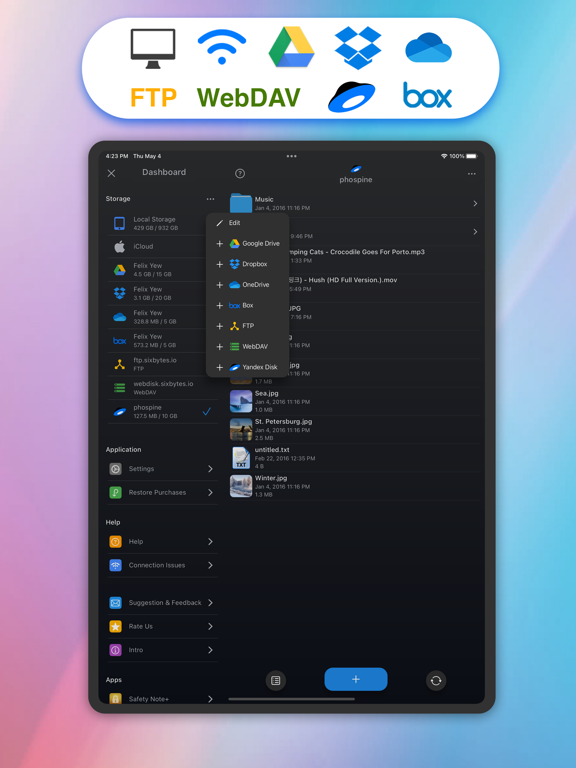
• Cloud Storage Support: Connect Dropbox, OneDrive, Box, WebDAV, Yandex Disk, FTP, and iCloud Drive (some require in-app purchase).
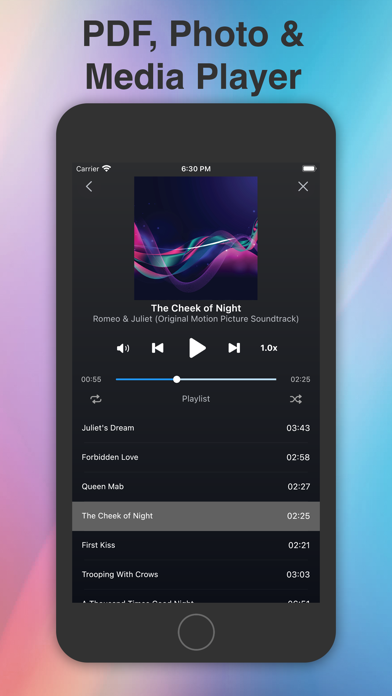
• Media Player: Create playlists, shuffle, repeat, play in the background, and stream directly from the cloud.
• Document Viewer: Open MS Office, iWork, PDFs, text, HTML, and more.
• Text Editor: Edit text files and source code on the go.
• File Sharing: Transfer files between iOS devices via Wi-Fi or Bluetooth (require in-app purchase).
• Import & Create: Take photos, record audio/video, or import from your photo library.
• Secure Access: Lock sensitive files with passcode, Touch ID, or Face ID.
Supported Formats
• Audio: MP3, WAV, M4A, AAC, AIFF, CAF
• Video: MP4, MOV, M4V, MPV
• Images: JPG, PNG, GIF, BMP, TIFF, ICO
• Documents: PDF, RTF, RTFD, MS Office (Word, Excel, PowerPoint), iWork (Pages, Numbers, Keynote)
• Other: Plain text, HTML, source code, web archives
Learn more: https://sixbytes.io
Follow us on Twitter: https://twitter.com/SixbytesApp
Like us on Facebook: https://www.facebook.com/sixbytesapp
Terms of Service: https://sixbytes.io/products/phone-drive/legal/terms
Privacy Policy: https://sixbytes.io/products/phone-drive/legal/privacy-policy