Remote HMI

Remote HMI Summary
Remote HMI is a mobile iOS app in Productivity by Automationdirect.com. Released in Aug 2011 (14 years ago). It has 20 ratings with a 4.05★ (good) average. Based on AppGoblin estimates, it reaches roughly 84 monthly active users . Store metadata: updated Feb 18, 2025.
Store info: Last updated on App Store on Feb 18, 2025 .
4.05★
Ratings: 20
Screenshots
App Description
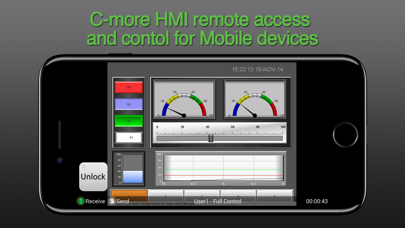
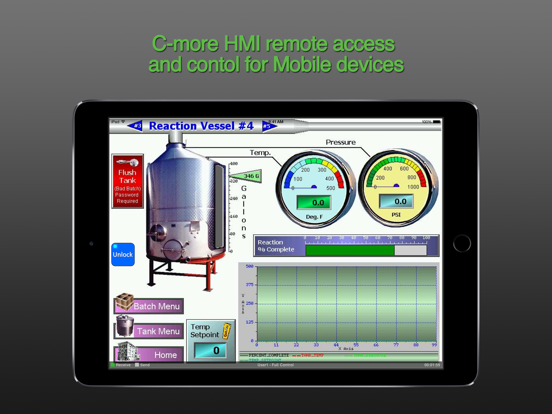
Remote HMI is an application for real time remote monitoring and control for the C-more HMI (Human Machine Interface) product line offered by Automationdirect.com. For this app to function as designed, a C-more panel that supports remote connectivity is required.
Note: Important steps for improving the C-more remote Access Performance for the EA9 Series panels.
1. Update the C-more EA9 Panel firmware to version 6.31 or later.
2. Make sure the C-more project display resolution is set for the native resolution of the C-more panel. This can be done in the programming software under Panel Manager settings.
3. See the app note on the support.automationdirect.com web page for more details (App Note AN-EA-017).
Main Features of this App.
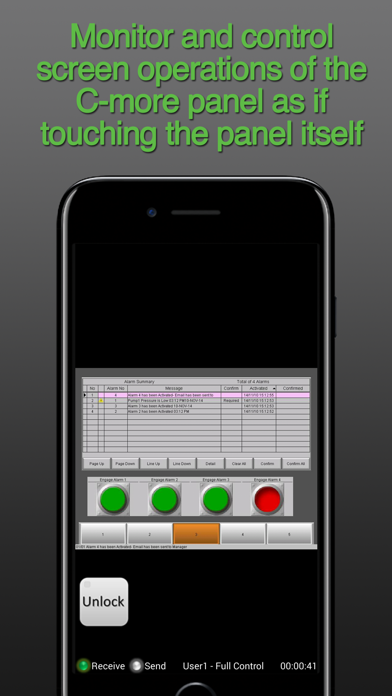
- Monitor and control screen operations of the C-more panel as if touching the panel itself
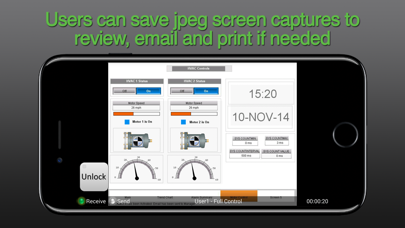
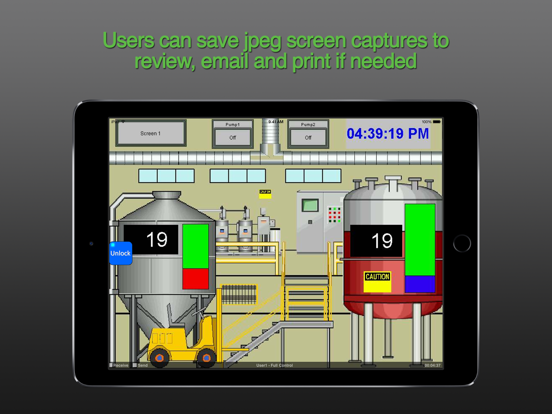
- Users can save jpeg screen captures to review, email and print if needed
- The iPhone or apple Zoom feature allows the user to zoom in on specific objects on the screen and then save a screen capture if needed
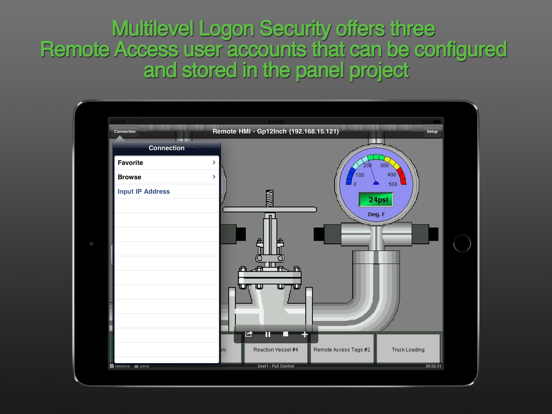
- Multilevel Logon Security offers three Remote Access user accounts that can be configured and stored in the panel project. Each account allows up to five remote users to be connected simultaneously.
- Multilevel Access Control allows each account to be configured in one of the following levels of access. Full control access, View only access, View and Screen change only access
- User Access Control: User Defined internal tags can be configured to customize the Remote access for each account. These tags can be used to activate alarms, events or notifications to alert local operators that a remote user is connected. The Disable/Enable Tags can be assigned to a switch in the C-more project to allow local operators the ability to enable or disable the remote access feature for security or safety reasons.
Requirements to use the Remote HMI App are:
• iPhone/iPad/iPod Touch iOS version 4.2 or later
• C-more Panel with Ethernet support
•The C-more Panel must be using firmware Version 2.73 or later. When upgrading the C-more Panel firmware from a version older than 2.4, the panel will need to be reset to factory default to add the updated “Remote Access” HTML link. Firmware is updated using the C-more programming software. It is not recommended to upgrade firmware remotely.
• C-more Programming Software Version 2.