Templates for Pages (Nobody)
Templates for Pages (Nobody) Summary
Templates for Pages (Nobody) is a mobile iOS app in Productivity by Till-Eugen Koenitzer. Released in Jun 2011 (15 years ago). It has 1.4K ratings with a 4.60★ (excellent) average. Based on AppGoblin estimates, it reaches roughly 4.1K monthly active users . Store metadata: updated Dec 6, 2023.
Store info: Last updated on App Store on Dec 6, 2023 .
4.6★
Ratings: 1.4K
Screenshots


App Description
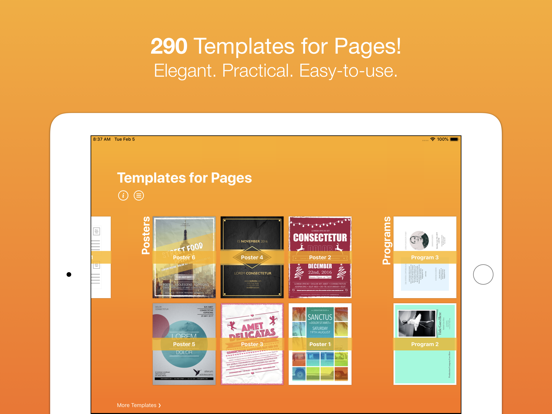
290 TEMPLATES FOR PAGES
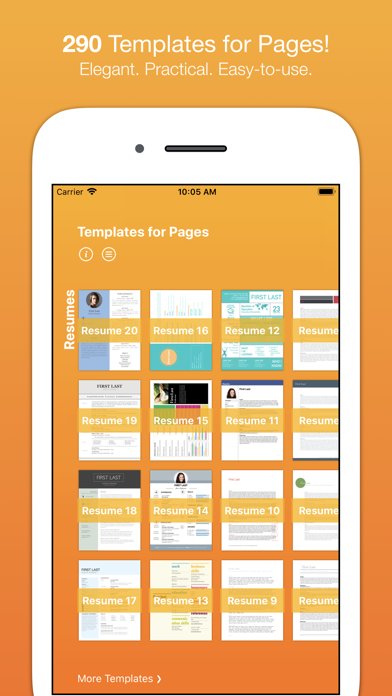
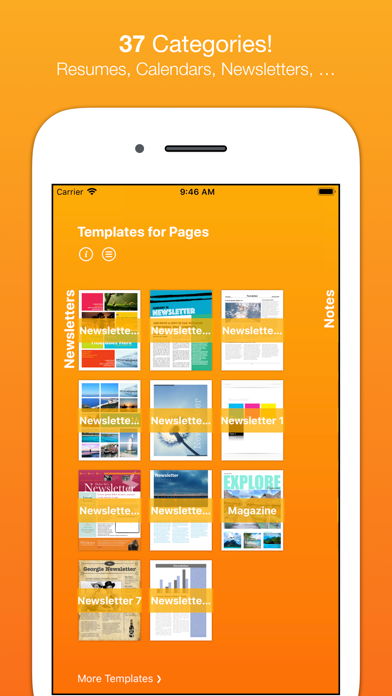
Templates for Pages (Nobody) is an amazing add-on for Apple's Pages app. It provides 290 templates for Pages in 37 categories.
37 CATEGORIES
- Blank Paper
- Brochures
- Business Cards
- Calendars (2021 and 2022)
- Cards
- CD & DVD
- Certificates
- Coupons
- Envelopes
- Essays (MLA, APA)
- Fax Cover Sheets
- Flyers
- iBooks
- Invitations
- Invoices
- Labels (Address Label, Shipping Label, Gift Label, Name Label)
- Letters
- Lists
- Meeting Notes (Meetings Notes & Agenda)
- Memos
- Menus
- Newsletters
- Notes
- Paper Types
- Postcards
- Posters
- Programs
- Quizzes
- Recipes
- Reports
- Resumes
- Schedules
- Screenplay
- Social Cards
- Storyboards
- Tags
- Tickets
DIFFERENT PAPER SIZES
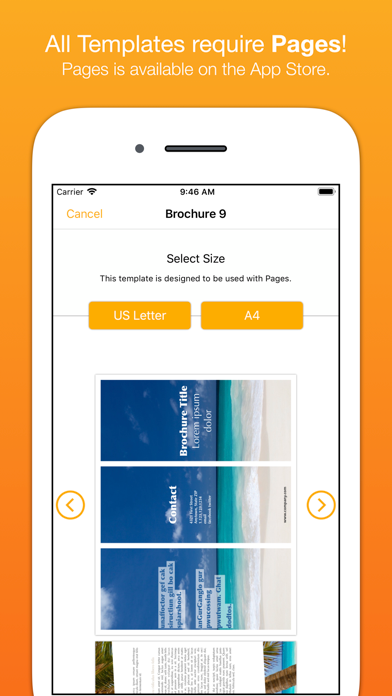
All templates are available in US Letter and A4. Envelopes feature 6 common envelope sizes (#10, 6 3/4, 8x11, A2, C4, DL) and Posters are also available as Tabloid.
EASILY CUSTOMIZABLE
Once opened in Pages you can apply your own colors, fonts, pictures, etc.
REQUEST TEMPLATES
Tell us what templates you would like to see in the next update.
UNIVERSAL APP
This app works on iPad, iPhone and iPod touch. Therefore, do not forget to download this app onto your other devices - for free! - provided you purchased the app once.
IMPORTANT: PAGES REQUIRED!!!
Make sure you have Pages for iOS - Apple's word processor. In order to open any of the templates, you need to have Pages installed on your device. You can download Pages from the App Store. The only reason why you would not be able to open a template is if you did not have Pages installed on your device!