Repeat Timer

Repeat Timer Summary
Repeat Timer is a with in-app purchases iOS app in Tools by Foobar Creative. Released in Jun 2011 (14 years ago). It has 1K ratings with a 4.15★ (good) average. Based on AppGoblin estimates, it reaches roughly 3K monthly active users and generates around $<10K monthly revenue (100% IAP / 0% ads). Store metadata: updated May 7, 2026.
Recent activity: 2.00 new ratings this week View trends →
Store info: Last updated on App Store on May 7, 2026 .
4.15★
Ratings: 1K
Screenshots


App Description
A simple yet powerful repeating timer to help you work and relax.
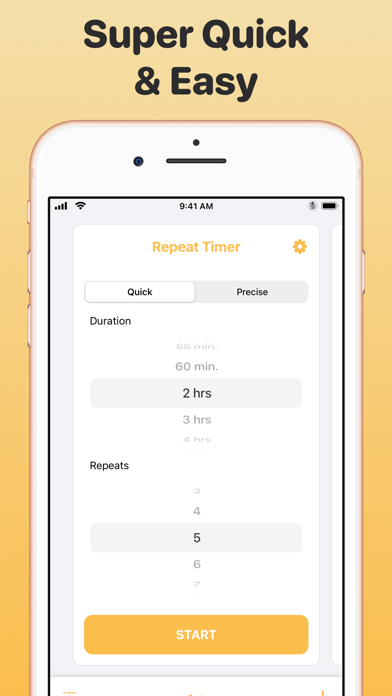
Easily configure the timer with:
- duration - how long the timer will run for each repeat
- repeat count - how many times the timer will repeat
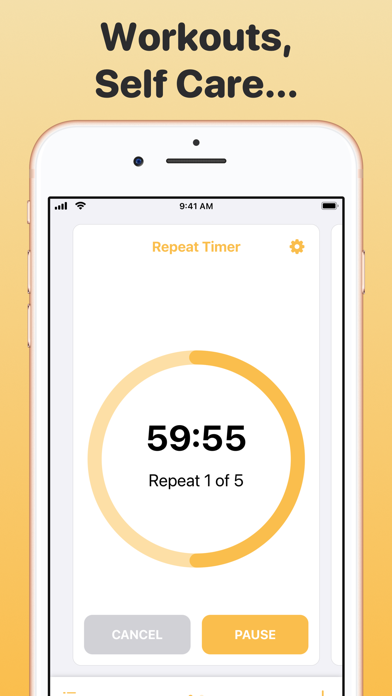
Then, you can leave the app open to see the timer countdown, or close the app and you will receive a notification for each repetition.
Features:
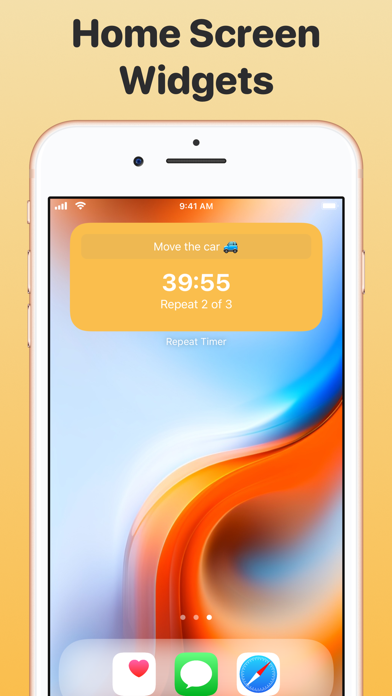
- Home Screen widgets
- Lock Screen widgets
- Siri and Shortcuts support
- Quick entry with common timer options
- Notifications so you can continue with other tasks
- Apple Watch® companion app with dynamic complication support
Perfect for:
- Cooking when you need to turn something every x minutes
- Reminders to stand and stretch at work
- Reminders to drink water
- Focus on work or study with planned breaks
- Repetitive tasks like watering plants for a set time each
- Reminders to look away from the computer screen at work
Repeat Timer Premium Subscription
Upgrade to access all features
Payment will be charged to your Apple ID account at the confirmation of purchase. Subscription automatically renews unless it is canceled at least 24 hours before the end of the current period. Your account will be charged for renewal within 24 hours prior to the end of the current period. You can manage and cancel your subscriptions by going to your account settings on the App Store after purchase.
Terms of Use:
https://www.apple.com/legal/internet-services/itunes/dev/stdeula/