Pinger: Call Plus Texting App

Pinger: Call Plus Texting App Summary
Pinger: Call Plus Texting App is a free, ad-supported, with in-app purchases iOS app in Tools by Pinger, Inc.. Released in Jun 2012 (14 years ago). It has 72K ratings with a 4.66★ (excellent) average. Based on AppGoblin estimates, it reaches roughly 179K monthly active users and generates around $10K+ monthly revenue (36% IAP / 64% ads). Store last updated Oct 5, 2026
Recent activity: 118 new ratings this week View trends →
SDK intelligence: AppGoblin detected 13 ad networks(e.g. Google), 4 development tools, 2 analytics: product, 1 analytics: attribution,and 1 business tools integrated into Pinger: Call Plus Texting App. View full SDK list →
Pinger: Call Plus Texting App SDKs Summary
Pinger: Call Plus Texting App was last scanned for SDKs on 2026-08-11. Below is the overview of third-party companies detected in the app. The full list of SDKs, permissions and unknowns is available here.
 Google
 Facebook
 AppLovin
 Unity
Unity nanopb
 Alamofire
 OpenID
 Firebase
 Braze
Braze Adjust
 Zendesk
4.66★
Ratings: 72K
Screenshots

App Description
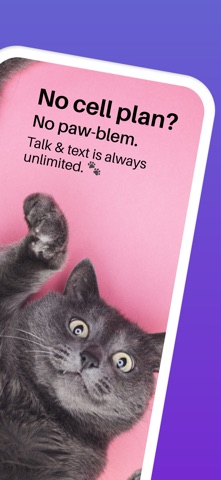
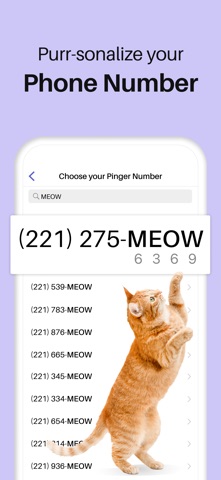
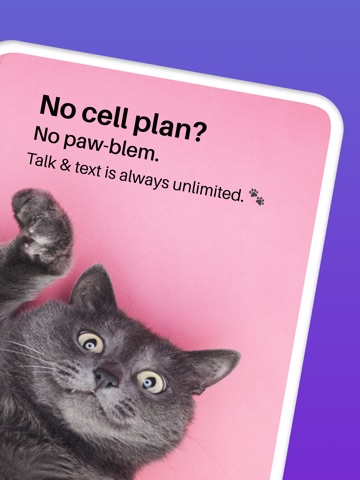
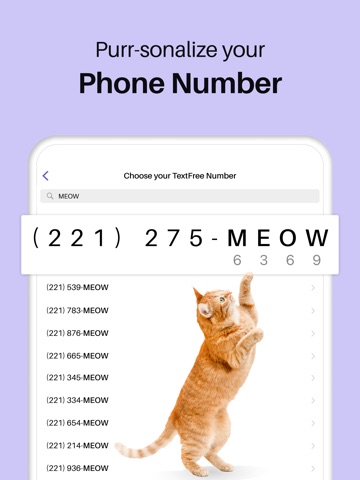
Make free calls with a real U.S.phone number on the original free calling and texting app. Pinger comes preloaded with free calling minutes that can be used to call anyone in the U.S., Canada, or Mexico. After that, minutes are free to earn or cheap to purchase. SMS messages are also free. On top of free calling and SMS, additional features include voicemail, group chat, MMS picture & video messaging, emoji, ringtones, and more.
WHAT PEOPLE ARE SAYING
“It’s like having a real phone number from the carrier. Except FREE.” –Nick
“I started using this app back in 2007 on my iPod touch 3rd generation... Works every time, voice calls are clear, and no one knows it’s an app and not an actual phone. Highly recommended.” –Scott
“I have used this app as my main phone number for years. It is just as reliable as an actual phone number.” –Kay
“I’ve tried several, but hands down, Pinger is by far the best. Why? Simple: It works. Period.” –Tuc
“I would rate this like 100,000,000 stars but can’t :/ only 5.” –Molly
“Great to have a backup number especially when you travel abroad.” –Milo
——
© 2020 Pinger, Inc. All rights reserved. The Pinger name, associated trademarks, and logos are trademarks of Pinger, Inc. or related entities.
Terms of Service: https://www.pinger.com/privacy-policy/terms-and-conditions/
Privacy Policy: https://www.pinger.com/privacy-policy/
Subscriptions are automatically billed monthly or annually to your iTunes Account and auto-renew unless you turn off auto-renew at least 24-hours before the end of the current period. Payments are charged to your iTunes account upon confirmation of purchase. You can turn off auto-renew or manage subscriptions in your iTunes & App Store account settings. Cancellations take effect at the end of the active subscription period. Any unused portion of a free trial period (where available) is forfeited when purchasing a subscription.