Flashcards - mobatan2

Flashcards - mobatan2 Summary
Flashcards - mobatan2 is a free iOS app in Education by mobatan. Released in Aug 2011 (15 years ago). Store last updated Jun 19, 2026
Flashcards - mobatan2 SDKs Summary
App not yet scanned for SDKs.
0★
Ratings: 0
Screenshots


App Description
This is the perfect vocabulary book for learning through handwriting, listening, typing, and color-coding cards. It’s intuitive and provides effective learning. It is compatible with iPhone, iPad, Mac, and Windows. You can also use it as a to-do list and notepad.
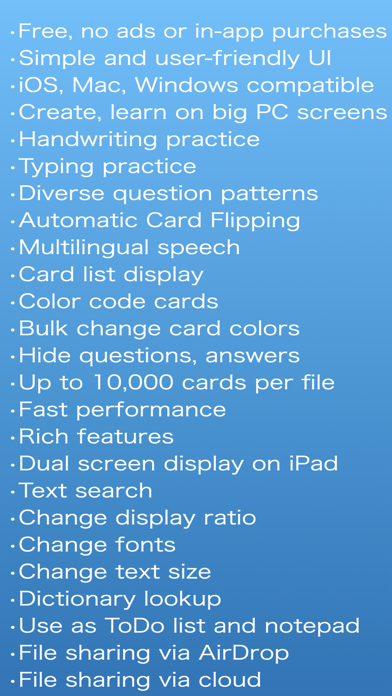
- Free, No ads and no in-app purchases.
- Intuitive and User-Friendly Interface
Simple and extremely easy to use. The learning screen and card creation screen are the same, so it feels just like using a notepad.
- Multi-platform support
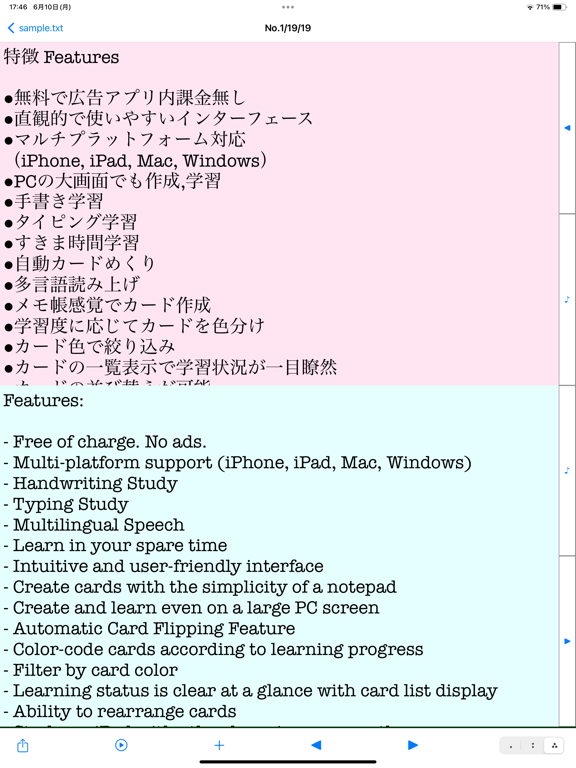
Available on iPhone, iPad, Mac, and Windows versions of mobatan. You can create and study cards on the large screens of Mac, iPad, and Windows while referencing other apps and using a familiar keyboard.
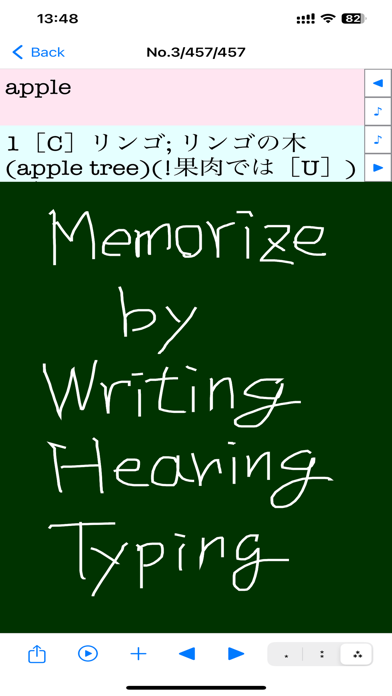
- Handwriting study
Memorize by handwriting on the screen. Written text disappears automatically, allowing repetitive practice without the hassle of manual erasure.
- Typing study
Memorize by typing in the edit screen. Use familiar keyboards on Mac, iPad, and Windows for effective learning.
- Learn in your spare time
You can use your iPhone to learn anytime, anywhere in your spare moments. Display Mobatan in a corner of your iPad, Mac, or Windows screen, and study during breaks from other tasks.
- Diverse Question Formats
By combining functions such as “Card Filtering”, “Display Order”, “Search”, and “Card Sorting”, you can create a variety of question formats like the following examples:
• Randomly present unmemorized and review-needed cards.
• Randomly present only unmemorized cards.
• Randomly present only memorized cards (to confirm retention).
• Randomly present only cards containing a specific string (e.g., “#important”).
• Hide and display either the question or the answer.
• Display both the question and the answer simultaneously (saving the effort of showing the answer).
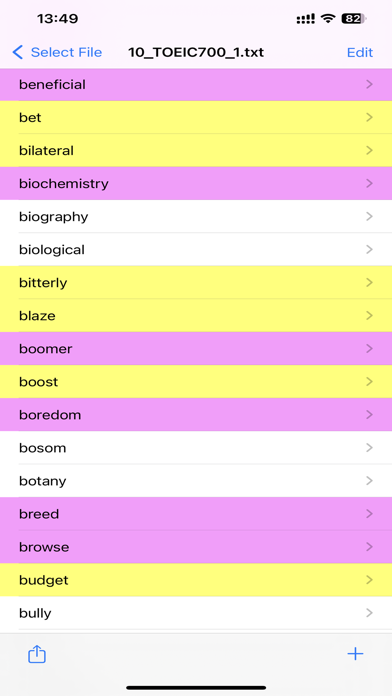
- Color Coding and Filtering Based on Learning Progress
Cards can be color-coded based on your learning progress, and you can also filter by color as follows:
• Unmemorized cards: Red cards
• Review-needed cards: Yellow cards
• Memorized cards: Normal cards
- Split View support on iPad
Study alongside other learning apps (dictionary apps, YouTube, and more) with Split View.
- Automatic Card Flipping Feature
Cards can be flipped automatically at intervals ranging from 0.1 to 300 seconds.
- Up to 10,000 cards per file
Register up to 10