Tempo SlowMo - BPM Slow Downer

Tempo SlowMo - BPM Slow Downer Summary
Tempo SlowMo - BPM Slow Downer is a ad-supported, with in-app purchases iOS app in Music And Audio by Martian Storm Ltd.. Released in Sep 2011 (14 years ago). It has 464 ratings with a 3.09★ (mixed) average. Based on AppGoblin estimates, it reaches roughly 1.2K monthly active users and generates around $<10K monthly revenue (23% IAP / 77% ads). Store metadata: updated Apr 18, 2021.
Store info: Last updated on App Store on Apr 18, 2021 .
3.09★
Ratings: 464
Screenshots


App Description
Practice at your own pace.
Tempo SlowMo is an ideal practice tool for musicians, dancers and language students. Using technology developed for our Chord Detector and Chord Tutor apps, Tempo SlowMo’s sleek and simple design helps you practice playing songs, dance routines or learning a new language by slowing down or speeding up an audio tracks BPM (beats per minute) without affecting its pitch.
5 Stars “Great for playing guitar!”
5 Stars “Elegant and intuitive”
5 Stars “Great for transcribing songs on drums”
5 Stars “Amazing for memorization!”
5 Stars “Great for dance teachers”
5 Stars “Good for fitness too!”
5 Stars “Great for choir practice”
5 Stars “This app is my favorite :) i love it!!!”
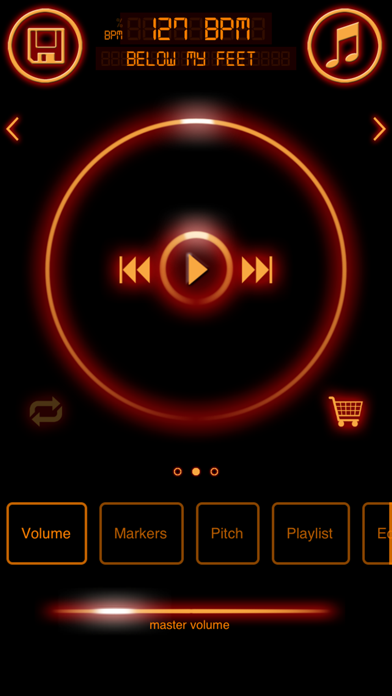
Just hit the Music button within the app to reveal the available audio import options. Import an audio file from your iPod/Apple Music library, Dropbox account or over WiFi network directly to your device. Tempo SlowMo will then load the audio file which you can then play, pause, slow down and speed up to your hearts content.
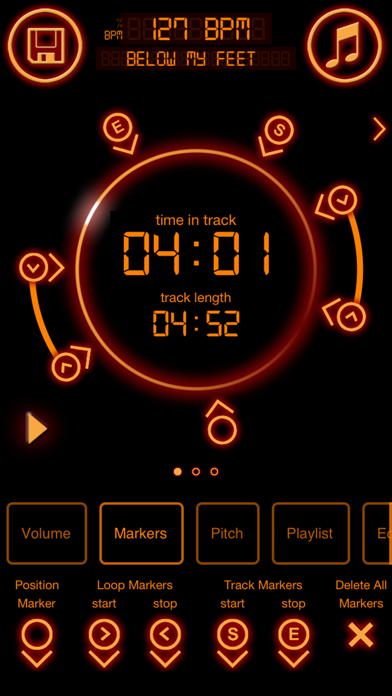
Tempo SlowMo also has a feature allowing you to drop markers at any point in the track so that you can quickly skip back to that point if there is a particular bit of a track you are trying to master. Special Loop Markers allow you to loop part of a track if you need to master a specific section. Start and End Track Markers allow you to override the point where a track begins and ends.
As well as being able to import audio files from different sources you can also make your own recording and save it for future use.
You can export the changes you made to an audio file to MP4 and upload it to Dropbox or send it as an email attachment.
Please note that this app does not support tracks which are DRM protected.
Apple Music tracks in your music library can now be loaded and played in Tempo SlowMo. Unfortunately controls such as pitch, balance and equaliser cannot be used with Apple Music tracks. However you can change the tempo and set loops to your hearts content.
List of core features:-
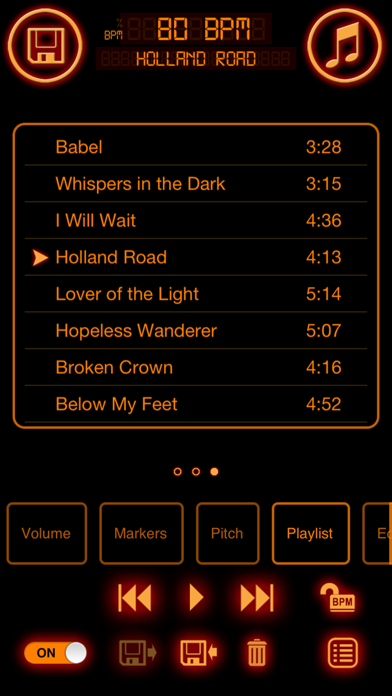
● Import tracks from iPod/Apple Music library sync’d to device
● Change tempo while playing between 20% and 250% or original tempo.
● Display BPM value if track is tagged with BPM via idv3 or iTunes metadata.
● Plays in background
● AirPlay support
● Play track on continuous loop
● loop secti