FrameMagic - Collage Maker

FrameMagic - Collage Maker Summary
FrameMagic - Collage Maker is a with in-app purchases iOS app in Photo And Video by Dongwook Cho. Released in Oct 2011 (14 years ago). It has 6.4K ratings with a 4.51★ (excellent) average. Based on AppGoblin estimates, it reaches roughly 3.2K monthly active users and generates around $<10K monthly revenue (100% IAP / 0% ads). Store metadata: updated Apr 3, 2026, version 171.
Recent activity: 2.00 new ratings this week View trends →
Data tracking: SDKs and third-party integrations were last analyzed on Oct 14, 2025.
Store info: Last updated on App Store on Apr 3, 2026 (version 171).
4.51★
Ratings: 6.4K
Screenshots
App Description
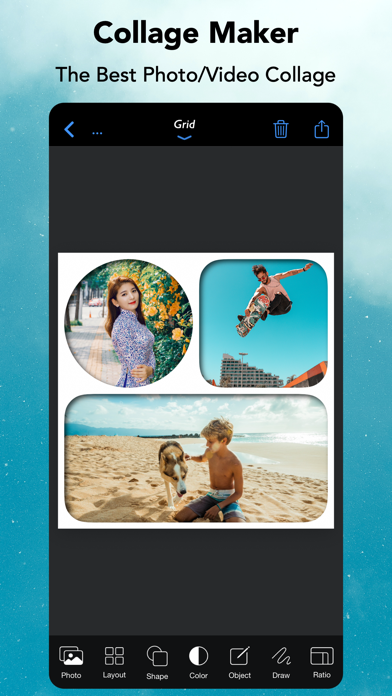
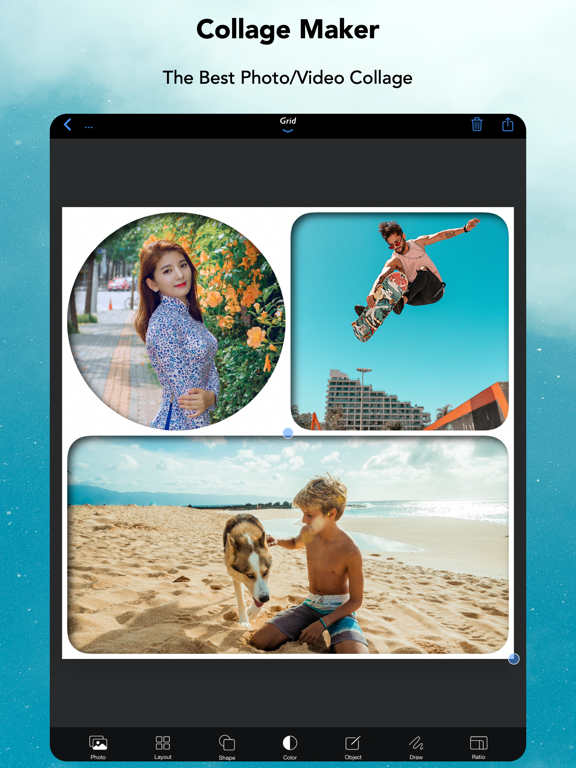
[FrameMagic] enables you to create awesome photo collage, video collage and video slideshow within just a few seconds with tons of layouts, endless options, colors, patterns, powerful text editor, beautiful filter effects, flexible play options, musics and narrations.
[FrameMagic] also supports powerful and intelligent photo editors including object removal, soft skin, dark light, bokeh, sticker, silhouette, outline, hole, background blur, motion blur and color splash.
[FrameMagic] also supports magical funny photo editors including face morphing, crystal(refracted) text and pic warping effect.
[Photo Collage]
• The ultimate photo collage layouts.
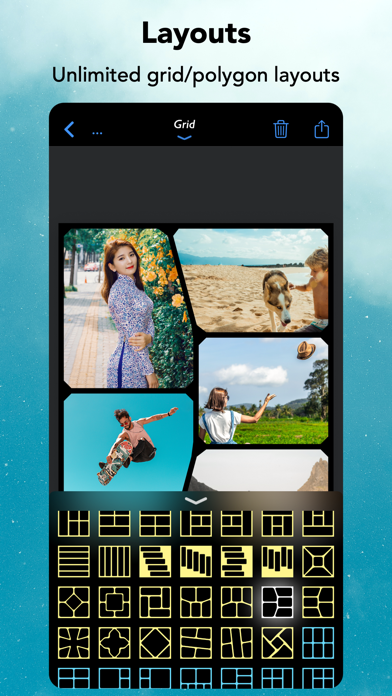
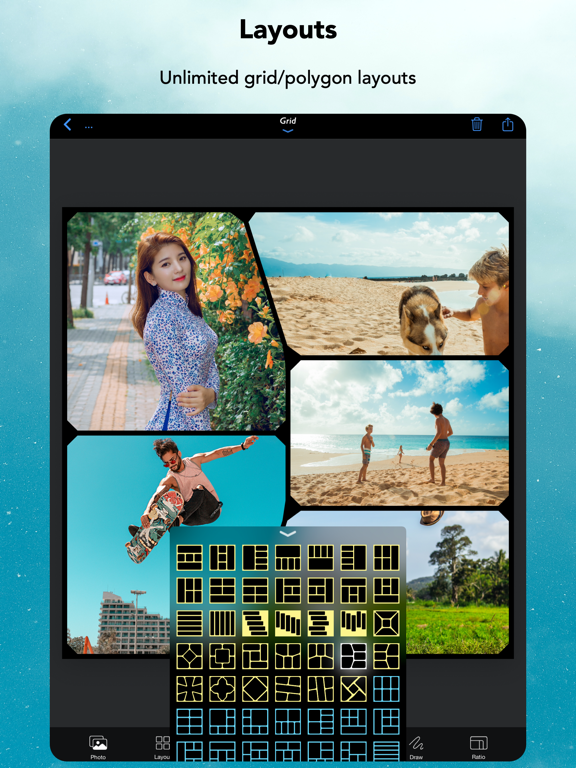
- Grid : Combine multiple photos with hundreds of rectangular and polygonal layouts.
- Auto : Create fully automatic collage with a single tap.
- Blended : Blend multiple photos and create stunning collage.
- Free Style : No limitation on how you add and arrange your photos.
- Vertical Stitch : Combine multiple photos into one long. storytelling collage.
- Squared : Create squared photo and video optimized for Instagram.
- Montage: Create montage photo collage with powerful object masking tool.
- 3D Free Style : Free style collage with 3D perspective layouts.
- 3D Mesh : 3D meshed collage with beautiful mesh layouts.
• Load multiple photos at once.
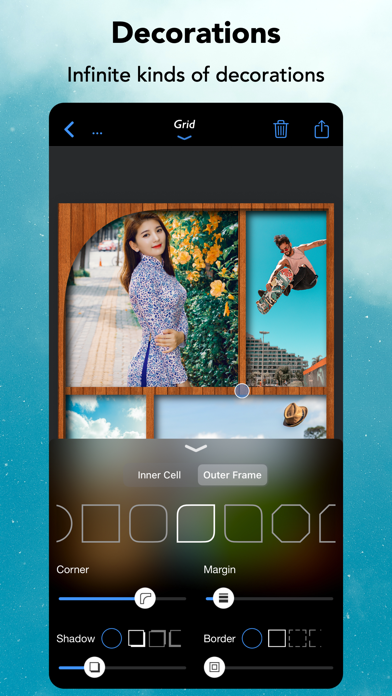
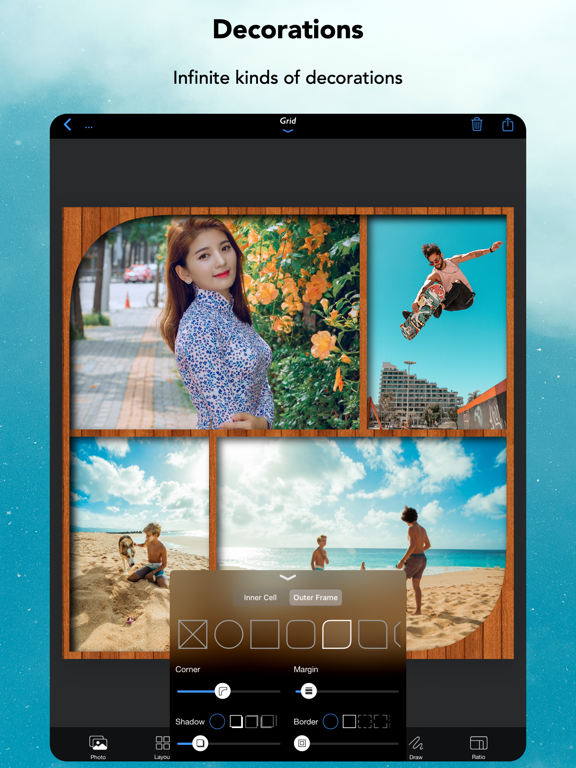
• Unique decoration with rounded corner, margin, border, shadow.
• Background colors and patterns.
• Gradient and shape background color.
• Powerful text editor and beautiful stickers.
• Download and install custom fonts from free font servers.
• Edit photo with aviary photo editor.
• Easy width and height ratio.
• Portrait and landscape mode.
• Save and share in HD (up to 3600x3600).
[Intelligent Photo Editor]
• Object Removal : Remove unncessary objects from your photo in single step.
• Sticker Generation : Create sticker and montage with powerful object masking tool.
• Silhouette Effect : Create beautiful silhouette effect.
• Outline Effect : Create beautiful outline and edge effect.
• Hole Generation : Create holed image and montage.
• Background Blur : Create manual depth blur effect. (aka portrait photo)
• Motion Blur : Create manual panning photography.
• Color Splash : Create selective color and greyscale effect.
• Soft Skin : Create soft skin effect.
• Bokeh : Create circular and hexagonal background bokeh effect.