ScanSnap Connect Application

ScanSnap Connect Application Summary
ScanSnap Connect Application is a free iOS app in Tools by PFU LIMITED. Released in Sep 2011 (14 years ago). It has 265 ratings with a 2.54★ (poor) average. Based on AppGoblin estimates, it reaches roughly 717 monthly active users . Store last updated Aug 5, 2025
ScanSnap Connect Application SDKs Summary
App not yet scanned for SDKs.
2.54★
Ratings: 265
Screenshots



App Description
[New App]
New mobile scanning app ScanSnap Home is now available. Try out the improved operability and usability of ScanSnap Home!
*ScanSnap Home can be used with iX1600/iX1500/iX1300/iX100.
[About ScanSnap Connect Application]
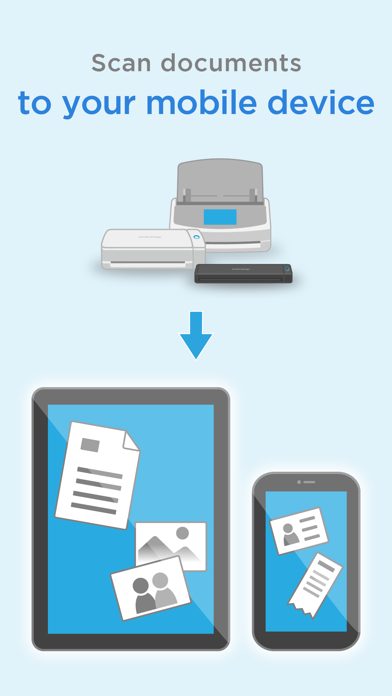
This application easily allows your iPad, iPhone or iPod touch to handle images scanned with the personal document scanner “ScanSnap”.
[What you need]
To use ScanSnap Connect Application, you need to have Wi-Fi connection (via direct connection or your router) and the following devices.
・Wi-Fi-supported ScanSnap
Computer may be required for initial setup.
・iPad / iPhone / iPod touch series
[Main features of ScanSnap Connect Application]
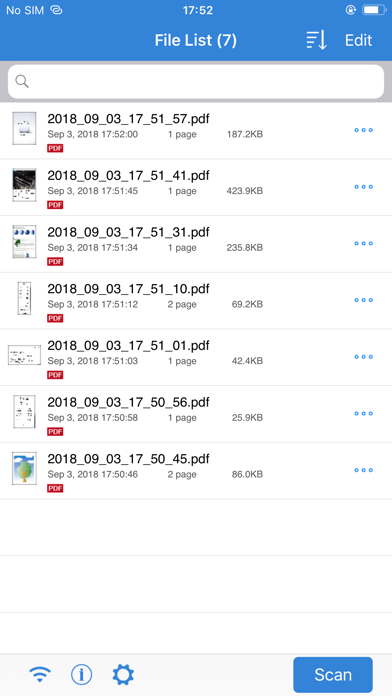
-Receive and view PDF/JPEG images scanned with ScanSnap in a seamless manner.
-Receive ready-to-use files already corrected with various features (automatic paper size detection/auto color detection/blank page removal/deskew).
-View images offline.
-Use images in "Mail", "Print", "Photos" or an application that supports PDF/JPEG on your iPad, iPhone or iPod touch.
[How to use ScanSnap Connect Application]
-For details how to set up / use this application, select the [i] icon at lower left corner of the screen after you start up the application, then refer to [Help].
-For details about using ScanSnap, refer to the Basic Operation Guide, Advanced Operation Guide or Help bundled with ScanSnap.