French Word Wizard

French Word Wizard Summary
French Word Wizard is a mobile iOS app in Education by Pierre Abel. Released in Sep 2011 (15 years ago). It has 224 ratings with a 4.27★ (good) average. Based on AppGoblin estimates, it reaches roughly 230 monthly active users . Store last updated Oct 6, 2026
French Word Wizard SDKs Summary
App not yet scanned for SDKs.
4.27★
Ratings: 224
Screenshots


App Description
• French Version of Word Wizard app called "Speak ‘N Spell for the iPad Generation" by the New-York Times and awarded by Children's Technology Review
• French Canadian voice included
• Used in many french schools (26000 units sold to schools)
Note that this is an immersive French app - only menus are translated and the voice is only in French
--Learn to Read French by Building Words --
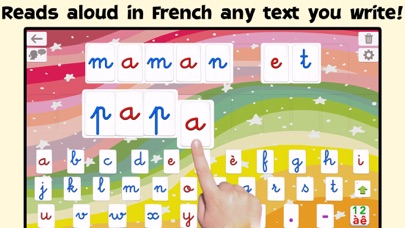
• The Talking Movable Alphabet activity allows kids to experiment with word building and phonics thanks to the advanced text to speech engine
• Any text can be written and spoken
• 2 child voices + 3 adult voices (including a French Canadian voice)
• Uppercase & lowercase letters, numbers, digraphs, ABC, Qwerty or Azerty keyboard
• Many, many settings to adapt the activities to the child’s needs (letter size, assign images to words, high contrast modes for kids with visual impairment,...)
-- Learn to Spell French using the Talking Movable Alphabet and your word lists --
• 3 spelling activities that increase in difficulty
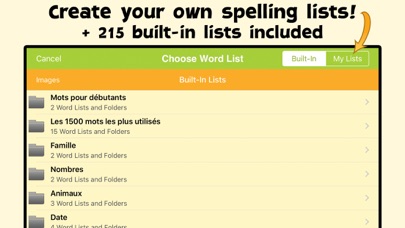
• 200 built-in word lists (about 2000 words)
• Add your own words to create unique spelling quizzes!
• Add your own images to illustrate your word lists
• Keep tabs on your children’s progress with detailed reports
_______
Talking Movable Alphabet Activity
_______
• Pronounce and spell-check any word, number or sentence with natural sounding voice
• Letter sound (phonic) or name when a letter is touched in the alphabet
• 4 keyboards available: letters, numbers, consonant digraphs (like “ch”) and vowels digraphs (like “au”)
• Uppercase or lowercase letters
• Keyboard emulation option (dragging letters is optional)
• 4 letter sizes available (allowing for more or fewer letters on the board)
• Voice Transformer (speed and tone) for added fun
• Customized word pronunciation, if necessary
_______
Fun Spelling Activities
_______
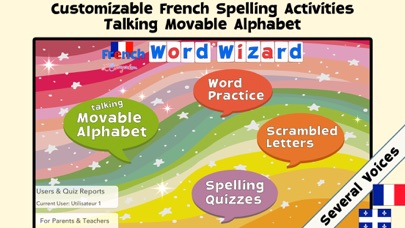
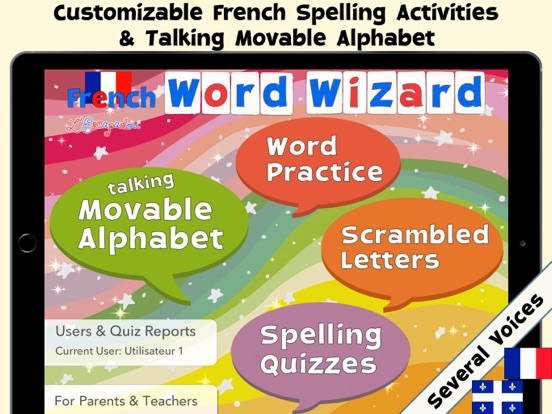
3 spelling activities of increasing difficulty are provided to adapt the activity to the child’s spelling level. You can use the built-in word lists or create your own.
1 - "Word Practice" says and displays the word to spell, and asks the child to spell it using the talking movable alphabet
2 - "Scrambled Letters" says the word and displays the letters needed to build the word or sentence, and asks the child to reorder the letters.
3 - “Spelling Quizzes” is a stan