Mac|Life Magazine

Mac|Life Magazine Summary
Mac|Life Magazine is a with in-app purchases iOS app in News by Future plc. Released in Oct 2011 (14 years ago). It has 1.3K ratings with a 4.36★ (good) average. Based on AppGoblin estimates, it reaches roughly 3.8K monthly active users and generates around $<10K monthly revenue (100% IAP / 0% ads). Store metadata: updated Feb 18, 2025, version 4834.
Recent activity: 3.00 new ratings this week View trends →
Data tracking: SDKs and third-party integrations were last analyzed on May 28, 2026.
Store info: Last updated on App Store on Feb 18, 2025 (version 4834).
SDKs, Trackers & Permissions
Mac|Life Magazine was last scanned for SDKs 2026-05-28. Below is the overview of third party companies detected in the app. The full list of raw SDKs, app permissions and unknown SDKs is available here.
 Firebase
 Facebook
 Google
App Details
App Store
Ads & App-Ads.txt
AppGoblin SDK Scans
4.36★
Ratings: 1.3K
Screenshots
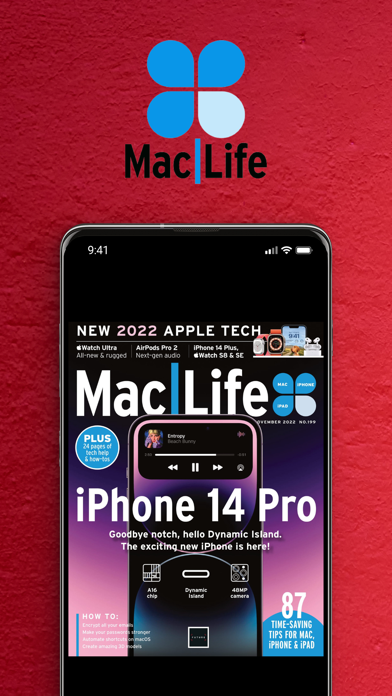
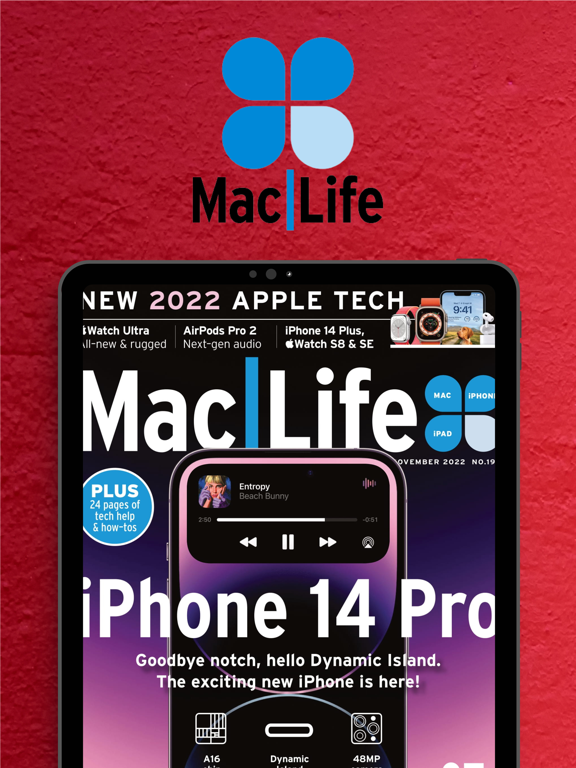
App Description
Mac|Life is the ultimate magazine about all things Apple. Mac|Life is authoritative, ahead of the curve, and endlessly entertaining.
And it’s the only Apple information source whose mission, voice, and visual aesthetic harmonize with the design and direction of Apple products themselves.
Written for both new and veteran users, Mac|Life provides exclusive, authoritative information and advice for readers who want to get the most out of their Mac, iPhone, iPad, Apple Watch and Apple TV, as well as third-party hardware, software, and services.
Join thousands of others and download our free app now!
-------------------
Once you’ve downloaded our app, you will need to take a free trial or purchase a single issue or subscription to access our in-depth content. We also publish specials and guides - browse our publications, read what interests you most, and get inspired.
Back issues, specials, and future issues are available for purchase within the app. Subscriptions are available on various monthly and annual terms, and auto-renew until you decide to cancel it. Check inside the app for current pricing.
*** Please Note: Our digital edition is not printable and does not include the covermount items or supplements you would find with the print edition ***
• The free trial offer is only available to new subscribers. If you have previously subscribed then payment will be taken immediately.
• You can cancel at any time during the free trial period and you will not be charged. Simply turn off auto-renew in your Apple account subscriptions page at least 24 hours before the auto-renew is due.
• Payment will be charged to your iTunes Account at confirmation of purchase.
• Your subscription automatically renews unless auto-renew is turned off at least 24 hours before the end of the current subscription period.
• You will be charged for renewal within 24 hours prior to the end of the current period, for the same duration and at the current subscription rate for that product.
• You can manage your subscriptions and turn off auto-renewal by going to your Account Settings after purchase .
• No cancellation of the current subscription is allowed during active subscription period. This does not affect your statutory rights.
• Any unused portion of a free trial period, if offered, will be forfeited when you purchase a subscription.
• We will be coll