Compass Eye Bearing Compass

Compass Eye Bearing Compass Summary
Compass Eye Bearing Compass is a mobile iOS app in Maps And Navigation by Pocket Mariner Ltd.. Released in Oct 2011 (14 years ago). It has 13 ratings with a 4.31★ (good) average. Based on AppGoblin estimates, it reaches roughly 36 monthly active users . Store last updated Oct 2, 2025
Compass Eye Bearing Compass SDKs Summary
App not yet scanned for SDKs.
4.31★
Ratings: 13
Screenshots
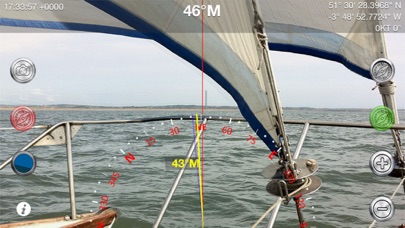
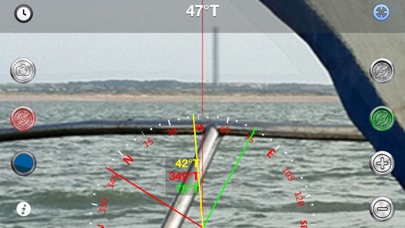
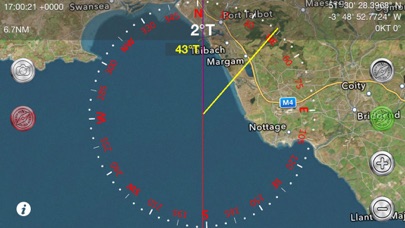
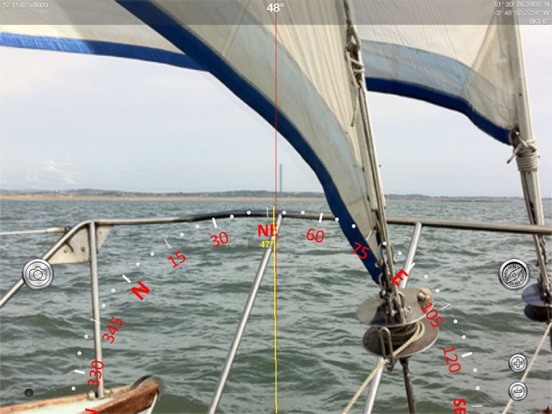
App Description
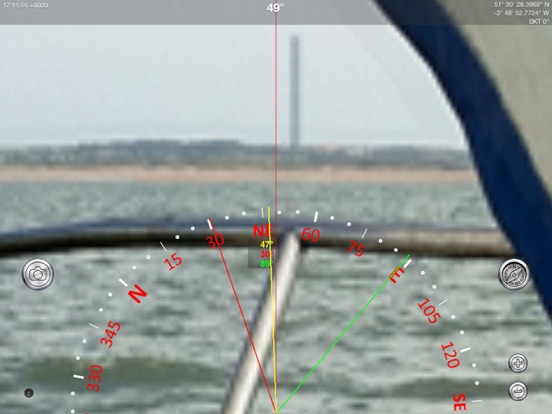
Professional Augmented Reality Bearing Compass with real-time camera and map views, bearing markers and up to 8x zoom providing Compass Binocular features at a fraction of the cost.
"..works nicely, we tried it out at the Voiles d'Antibes...the Captain's response when trying it out was 'Cool!'." - Boatbookings, The World's Leading Online Yacht Charter Broker
Compass Eye can be used to help with navigation on land, sea or air as a bearing or marching compass.
Compass Eye is fully gimballed and works accurately in all orientations and angles when held vertical and horizontal.
“This app is a compass on steroids! It is fully gimballed so it will work in any orientation on your iPhone or iPad. You can use it on land while hiking or as a hand bearing compass on the ocean or in the air while flying.” i-Marine Apps
"The app's compass works way better than the iOS default compass and I don't have to wave my iPhone in the air every time I launch the app." Gizmodo Review (App of The Day, 6th December).
MAIN FEATURES
- Real time, accurate in all orientations
- Compass overlaid on live camera view
- 8x Digital zoom
- Back, transit, or collision bearing markers
- Draggable Green and red bearing lines
- Triangulation bearings
- Optional time, date and GPS location information
- Magnetic or True North setting with variation based on location
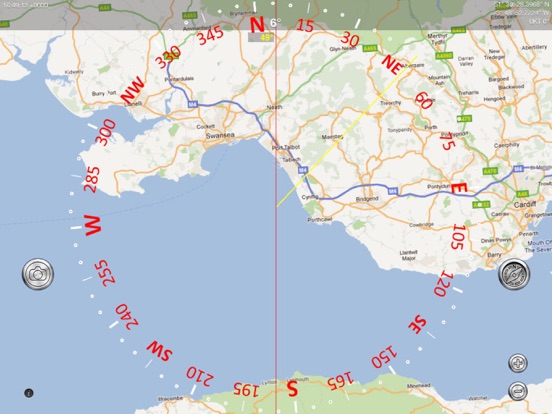
- Live map view with position and track
- Artificial Horizon with roll and pitch readout
- Night Vision and FLIROne® Infra-red support
- Location sharing
- Longitude and latitude degree display in DD° MM.mmm', DD° MM' SS.ss" and now DD.ddd°
- iOS Dark mode support
- Full screen on iPhoneX and later devices
Enabling GPS also shows the Speed Over Ground (SOG) , Course Over Ground (COG) and optional COG bearing (purple).
HOW TO USE
Taking a bearing - look through your iPhone at the distant object, line it up with the centre line and read off the bearing! Zoom in to get more accuracy.
Setting a bearing - look through your iPhone at the point you want to get to, tap the Bearing button (Top right) and follow the yellow bearing line.
Setting a bearing from the map - lay the iPhone flat, rotate or drag a bearing line to line up with the point you are aiming for and follow that bearing.
Triangulation - use the three bearing lines - yellow green and red to take bearings on 3 points. Capture the view including compass, b