AutoSilent

AutoSilent Summary
AutoSilent is a with in-app purchases iOS app in Tools by Niv Gutherz. Released in Nov 2011 (14 years ago). It has 216 ratings with a 3.57★ (average) average. Based on AppGoblin estimates, it reaches roughly 698 monthly active users and generates around $<10K monthly revenue (100% IAP / 0% ads). Store metadata: updated Apr 25, 2026.
Recent activity: 1.00 new ratings this week View trends →
Store info: Last updated on App Store on Apr 25, 2026 .
3.57★
Ratings: 216
Screenshots



App Description
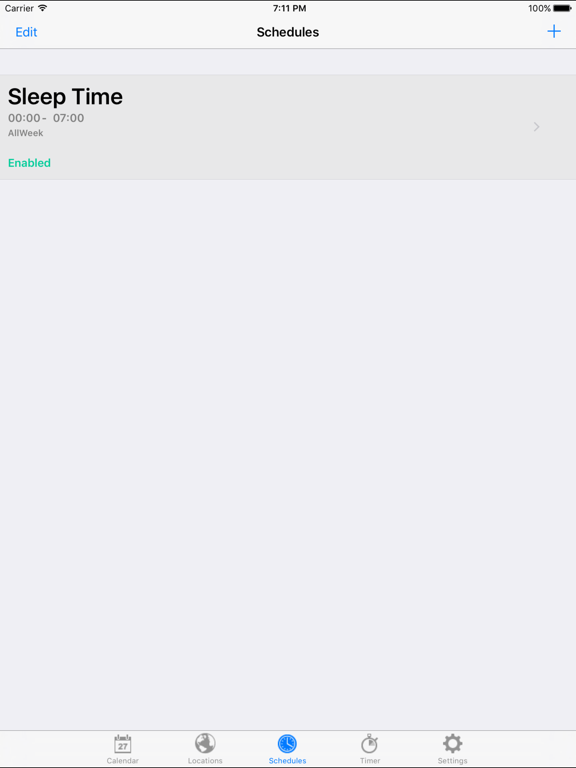
AutoSilent automatically mutes your iDevice (iPhone, iPad) during meetings, scheduled times or at selected locations.
Comes with 7 days free trial period. After this you may purchase an auto-renewing subscription through an In-App Purchase. If you do not maintain a subscription you will not be able to have premium features, like: Schedule events, Location Events snd Calendar events.
• Auto-renewable subscription
• 1 month ($1.99)
• Your subscription will be charged to your iTunes account at confirmation of purchase and will automatically renew (at the duration selected) unless auto-renew is turned off at least 24 hours before the end of the current period.
• Current subscription may not be cancelled during the active subscription period; however, you can manage your subscription and/or turn off auto-renewal by visiting your iTunes Account Settings after purchase.
Note:
------
In case of a problem to identify an already purchased subscription, please try first to quit and re-open the app. In case it does not work please click on "Restore Purchases".
EULA
------
https://www.apple.com/legal/internet-services/itunes/dev/stdeula/
Privacy Policy
--------------
http://www.gutherz.org/autosilent/privacy_policy_autosilent.html
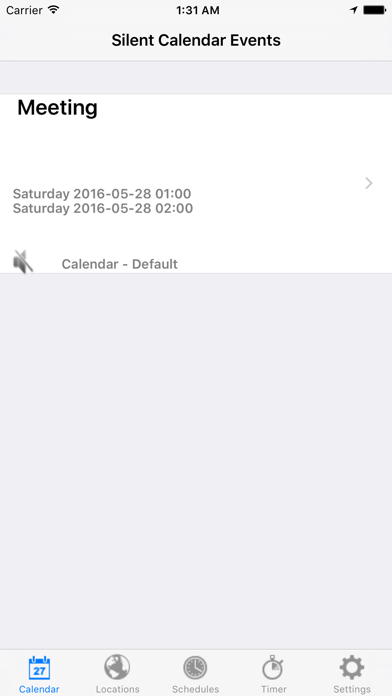
In the first tab the next silent event that it finds in your iPhone calendars. This tab is not intended to be used to add or modify events. To add new event just open your Calendar application and add/modify your event. AutoSilent will automatically synchronize with your calendars.
On first run, make sure to allow AutoSilent to get your current location and allow it to get notifications.
AutoSilent synchronizes with your calendars and automatically silents your iDevice during meetings. AutoSilent automatically re-sets your iDevice back to Regular/Ring mode at the end of the meeting.
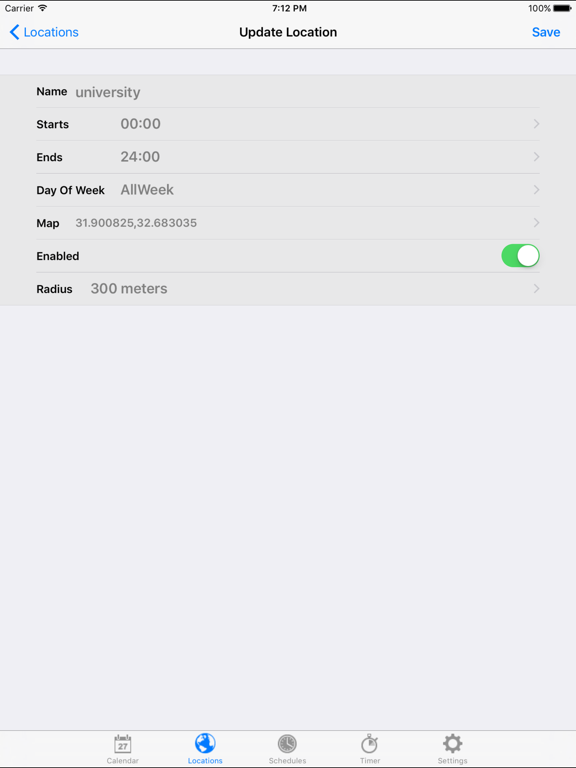
AutoSilent is a location based application. It can detect your current location and mute your iDevice automatically when you are at School or at the University.
AutoSilent will set your iDevice back to Regular/Ring mode when you leave those places.
Don’t miss an important call because you forget to un mute your phone.
Don’t be embarrassed by alerts that go on while you are in a meeting. Let AutoSilent do the job for you.
Calendar event is considered silent when:
1. Availability is busy
2. Not a whole day event
3. Event notes do not contai