iDoceo - Planner and gradebook

iDoceo - Planner and gradebook Summary
iDoceo - Planner and gradebook is a mobile iOS app in Education by iDoceo Studios Ltd.. Released in Nov 2011 (14 years ago). It has 4.5K ratings with a 4.77★ (excellent) average. Based on AppGoblin estimates, it reaches roughly 4.3K monthly active users . Store metadata: updated Jun 3, 2024.
Recent activity: 1.00 new ratings this week View trends →
Store info: Last updated on App Store on Jun 3, 2024 .
4.77★
Ratings: 4.5K
Screenshots
App Description
iDoceo is a powerful assistant for teachers.
You can add an unlimited number of students and classes.
iDoceo is paid only once and you get the full app and its updates.
There are no additional subscriptions or in app purchases.
iDoceo respects your privacy and confidentiality. Works completely offline. No internet connection required.
All your data is stored locally in your iPad, unless you enable the synchronization options.
An all-in-one tool for teachers that consists of:
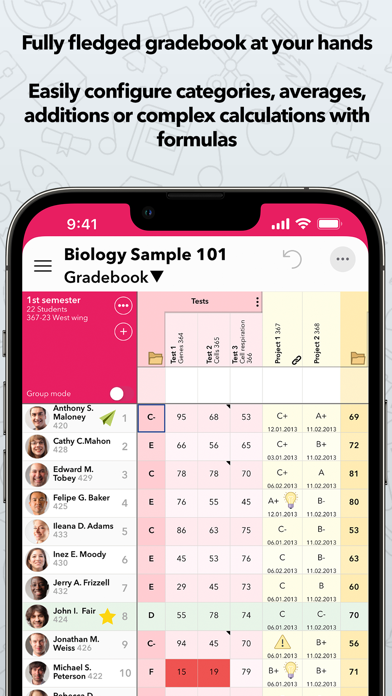
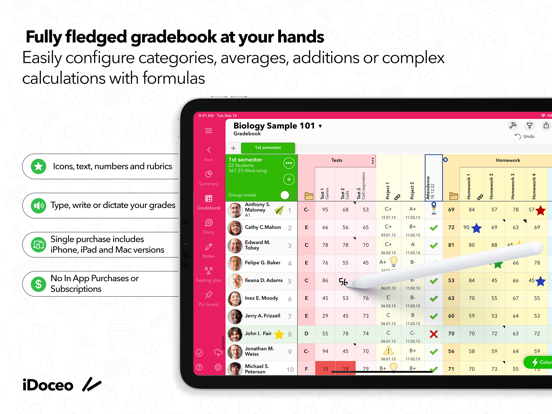
- Fully fledged gradebook for teachers, with custom calculations, attendance and can be linked to Google Classroom,Moodle, MSTeams
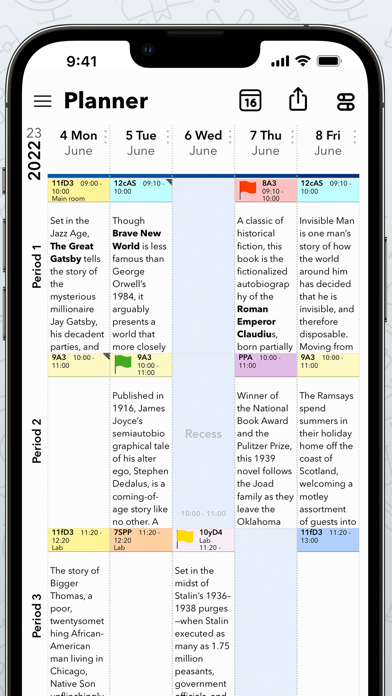
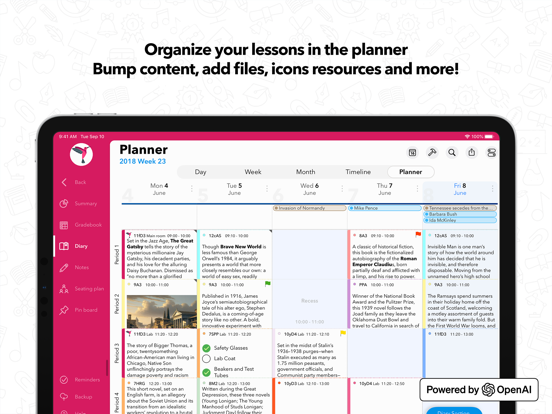
- Lesson planner: Week/Day views
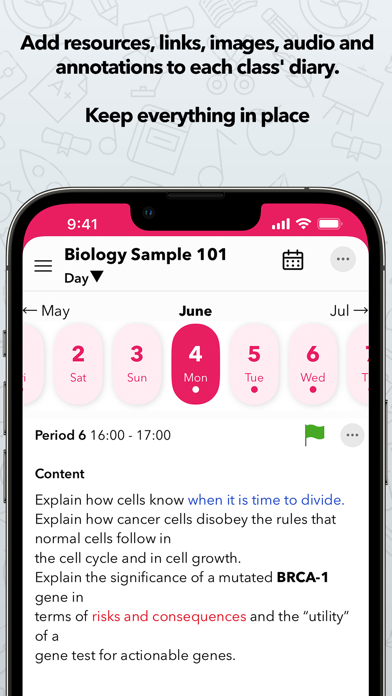
- Diary: Day/Week/Month/Timeline views of a single classroom
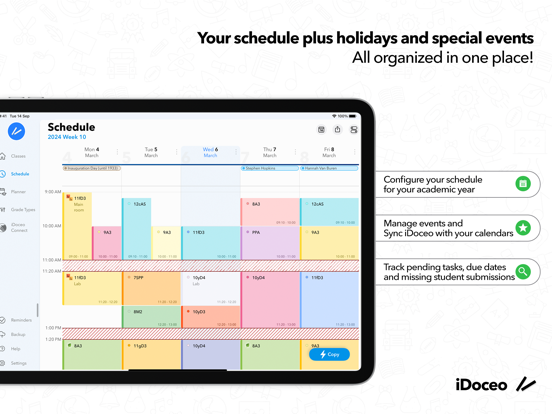
- Teacher Timetable
- Seating plans
- Resource manager that will help you keep track of PDFs, audio,files,links,images,etc.
- Notepads with handwritten notes, drawings and timestamped text
- Configurable reports in PDF, XLS and TXT
Below the list of its main features. More details at www.idoceo.net
• TEACHER PLANNER, DIARY AND SCHEDULE
- Configure simple week schedules or complex rotating cycles with holidays. Unlimited combinations for each term
- Individual diary for each classroom. Single day view, week, month and timeline. Add&Edit iCal events
- Timeline view with all your lessons on sight. Bump, lock and yank lessons.
- Add files from any source, video, audio, handwritten notes, links and resources to your lesson plans.
- Create PDF/XLS reports of your planner and diary.
• TEACHER GRADEBOOK
- Use rubrics, categories, icons, colors, text or number based grades. You can configure your own grading system
- Evidence tracking features. Take pictures, record video and audio and attach it to any cell and student.
- Calculate simple weighted averages, additions or create your own Excel like formulas with conditions and complex functions.
- Add unlimited columns, folders, rows and pages to organize your information
- Use configurable editors on each column for ultrafast edition and adapt the gradebook to your needs
- Send personalized e-mail reports to your students with their grades, annotations or files
- Filter information of students or groups on screen
- Share your gradebook configurations with other users
- Import your current data from any XLS, CSV or iDoceo template file
- Import your st