LogMeIn Pro & Central

LogMeIn Pro & Central Summary
LogMeIn Pro & Central is a free, with in-app purchases iOS app in Business by GoTo Group, Inc.. Released in Dec 2011 (14 years ago). It has 18K ratings with a 4.63★ (excellent) average. Based on AppGoblin estimates, it reaches roughly 81K monthly active users and generates around $<10K monthly revenue (100% IAP / 0% ads). Store last updated Jul 29, 2026
Recent activity: 5.00 new ratings this week View trends →
SDK intelligence: AppGoblin detected 1 development tools(e.g. Airbnb Engineering) integrated into LogMeIn Pro & Central. View full SDK list →
LogMeIn Pro & Central SDKs Summary
LogMeIn Pro & Central was last scanned for SDKs on 2026-09-24. Below is the overview of third-party companies detected in the app. The full list of SDKs, permissions and unknowns is available here.
 Airbnb Engineering
4.63★
Ratings: 18K
Screenshots
App Description
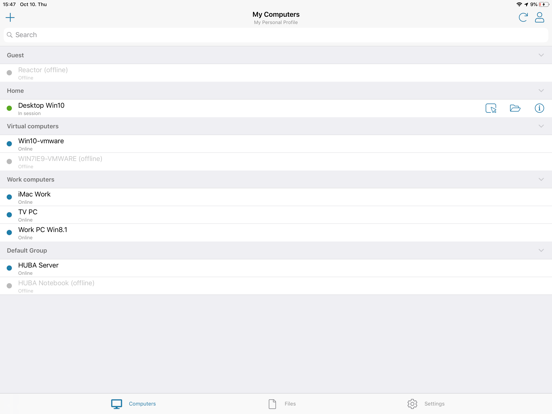
Get secure anytime, anywhere access to your computers from your iPad or iPhone.
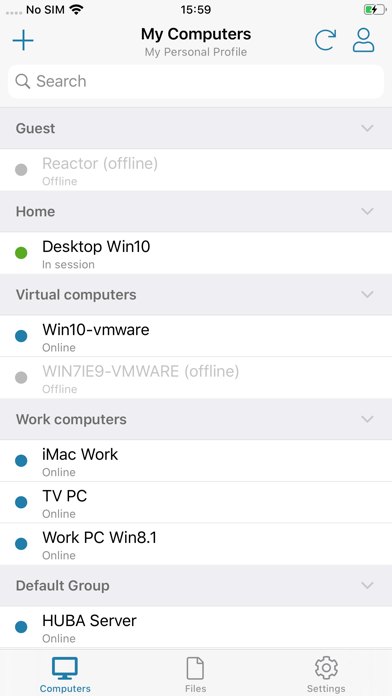
LogMeIn Pro & Central gives LogMeIn Pro and Central subscribers remote access to PCs and Macs over Wi-Fi or mobile data.
Note: to use this free app you must first have a LogMeIn subscription on the computer(s) you want to access.
****************
How to use:
1. Install the app
2. Go to the PC or Mac you want to access and install the LogMeIn software.
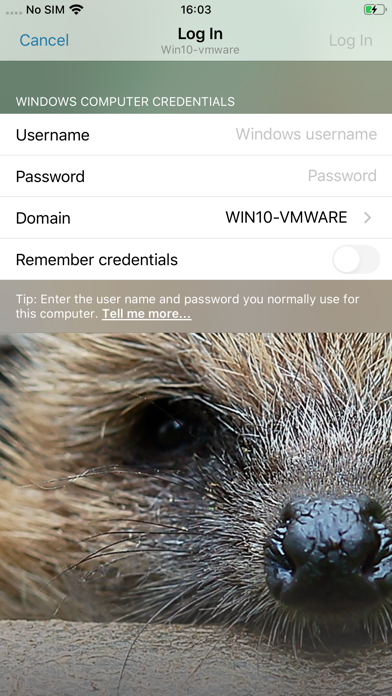
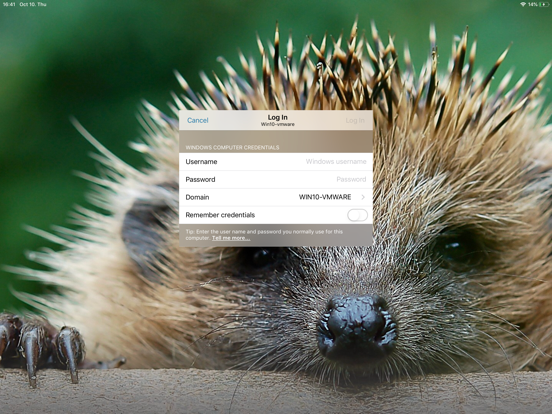
3. Launch the app from your iPhone or iPad to access your computer
For detailed step-by-step instructions, please read the LogMeIn Getting Started Guide.
With LogMeIn Pro & Central you can:
• Access your home and work computers on the go
• Control your Mac or PC as if you’re sitting right in front of it
• Get to your computer files and edit them from your iPad/iPhone
• Remotely run any application on your computer from your iPad/iPhone
Features include:
• Mouse and screen settings – choose your preferred method of remote control with scroll mode
• Magnifying glass and zoom slider – zoom by mouse, slide or with your fingers
• Quick access to your files with File Manager – save files directly to your iPhone or iPad so you can work on them offline, or move and copy files between devices.
• Change display color, resolution and network speed to maximize remote control performance.
• HD video and sound – watch videos located on your computer in HD and sound stream remotely
• Photo App Management – easily access and transfer photos
• Attach any number of files, including photos and emails
• Multi-monitor view – shake your device or three-finger swipe to switch between monitors
****************
We love your feedback!
X/Twitter: @GoTo