Elevation - Altimeter Map

Elevation - Altimeter Map Summary
Elevation - Altimeter Map is a free, ad-supported, with in-app purchases iOS app in Maps And Navigation by Mapnitude Company Limited. Released in Nov 2011 (14 years ago). It has 14K ratings with a 4.54★ (excellent) average. Based on AppGoblin estimates, it reaches roughly 38K monthly active users and generates around $<10K monthly revenue (29% IAP / 71% ads). Store last updated Sep 5, 2026
Recent activity: 14 new ratings this week View trends →
SDK intelligence: AppGoblin detected 10 ad networks(e.g. AppLovin), 2 development tools, 1 business tools,and 1 analytics: product integrated into Elevation - Altimeter Map. View full SDK list →
Elevation - Altimeter Map SDKs Summary
Elevation - Altimeter Map was last scanned for SDKs on 2026-08-18. Below is the overview of third-party companies detected in the app. The full list of SDKs, permissions and unknowns is available here.
 Google
 nanopb
 AppLovin
 ironSource
 AdMob
AdMob RevenueCat
 Firebase
4.54★
Ratings: 14K
Screenshots


App Description
Find your current elevation, altitude, and height above sea level easily with this altimeter/barometer app.
## Elevation Finder ##
This app helps you observe the elevations of all locations on the surface of the earth by simply touch and move the map around, or input the address/location name. You can also find the elevation of your current location by using online database, built-in GPS, or barometer on your device.
Elevation data benefits flood prevention, prediction of water levels in rivers, lakes, and seas, etc. Thus, knowing the elevation of places is very crucial if you are looking for a flood-free house, or planning for a hiking trip, and more.
## Cloud-based Altitude Data ##
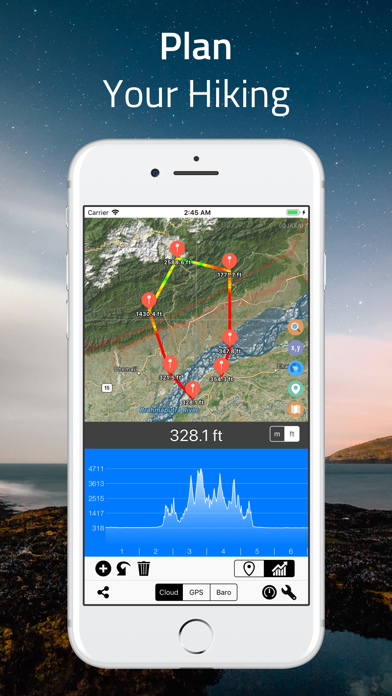
The easiest way to find altitude of any location on earth. By simply point on the screen, you can get the elevation data from a coordinate location point. “Range Mode” is available for altitude comparison (by graph and line) of each point between two selected locations.
## GPS Altitude Data ##
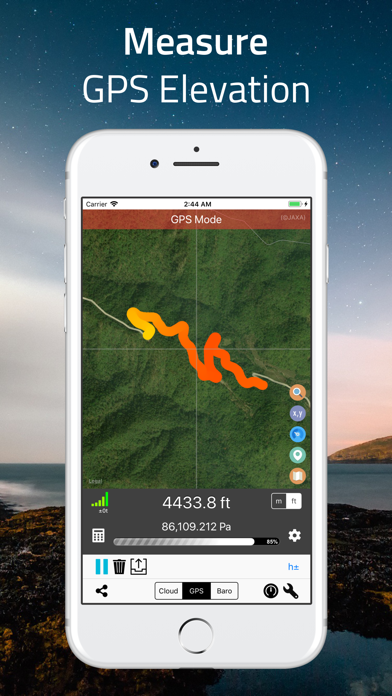
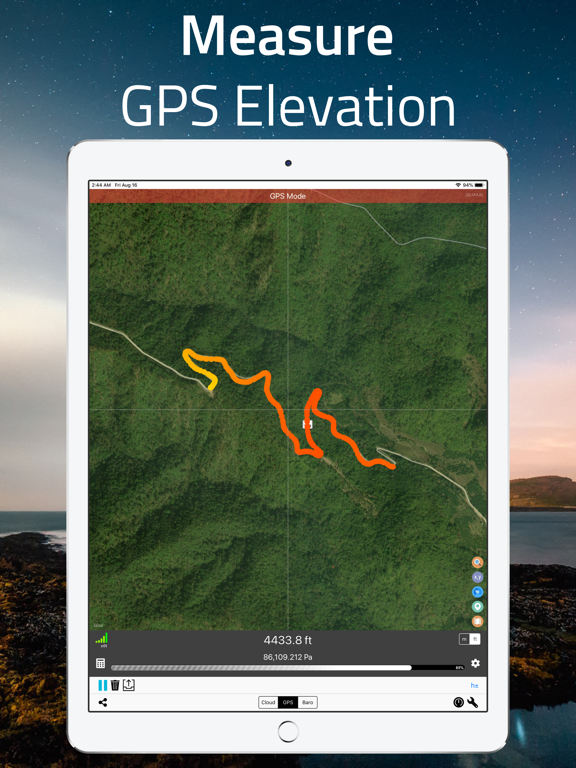
Use built-in GPS on your device to determine the altitude of your current location. The altitude data of the area you walked-through will be recorded and displayed as a multicolored line on the map. The colors presented on the line indicate different heights. Precision indicators (horizontal resolution and vertical resolution) are displayed on the screen.
## Barometric Altitude Data ##
Use built-in barometer on your device to determine the elevation of your current location. You can either measure the elevation from raw barometric data, or relative pressure from sea-level. Like GPS data, the result is displayed as a multicolored line.
To get the most accurate data, it is recommended to adjust the sea level pressure and temperature prior to the measurement, and set the offset or calibration value if necessary.
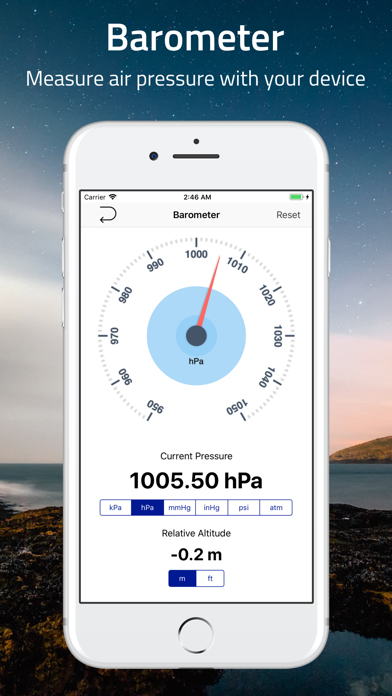
## Standalone Barometer ##
You can use this app as a standalone barometer.
## Air Pressure / Altitude Calculator ##
Atmospheric pressure and/or altitude at your current location are calculated from known altitude, pressure of the location, temperature and/or sea level pressure.
## Support of Coordinate Formats ##
This app not only displays regular latitude and longitude data, but also supports many coordinate systems such as, Universal Transverse Mercator (UTM) coordinate system and Military Grid Reference System (MGRS) and more.
## Export of Data