Draw Pad Pro - Sketch Notes

Draw Pad Pro - Sketch Notes Summary
Draw Pad Pro - Sketch Notes is a with in-app purchases iOS app in Productivity . Released in Dec 2011 (14 years ago). It has 159 ratings with a 4.04★ (good) average. Based on AppGoblin estimates, it reaches roughly 1.4K monthly active users and generates around $<10K monthly revenue (100% IAP / 0% ads). Store metadata: updated May 5, 2026.
Store info: Last updated on App Store on May 5, 2026 .
4.04★
Ratings: 159
Screenshots
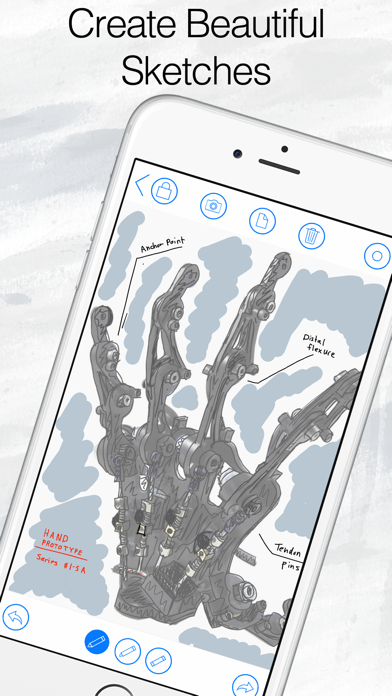


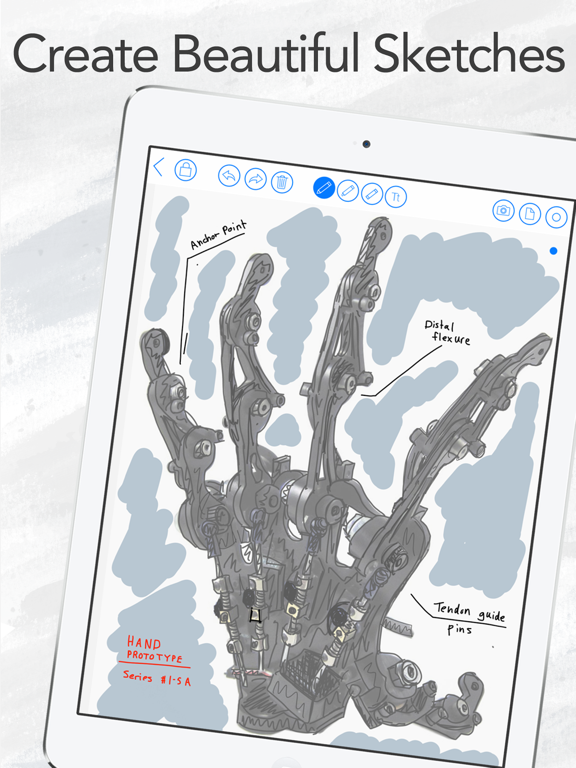


App Description
Draw Pad Pro helps you capture ideas the moment they appear. Turn quick sketches into organized notebooks without slowing down your flow. Keep everything clear so you can return to your work with confidence.
From first concept to final draft, Draw Pad Pro combines a smooth PencilKit canvas with practical organization tools. You can build notebooks, split them into sections, and keep each sketch easy to find. The app is built for daily creative work, whether you are planning, studying, or designing.
**Organized Notebooks That Stay Clean**
Create notebooks for each project and add sections to separate topics, phases, or clients. A clear structure keeps your drawing library readable as it grows. You spend less time searching and more time creating.
**Natural Drawing on a Fast Canvas**
Use PencilKit for responsive drawing that feels fluid with Apple Pencil and touch. Capture rough ideas, refine details, and keep momentum during busy sessions. The canvas stays focused so your work moves quickly.
**Tags and Captions for Instant Context**
Add tags and captions to sketches so every image carries meaning at a glance. This makes review sessions faster when you are handling many drafts at once. You can track progress without building extra documents.
**Flexible Actions for Real Workflow**
Duplicate sketches, move them between notebooks, and share results when feedback is needed. These actions support iterative work without forcing you into complicated steps. You can finish handoffs faster with less friction.
**Local-First Reliability with Optional Sync**
Your core drawing workflow works without a subscription and without depending on constant connectivity. Optional sync is available through subscription when you want continuity across devices. You stay in control of when and how your work travels.
Download Draw Pad Pro and start building a cleaner, calmer sketch workflow today.