IC Photo Singapore

IC Photo Singapore Summary
IC Photo Singapore is a mobile iOS app in Photo And Video by Tinkertanker. Released in Dec 2011 (14 years ago). It has 218 ratings with a 3.99★ (average) average. Based on AppGoblin estimates, it reaches roughly 459 monthly active users . Store metadata: updated Sep 14, 2017.
Data tracking: SDKs and third-party integrations were last analyzed on Feb 12, 2025.
Store info: Last updated on App Store on Sep 14, 2017 .
3.99★
Ratings: 218
Screenshots
App Description
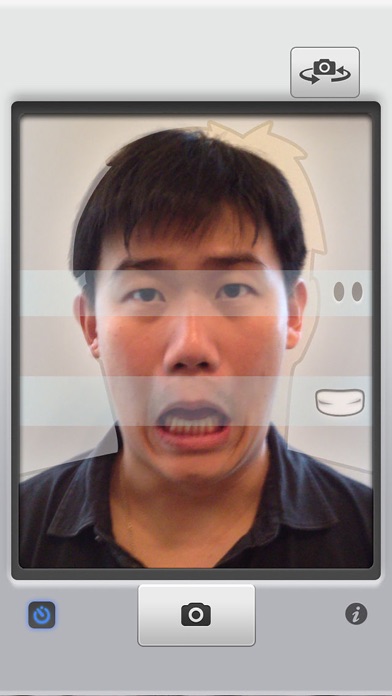
Need a photo to renew your Singapore NRIC or passport, or to apply for an employment pass? Don't spend $7 at a photo booth or 7 hours with your digital camera and photo editing tools — just use this app to take a perfectly cropped picture that you can submit online to ICA.
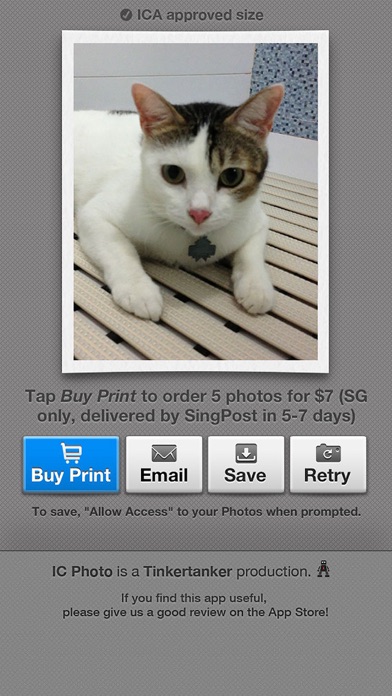
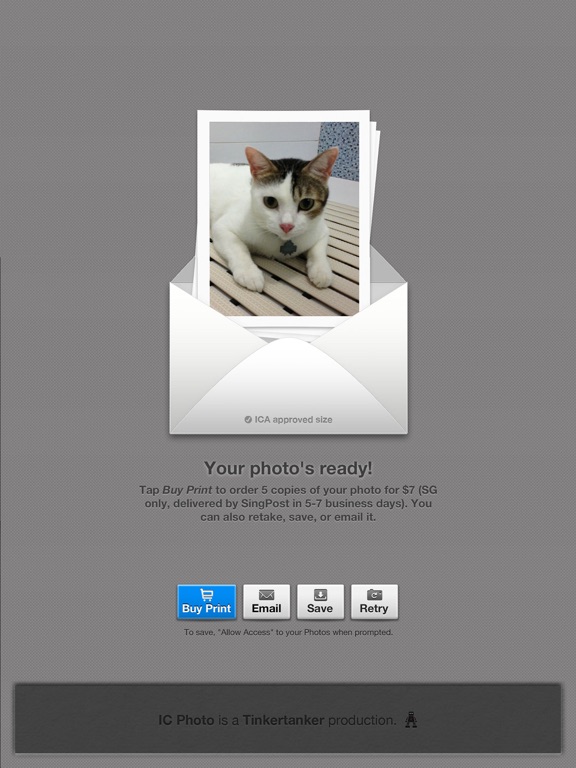
If you need printed copies, you can order them from within the app! No need to leave the house — we'll send them to you in a few days. (Singapore only!)
FEATURES
• Works on iPad, iPhone, and iPod touch with camera
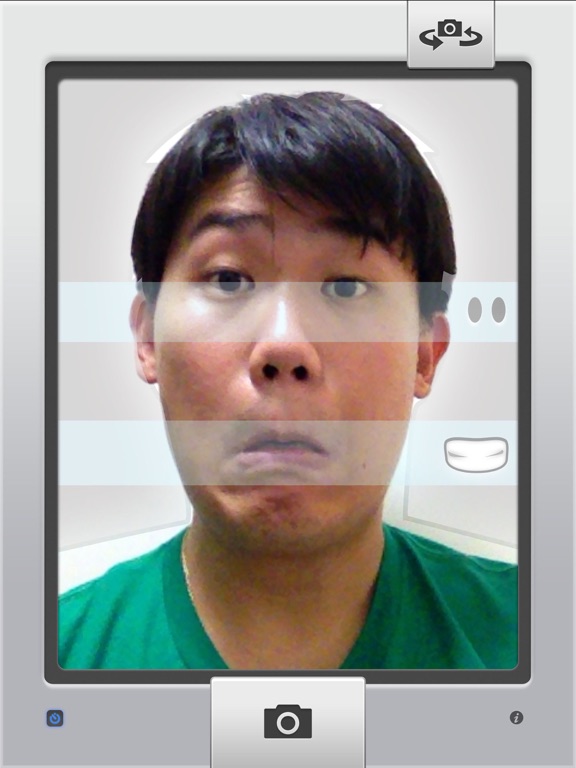
• It's super easy! Just line yourself up with the guides to make sure you’re framed correctly
• Take your own picture (for devices with front-facing cameras), or have someone else take it for you
• A countdown timer to help you prepare for the shot. You can disable this countdown timer to take photos of fast-moving objects like children, pets, and the cost of living in Singapore.
• If you send a photo of your pet to ICA, please don't say we suggested it.
• Take as many pictures as you want, to get that perfect shot for your NRIC/passport
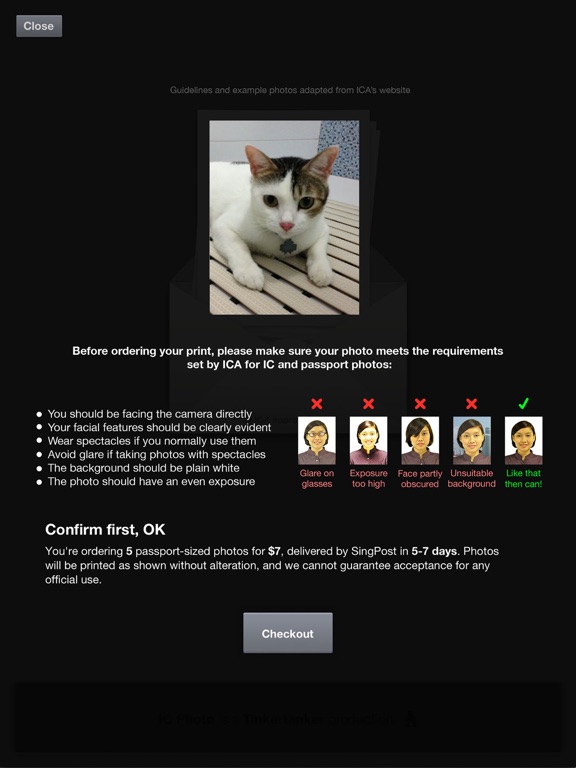
• Your photo is automatically cropped and resized for ICA's specifications for NRIC/passport photos (400 x 514px)
• Email it to yourself, or save it to your Camera Roll, so you can finish your online application later
• Free!
• OR you can ask us to print it for you. That's not free.
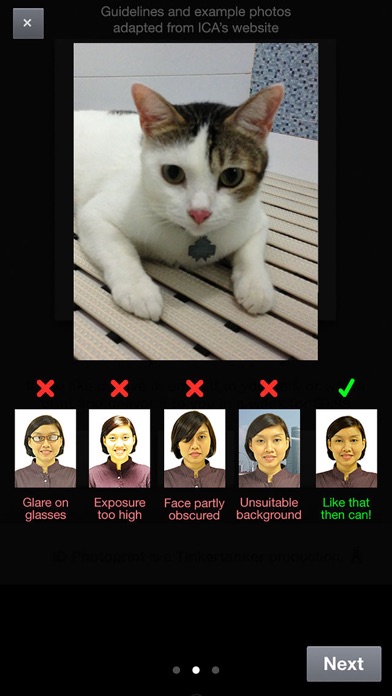
• With the guides, you won’t get a letter from ICA that telling you to "show more shoulder" in your photo. We’re not kidding, this actually happened to one of us
• Share your ID photo to Twitter or Facebook after saving or emailing it! We don't know why you'd want to do this, but you can.
• Did we mention it’s free?
• Why are you still reading this, we’ve run out of features
PRINTED PHOTOS
• Order printed IC photos, mailed to you in a few days.
• Cheaper and more convenient than photo booths, because you don't even need to leave the house. Unless you stay in a photo booth, in which case, umm, sure, you win.
• Perfect for attaching to job application forms, and as gifts. Really, really terrible gifts.
• Pay by PayPal or credit card.
If you get an error that says "Saving failed with error: data unavailable", you have to allow IC Photo access to the Camera Roll. Do this:
• Go to the iPhone or iPad's Settings
• Tap on Privacy, then Photos.
• Look for IC Photo, and make sure the toggle is "On"
• We nee