Checkbook - Account Tracker

Checkbook - Account Tracker Summary
Checkbook - Account Tracker is a free, ad-supported, with in-app purchases iOS app in Finance by Beesoft Apps. Released in Dec 2011 (14 years ago). It has 15K ratings with a 4.26★ (good) average. Based on AppGoblin estimates, it reaches roughly 151K monthly active users and generates around $10K+ monthly revenue (23% IAP / 77% ads). Store last updated May 22, 2026
Recent activity: 7.00 new ratings this week View trends →
SDK intelligence: AppGoblin detected 7 development tools(e.g. Google), 3 ad networks, 2 analytics: product,and 1 analytics: attribution integrated into Checkbook - Account Tracker. View full SDK list →
Checkbook - Account Tracker SDKs Summary
Checkbook - Account Tracker was last scanned for SDKs on 2026-08-18. Below is the overview of third-party companies detected in the app. The full list of SDKs, permissions and unknowns is available here.
 Google
 Facebook
 AppLovin
 Amazon
 nanopb
 Alamofire
 AppsFlyer
 Firebase
 Amplitude
4.26★
Ratings: 15K
Screenshots


App Description
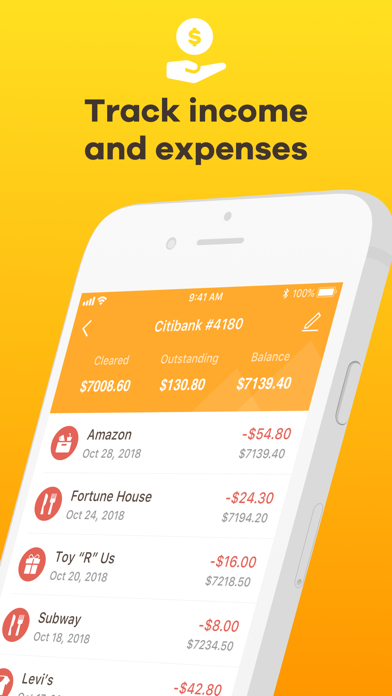
An easy & quick way to manage your daily finances, Checkbook keeps track of your credit card charges, cash expenditures...etc. With the Checkbook application, it can totally replace your paper checkbook. You can create multiple accounts, save recurring transactions, transfer funds, view reports & graphs, export data...etc. You can even search the transaction by crossing your finger on the calendar! All details of the Checkbook are well designed to provide an excellent experience. Designed and developed by polycents!
FEATURES
※Export in CSV, QIF & HTML Formats
-Export your transactions by email for use of desktop applications such as Excel, Quicken...etc.
※Calendar
-Show all your monthly transactions as points on the calendar.
-Filter transactions by tapping a date or selecting multiple dates on the calendar.
※Recurring Transactions
-Save a transaction to be used repeatedly(daily, weekly, 2 weeks, monthly, tire monthly), without retyping all the details.
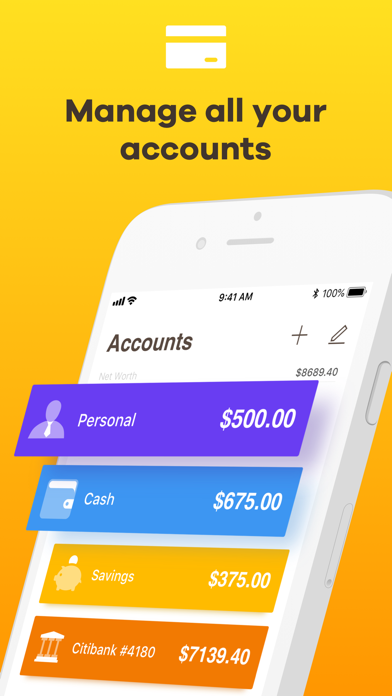
※Multiple Accounts
-Track as many accounts as you need.
※Categories
-Supports multiple categories with beautiful icons to choose from.
※Payee & Note
-All the details you need to keep track of your transactions are including.
※Search
-Quickly search for transactions by dates, name, payee, and category.
-Search and edit transactions on the same screen.
※Transfer
-Transfer funds from one account to another.
※Reconcile Transactions
-Reconcile your transactions by editing cleared/un-cleared status
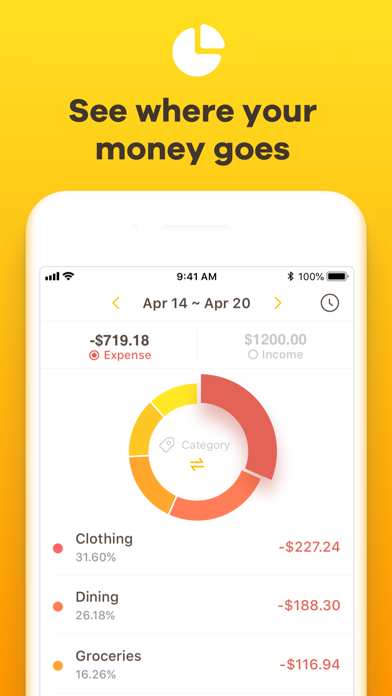
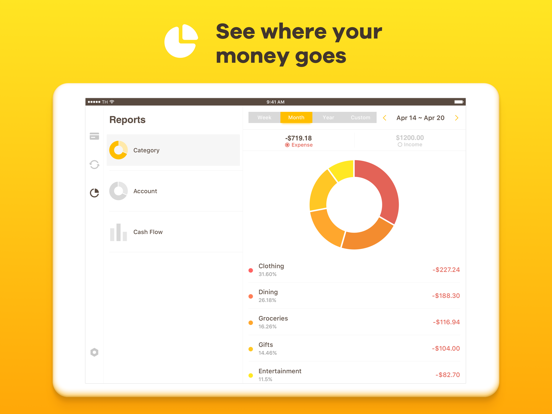
※Reports & Charts
-Review all your expenses & income by category or account with beautiful graphs and reports.
-Supports both bar and pie charts.
-You can set the time period to daily, weekly, monthly & yearly.
※Passcode
-Protects your private information.
※Currency
-Supports multiple currencies.
※Elegant, Powerful & User-friendly interface
# Subscription Details #
- Monthly and annual subscriptions are available.
- Payment will be charged to your iTunes account at confirmation of purchase.
- Your subscription will automatically renew unless auto-renew is disabled at least 24 hours before the end of the current subscription period.
- Automatic renewals will be charged at the same price you were originally charged for the subscription.
- Subscriptions can be managed by going to Account Settings on the App Store after purchase.
Terms of Use: https://www