Screenshot

Screenshot Summary
Screenshot is a mobile iOS app in Tools by 华 庄. Released in Dec 2011 (14 years ago). Store metadata: updated Apr 9, 2026.
Store info: Last updated on App Store on Apr 9, 2026 .
0★
Ratings:
Screenshots
App Description
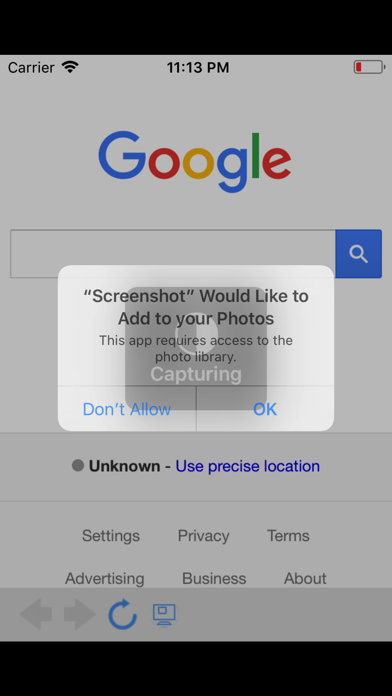
ScreenShot is the smartest way to capture, export, and share web content on your iPhone and iPad.
Unlike basic screenshot tools, SmartShot understands the structure of web pages. It detects HTML blocks automatically, so you can tap to select exactly the content you want - no more cropping and trimming.
SMART BLOCK CAPTURE
- Tap any element on a web page to select it instantly
- Automatically snaps to the nearest HTML block boundary
- Select multiple blocks and capture them all at once
- Use Expand to select parent containers, or Siblings to grab all items in a group
- Rescan after page changes to detect new content
FULL PAGE CAPTURE
- Generate a complete long screenshot of any web page
- Multi-segment stitching with real-time progress display
- Export full pages as high-quality PDF with automatic pagination
- Works with dynamic content and lazy-loaded images
IMAGE SPLITTING
- 9-Grid mode: Split into 2x2, 3x3, 4x4, and more layouts
- Crop to square option for social media posting
- Horizontal Slice mode: Cut long screenshots into equal segments
- Choose from 2 to 10 slices for easy sharing
- Automatically detects long images and suggests the best mode
- Save all pieces to Photos in order with one tap
TEXT EXTRACTION
- Extract readable text directly from web pages
- Smart content detection finds the main article body
- Outputs clean Markdown with headings, lists, and quotes preserved
- Export as .txt or .md files
- Copy, share, or save extracted text instantly
MULTIPLE EXPORT OPTIONS
- Save screenshots to Photos
- Export as PNG, JPEG, or PDF
- PDF export with automatic A4 page splitting for long captures
- Share directly to any app via the share sheet
SHARE EXTENSION
- Send any URL from Safari or other apps directly to SmartShot
- One tap to open and capture - no need to copy and paste URLs
BUILT-IN BROWSER
- Full-featured web browser with navigation controls
- Smart URL bar with search support
- Loading progress indicator
- Back, forward, and reload controls
ADDITIONAL FEATURES
- Screenshot history with thumbnails and metadata
- Customizable settings for wait time and image quality
- Supports iPhone and iPad
- Clean, intuitive interface designed for efficiency
.