Awesome Calendar Lite
Awesome Calendar Lite Summary
Awesome Calendar Lite is a ad-supported, with in-app purchases iOS app in Productivity by YunaSoft Inc.. Released in Dec 2011 (14 years ago). It has 2.6K ratings with a 3.98★ (average) average. Based on AppGoblin estimates, it reaches roughly 7.3K monthly active users and generates around $<10K monthly revenue (25% IAP / 75% ads). Store metadata: updated Oct 16, 2025.
Store info: Last updated on App Store on Oct 16, 2025 .
3.98★
Ratings: 2.6K
Screenshots
App Description
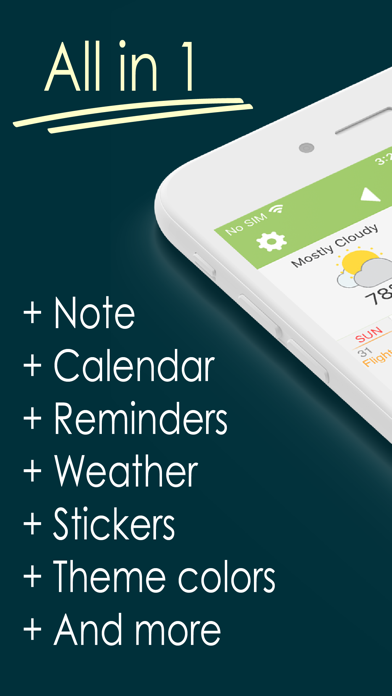
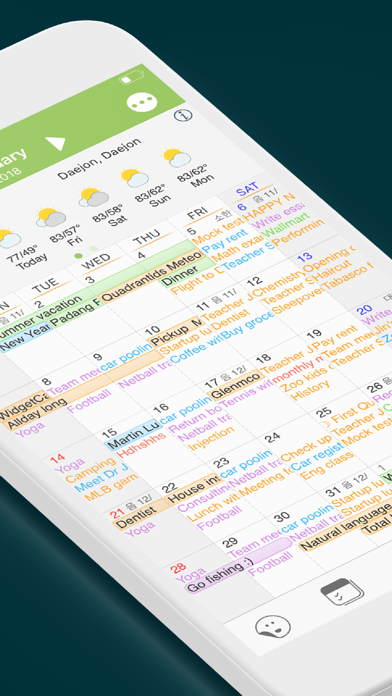
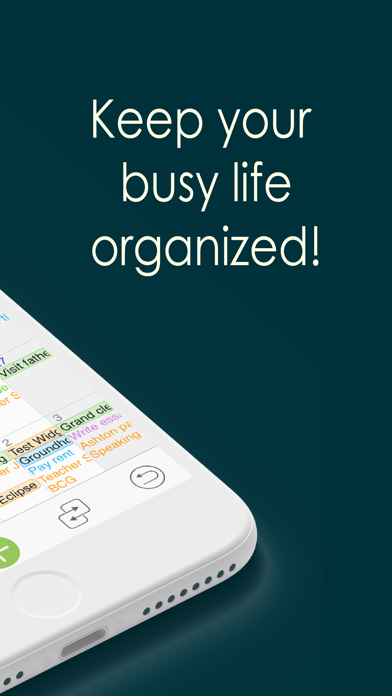
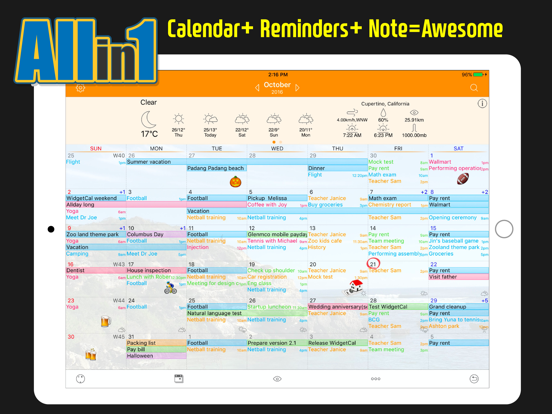
Say goodbye to all the calendars and schedule planner apps you’ve ever used on your iPhone or iPad, as Awesome Calendar is going to change the game. This perfect time management app delivers everything you should expect from such planner apps and it even sets the bar to a higher level by offering fresh and intuitive user interface, ultimate customization options, detailed weather forecast, tons of emoji stickers to add to the calendar view and a lot more.
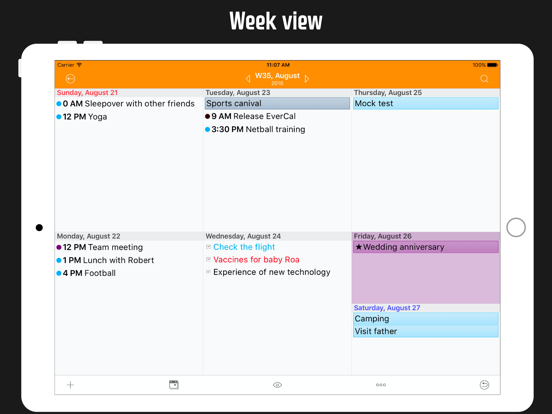
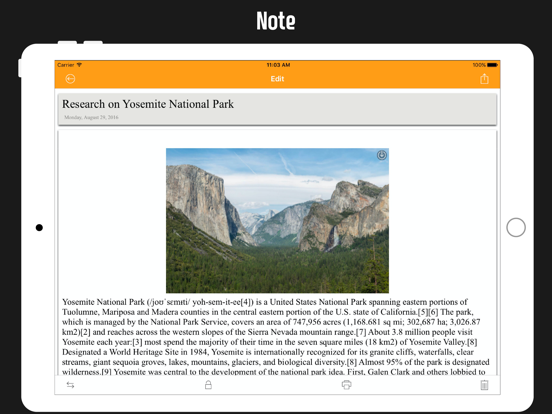
With Awesome Calendar, you’ll have access to a multi-functional task manager app to organize your life. This personal planner app comes with a clean and neat design and the interface is so user-friendly that you’ll get the whole idea after browsing through the menus for a few times. You get to easily add a note, create an event or set a reminder right from calendar’s month view. To switch between different views (Week or Day view) you just need to double tap on the screen and to see available events for a specific day, you just need to tap on that date (a pop-up opens).
So, if you care about being organized and want to never be worried about forgetting a meeting, missing a deadline or forgetting the long lists of your to-dos, then the Awesome Calendar is A Must Have App for you.
Download this calendar and planner app and start adding your agenda, to-do lists and your upcoming events to it. Awesome Calendar will automatically organize everything and will let you know as soon as there is a deadline, a meeting or an event to attend to.
Why Should I Install Awesome Calendar on my iPhone?
While there are so many calendar apps to download and use, including the default iPhone’s calendar app, why should I trust this planner pro app and use it as my organizer app? Well, this is a fair question to ask and here are just a few reasons for installing this wonderful app:
One. It’s extremely easy to use. This awesome app packs all the great features in a very well designed interface and you can easily track your events in different views.
Two. It syncs with all iPhone calendar apps. If you are already using old-fashioned calendar apps, you can easily bring all your data to this awesome app.
Three. It offers ultimate customization options. You get to easily set custom color for event and reminder, and change the font size and style in the notes and different views. There is also the option to add stickers to