Spanish Word Wizard for Kids

Spanish Word Wizard for Kids Summary
Spanish Word Wizard for Kids is a mobile iOS app in Education by Pierre Abel. Released in Dec 2011 (14 years ago). It has 20 ratings with a 4.14★ (good) average. Based on AppGoblin estimates, it reaches roughly 14 monthly active users . Store last updated Oct 27, 2020
Spanish Word Wizard for Kids SDKs Summary
App not yet scanned for SDKs.
4.14★
Ratings: 20
Screenshots
App Description
• Spanish Version of Word Wizard app called "Speak ‘N Spell for the iPad Generation" by the New-York Times
• Featured as "New & Noteworthy" in Mexico's App Store
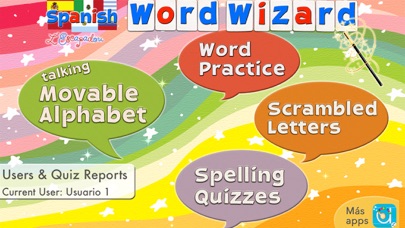
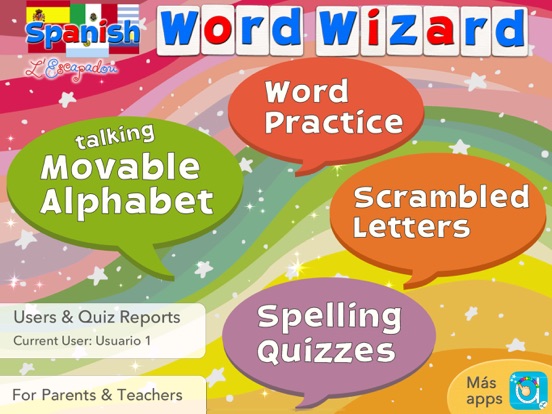
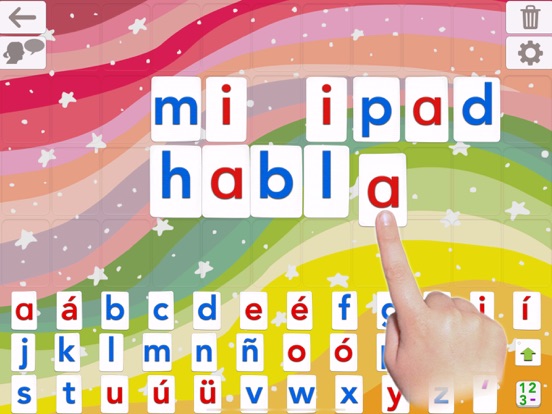
Spanish Word Wizard is a unique app used in may nchools that lets kids hear the sounds of letters and words using a talking movable alphabet. Featuring advanced text to speech capabilities, the app can pronounce and spell-check an unlimited number of original spanish words.
Spanish Word Wizard also provides spelling practice with a list of more than 1,500 questions and answers, and the best is that you can add your own words to create any spelling quiz.
Note that this is an immersive Spanish app - no translation is provided except for menus.
--Learn to Read by Building Words --
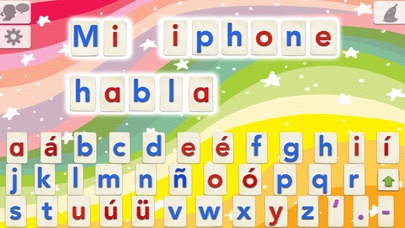
• The Talking Movable Alphabet activity allows kids to experiment with word building and phonics thanks to the advanced text to speech engine (the first step in learning to read)
• Any text can be written and spoken
• 3 voices: 1 Latino voice (Female) and 2 Castilian voices (Female and Male)
• Uppercase & lowercase letters, numbers, digraphs, ABC or QWERTY keyboard
• Many settings to adapt the activities to the child’s needs (phonics or letter name, letter size, assign images to words, high contrast modes for kids with visual impairment,...)
-- Learn to Spell using the Talking Movable Alphabet and your word lists --
• 3 spelling activities that increase in difficulty
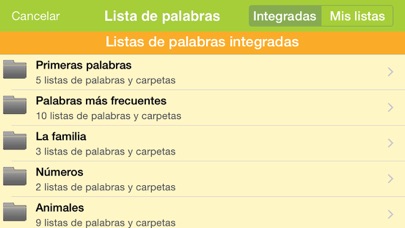
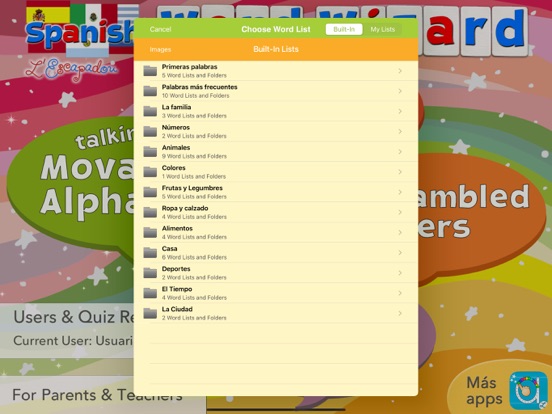
• 150 built-in word lists (about 1500 words)
• Add your own words to create unique spelling quizzes!
• Add your own images to illustrate your word lists
• Keep tabs on your children’s progress with detailed reports
_______
Talking Movable Alphabet Activity
_______
• Pronounce and spell-check any word, number or sentence
• Natural Sounding Voice
• Letter sound (phonic) or name when a letter is touched in the alphabet
• Alphabetic or QWERTY layout, letters, numbers, consonant digraphs (like “th”) and vowels digraphs (like “oo”)
• Uppercase or lowercase letters
• Keyboard emulation option
• 4 letter sizes available (allowing for more or fewer letters on the board)
• Customized word pronunciation, if necessary
• Accessibility: external keyboard support and 4 high contrast modes available
_______
Fun Spelling Activities
_______
3 spelling activities of increasing difficulty are provided to ada