SunPass

SunPass Summary
SunPass is a mobile iOS app in Travel And Local by FL Dept. of Transportation/SunPass. Released in Jan 2013 (13 years ago). It has 2.4K ratings with a 1.62★ (poor) average. Based on AppGoblin estimates, it reaches roughly 4.8K monthly active users . Store metadata: updated Nov 13, 2025.
Recent activity: 4.00 new ratings this week View trends →
Data tracking: SDKs and third-party integrations were last analyzed on Nov 29, 2024.
Store info: Last updated on App Store on Nov 13, 2025 .
SunPass was last scanned for SDKs 2024-11-29. Below is the overview of third party companies detected in the app. The full list of raw SDKs, app permissions and unknown SDKs is available here.
 nanopb
1.62★
Ratings: 2.4K
Screenshots


App Description
SunPass is the Florida Department of Transportation's innovative Prepaid Toll Program. Incorporating the latest technology, SunPass can be used on Florida's toll roads and most toll bridges. SunPass customers typically pay less than cash customers at most toll plazas and exits on Turnpike roads.
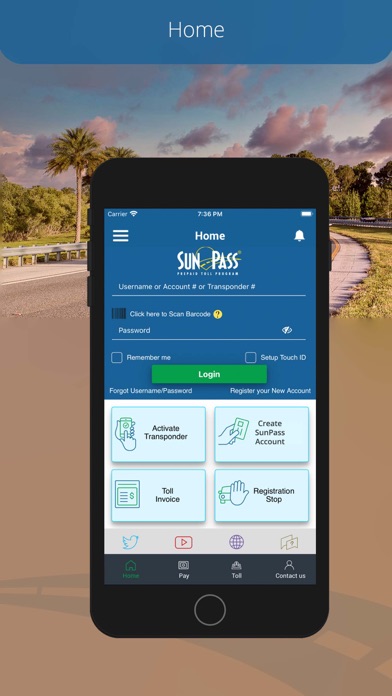
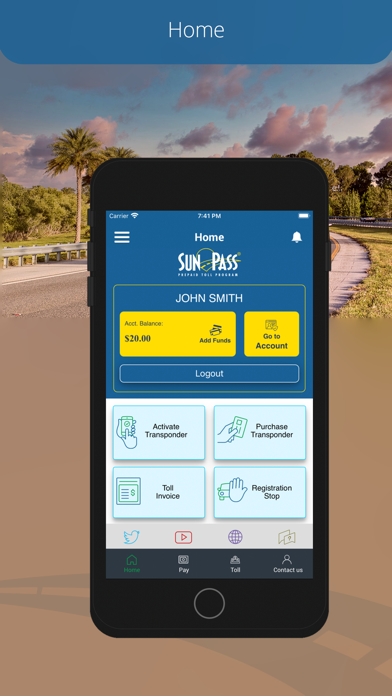
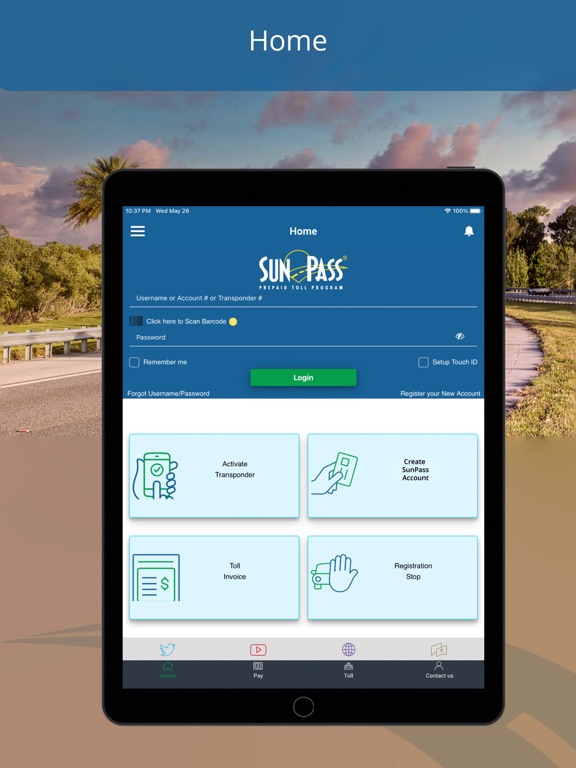
Enjoy the convenience of managing your SunPass account, anytime, just by downloading the app and logging in using the same Account, Transponder Number, or Username and Password established for online account management.
Features
Check account balance.
Add funds using a Easy Pay or new credit card.
Save credit card for Easy Pay.
View transaction activity.
Update vehicle information.
Add transponders to existing accounts.
Update your transponder status.
SunPass es un programa innovador de peaje prepagado del Estado de la Florida. Incorporando la última tecnología, SunPass se puede utilizar en todas las carreteras y casi todos los puentes con peajes a través de la Florida. Los clientes de SunPass pagan los peajes más bajos, ya que las tarifas son más bajas que las tarifas en efectivo.
Disfrute de la comodidad de manejar su cuenta de SunPass en cualquier momento, con solo descargar la aplicación e iniciar la sesión utilizando el mismo número de cuenta, número del transponder o nombre de usuario y PIN establecido para el manejo de su cuenta en línea.
Chequear el balance de la cuenta.
Agregar fondos usando Easy Pay o una tarjeta nueva.
Ver la Actividad de la cuenta.
Modificar la información de los vehículos.
Agregar transponders a una cuenta existente.
Cambiar el estado del transponder.