iGotYou

iGotYou Summary
iGotYou is a mobile iOS app in Tools by Niv Gutherz. Released in May 2012 (14 years ago). It has 53 ratings with a 1.53★ (poor) average. Based on AppGoblin estimates, it reaches roughly 151 monthly active users . Store metadata: updated Jul 27, 2019.
Store info: Last updated on App Store on Jul 27, 2019 .
1.53★
Ratings: 53
Screenshots
App Description
iGotYou lets you identify intruder/theft with alarm, photo and location (using GPS).
Supports iPhone, iPod and iPad.
On the first time you open the app you need to configure your email.
The preferred method is to create a dedicated iGotYou email account from gmail or hotmail. E.g create a new email account: yourname.igotyou@gmail.com. You might need to enable less secure settings in gmail if test mail does not work. (https://myaccount.google.com/lesssecureapps)
Once you have created a new email account for iGotYou please enter the following information in iGotYou:
email field: yourname.igotyou@gmail.com
password field: password
After completing the email settings, you can click on the Test Email button to test your settings.
A test email will be sent to you. Please check your inbox/spam folders for that test email.
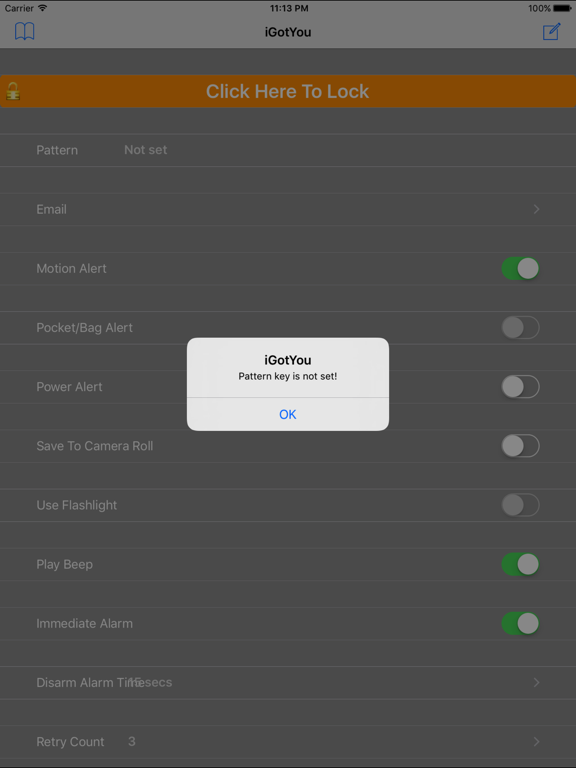
To complete your settings for iGotYou return to the main screen and click on the Pattern button.
Select your secret pattern and remember it!
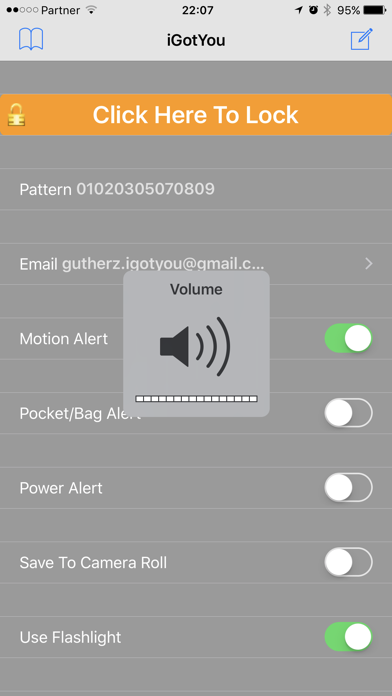
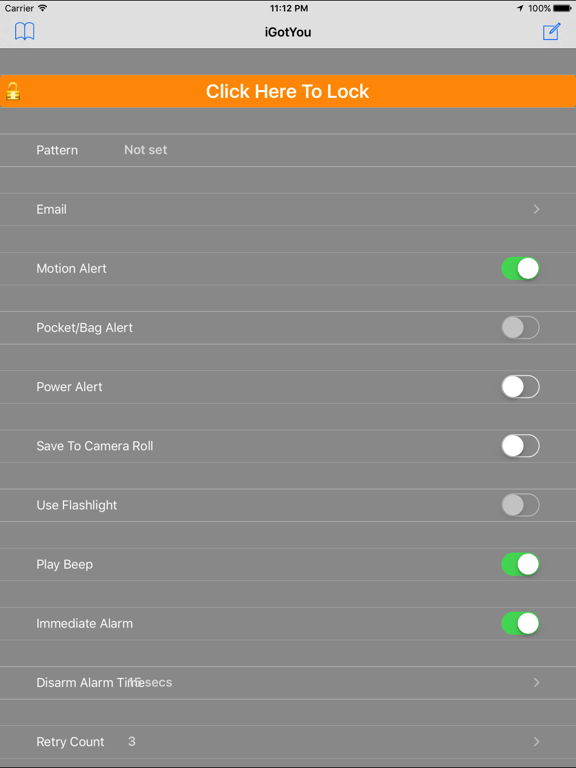
Now you can select from 3 different modes.
1.Motion alert – In this mode you will be alerted if someone move/pick your phone. (Use iDevice motion detector)
2.Pocket/Bag alert – In this mode you will be alerted if someone take your phone from your pocket/bag. (Use iDevice proximity detector)
3.Power alert – In this mode you will be alerted if someone unplug the power cable from your phone. (Use iDevice power detector)
Once you selected your alert mode, click on the “click Here To Lock” button to activate the app.
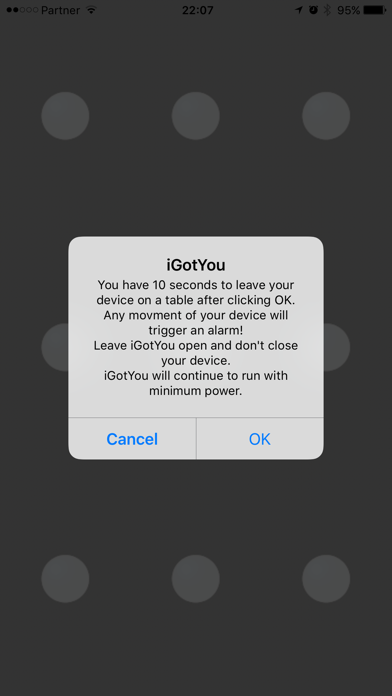
A popup message telling you what do will be displayed.
- In case you selected the Motion alert mode, after clicking OK you will have 10 seconds to put your phone on a table.
Don’t close the app or your phone!
After 10 seconds the app will dim the screen and continue to run with minimum power.
When someone (including you) will pick up/move the phone a short beep will be heard and a picture will be taken from the front and rear camera.
An email with a picture + device location will be sent to your configured email.
You have 15 seconds to disarm the app by selecting your secret pattern before hearing an alarm.
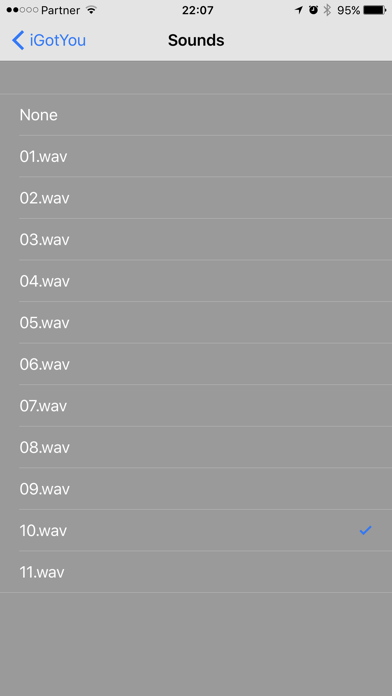
The alarm will be stopped after the configured time (“Sound Duration”) or by selecting the right pattern.
- In case you selected the Pocket/Bag alert mode, after clicking OK you will have 10 seconds to put your phone in your pocket/bag.
Don’t close the app or yo