Alon Dictaphone-Voice Recorder

Alon Dictaphone-Voice Recorder Summary
Alon Dictaphone-Voice Recorder is a paid iOS app in Business by ALON Software. Released in Feb 2012 (14 years ago). It has 3.8K ratings with a 4.11★ (good) average. Based on AppGoblin estimates, it reaches roughly 17K monthly active users . Store last updated Oct 26, 2026
Alon Dictaphone-Voice Recorder SDKs Summary
App not yet scanned for SDKs.
4.11★
Ratings: 3.8K
Screenshots


App Description
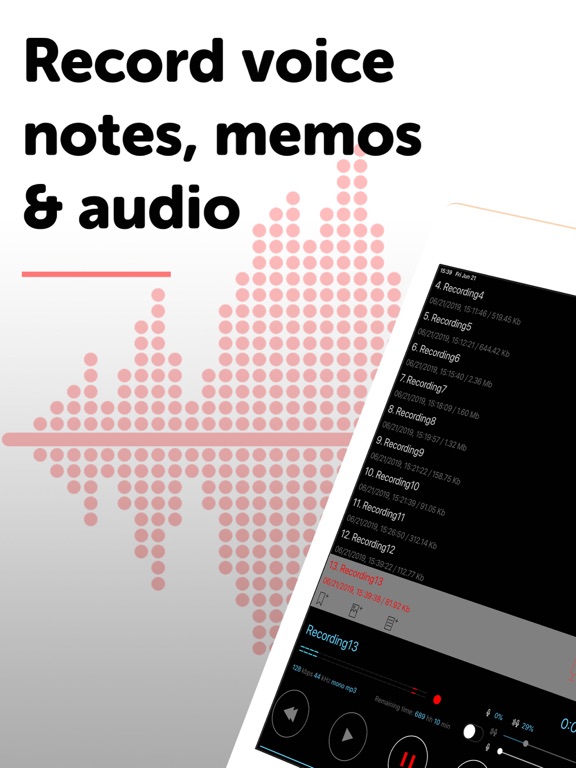
Alon Dictaphone is a professional voice recorder with every feature included. Record meetings, lectures, interviews, dictation and everyday notes in top quality, edit them, turn speech into text and send recordings wherever you need them.
EVERYTHING INCLUDED, ONE PRICE
• One-time purchase: no subscription, no in-app purchases, no ads
• Every feature below is unlocked from the first launch, with free updates
• Already use our free Dictaphone app? Installing Alon Dictaphone on the same device unlocks every feature there too. Your recordings stay right where they are.
RECORD IN PRO QUALITY
• MP3 or WAV up to 48 kHz / 320 kbps, including 32-bit WAV
• Unlimited recording length, in the background and with the screen locked
• Stereo with the built-in microphones (iOS 14+), or pick an external, wired or Bluetooth mic
• Microphone gain and voice-activated recording that skips silence
• Listen through headphones while you record
• Record from your Apple Watch, or use it as a remote control
• Start in one tap: on launch, from Control Center, the widget or the Action Button
• Stop timers, pauses automatically for incoming calls
TRANSCRIBE AND FIND WHAT MATTERS
• Transcribe: turn recordings into text, with timestamps
• Bookmarks with text notes or photos: jump straight to key moments
• Play routes: tick the bookmarks you want and play only those parts, in your order, on a loop. Ideal for learning, music practice and rehearsals
• Playback speed from 0.5x to 4x, volume and balance control
• Categories to organize recordings, with a Deleted bin to put them back
• Sort by name, date, length, size or type, with file names that sort by date
• Search your recordings: swipe down the list with two fingers
EDIT WITHOUT A COMPUTER
• Append, overwrite, insert, trim, cut and join recordings
SHARE AND BACK UP
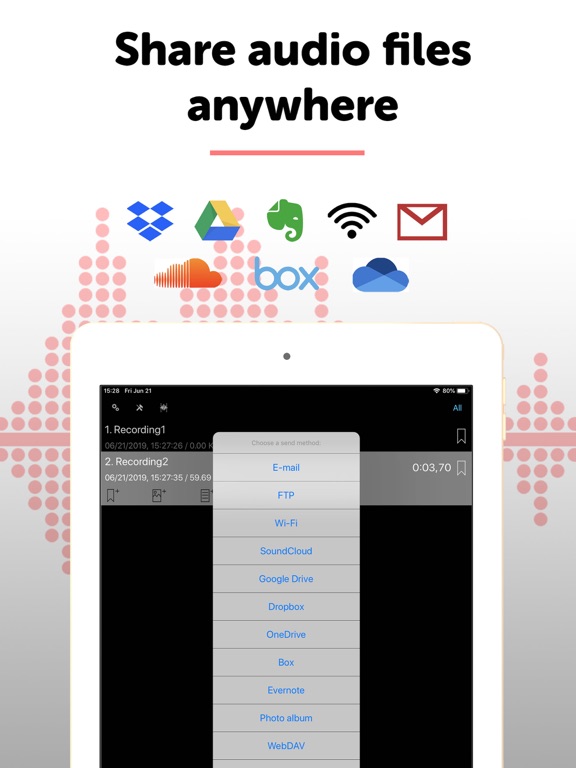
• Email, Dropbox (with auto-sync), Google Drive, OneDrive, Box, Evernote, SoundCloud, YouTube, SharePoint, FTP/WebDAV, Wi-Fi transfer, AirDrop and Open In
• Sync recordings, bookmarks and settings with iCloud
• Copy recordings to your Mac or PC with Finder or iTunes
• Import audio from other apps
• Select many recordings to send, move or delete at once
PRIVATE AND ACCESSIBLE
• Lock the app with a passcode, Touch ID or Face ID
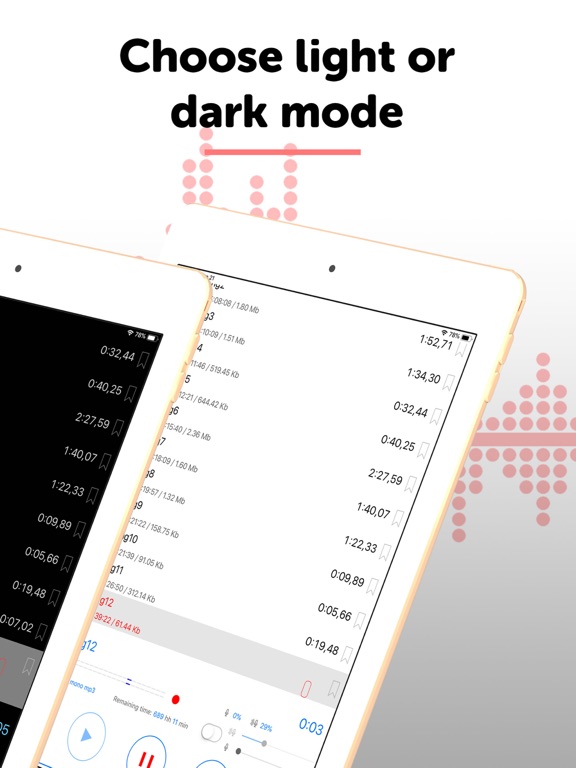
• Dark and light themes, full VoiceOver support
• One app for iPhone and iPad
GREAT FOR
• Me