Scrolling Credits
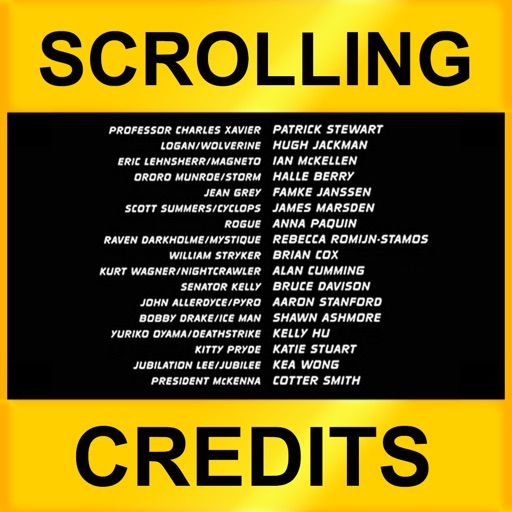
Scrolling Credits Summary
Scrolling Credits is a mobile iOS app in Photo And Video by Dating DNA, Inc.. Released in Feb 2012 (14 years ago). It has 19 ratings with a 1.84★ (poor) average. Store metadata: updated Oct 16, 2019.
Store info: Last updated on App Store on Oct 16, 2019 .
1.84★
Ratings: 19
Screenshots
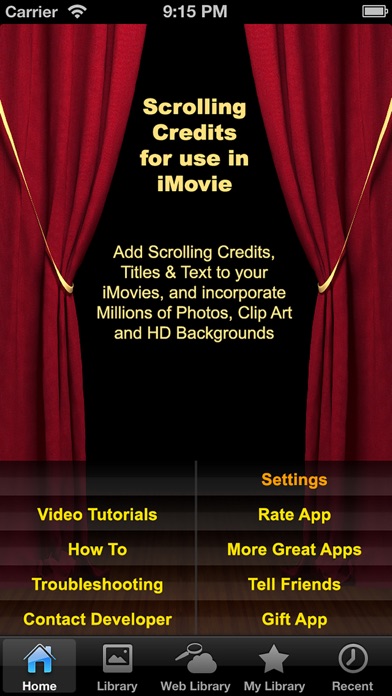

App Description
* * * * * IMPORTANT NOTE ABOUT THIS APP! This app has been replace by the new and much improved "SCROLLING CREDITS PRO" app (search for it in the app store). We highly recommend that you consider getting that app instead of this older, less robust app. (We only leave this version in the app store so those who already have purchased it can still re-upload it onto new or other devices. Those users should also, however, consider updating to the newer Scrolling Credits Pro app, it's much easier to use and more powerful.)* * * * *
Now you can add scrolling credits to your iMovie videos! The must-have companion for iMovie! Choose from several backgrounds, then add text, titles and scrolling credits to the background to then save and import into your iMovie videos.
- Scrolling or fixed Credits, Text & Titles
- Thousands of HD Backgrounds
- Clip Art
- Photos
- Upload your own photos and images
To add scrolling credits:
1. Choose one of the millions of background images on one of the tabs (or even upload your own).
2. Tap on the Customize button.
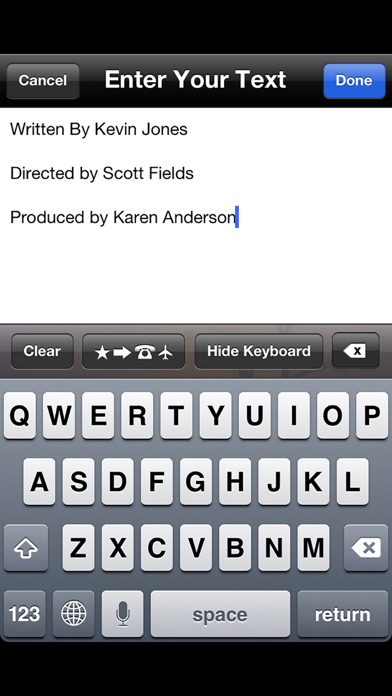
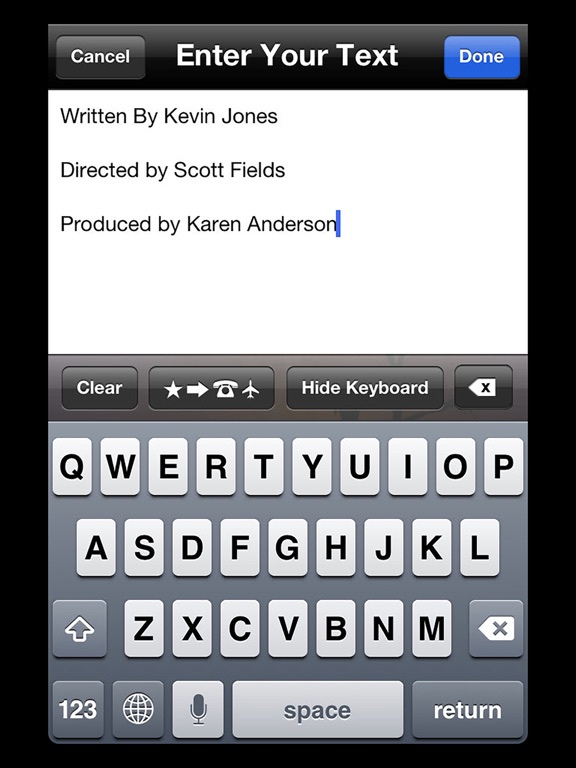
3. Tap on the Text button and enter your credits, then tap Done.
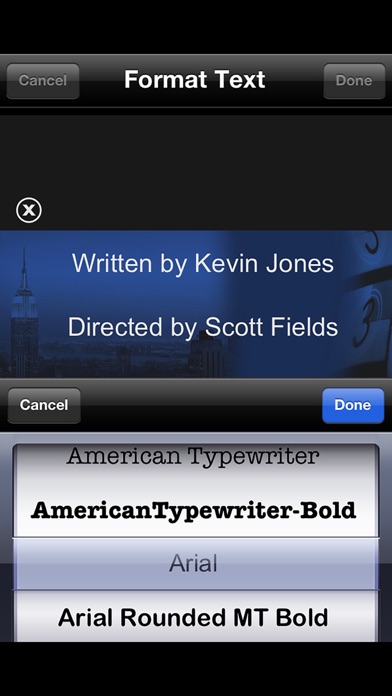
4. Format your credits by adjusting the font color, size, style, etc. with multitouch gestures (pinch to resize) and the buttons along the bottom.
5. Tap on the Animation button (movie slate icon along bottom, right side). Select Scrolling Text. Use the slide bar to adjust the scrolling speed. When finished, tap Done and Create as Video.
6. Tap SAVE button to store the scrolling credits clip on your local device.
7. Run iMovie and import the saved video into your movie.
See several tutorial videos at: http://clipish.net/support/#videotutorial
DO EVEN MORE AND SAVE $$$! This app is part of the CLIPish Pro 2 mega app. To do everything this app does AND MUCH MORE, rather than buying this individual app, you may want to consider getting the all-in-one CLIPish Pro 2 app--20 APPS IN ONE for only $2.99!
"WOW! You will not find a more extensive library of high-quality multimedia files ANYWHERE for the iPhone or iPad...period...the one must-have app of the year!" ~ John Frameir, App Review Weekly
FEATURES TO TAKE YOUR iMOVIES TO THE NEXT LEVEL IN SECONDS:
- BROWSE MILLIONS of Photos, Clip Art, Emoticons, Wallpapers, and HD Backgrounds.
- SEARCH for ANY specific item, such as "Smiles," "Clouds," "Sunsets," "Hearts," etc., and be shown HUNDREDS of images to chose from.
- UPLOAD your own images for editing (crop, rotate, add text).
- PERSONALIZE images by adding text or scrolling credits to any image. Adjust font, color, size, place