ecoClock
ecoClock Summary
ecoClock is a ad-supported, with in-app purchases iOS app in Lifestyle by YUME Entertainment. Released in Apr 2012 (13 years ago). It has 4.00 ratings with a 3.25★ (mixed) average. Based on AppGoblin estimates, it reaches roughly 13 monthly active users and generates around $<10K monthly revenue (27% IAP / 73% ads). Store metadata: updated Jul 4, 2017.
Store info: Last updated on App Store on Jul 4, 2017 .
3.25★
Ratings: 4.00
Screenshots
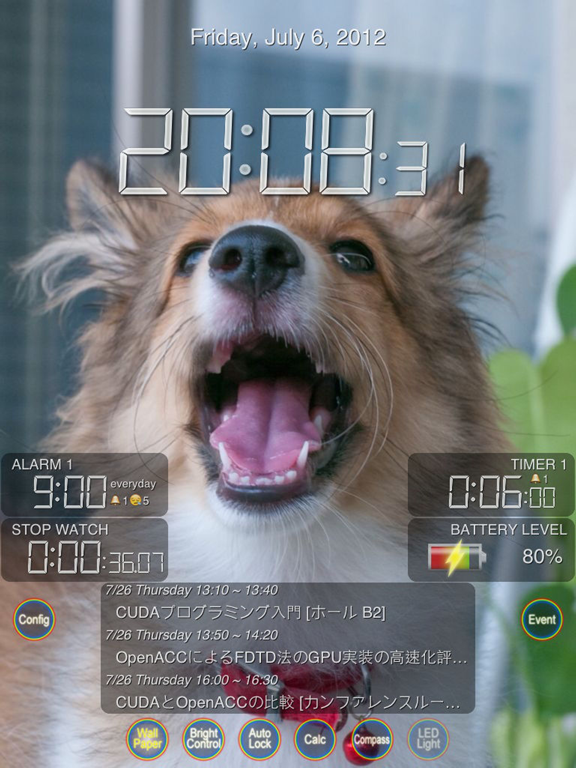
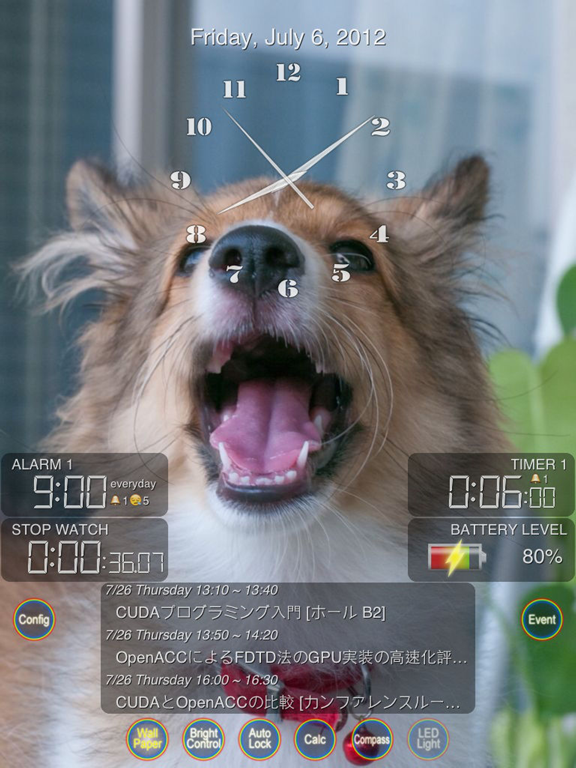
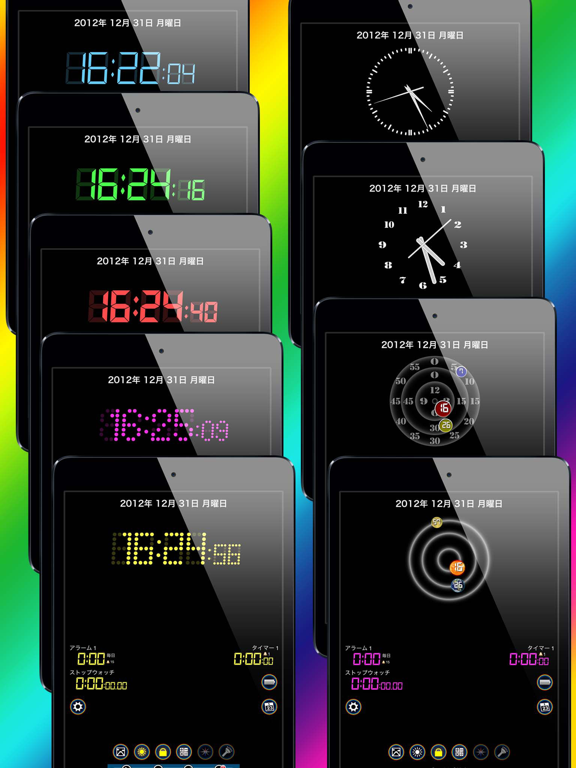
App Description
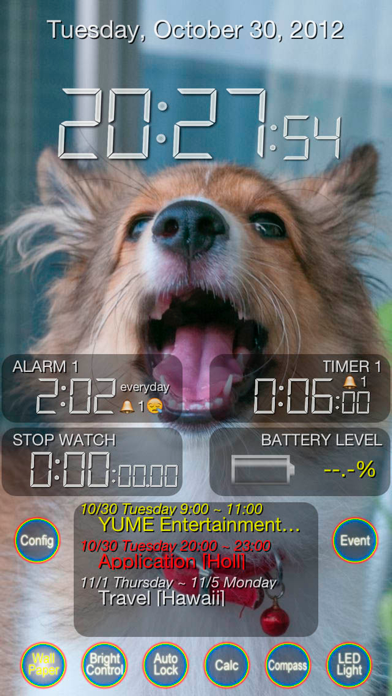
It is an application which is helpful by the date and clock display corresponding to world each language, alarm, timer, stopwatch, event list display, the status display of a battery, the simple tool (compass, a spirit level, LED lighting, and calculator) that can be risen immediately, and various functions.
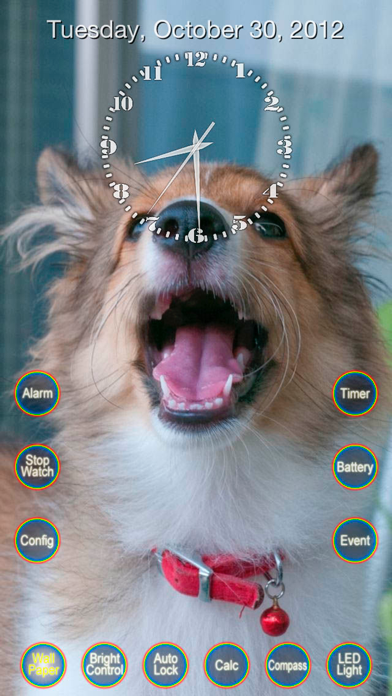
It is possible to change wallpaper freely.
Basically, operation and a display of a tool -- a single tap or swipe, and setup of a tool -- the double-tap.
The function is embedded in various places.
Please use it, enjoying yourself.
[Date]
The world's languages can be displayed in format
For more information or simple display can be switched
[Clock]
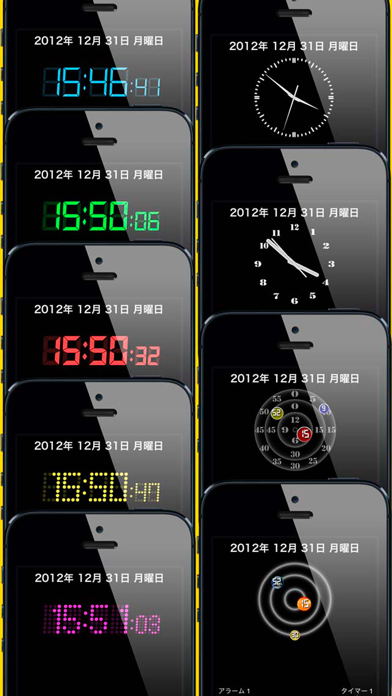
Display selection of digital or analog clock is possible.
Display switching function AM / PM or 24 hour
[Brightness Timer]
You can drop to the lowest brightness of the LCD backlight does not perform the specified time input, operations such as search.
That suppress the consumption of the battery even if you do not attempt to auto-lock setting screen starting
ON / OFF with a single tap, config with a double tap.
You can revert to the standard brightness by sensing the shake of the body also.
[Auto Lock Timer]
You can delay the time you are free to specify automatic locking of the Setting. (Up to 60 minutes)
You can reset the lock automatic timer senses the shaking of the body also start setting screen ON / OFF, with a double tap with a single tap.
[Wallpaper]
You can save a photo as wallpaper on the spot and took photos in the Photo Library.
(Please set in the double-tap when you first start because it is not save the wallpaper.)
You can hide the tool icon temporarily. (Double-click the center of the screen)
[Alarm]
You can set alarms for up to three. (Switch by swiping to the right)
Alarms can be set only on specified days of the week every week. (Start screen, configured with double tap)
Snooze function.(Interval from 5 to 60 minutes)
Snooze function will continue until you stop the alarm.(Up to 12 times in the back ground)
Three types of alarm sound can be selected, at the same time vibration can be set (only iPhone)
[Timer]
You can set the timer for up to three. (Switch by swiping to the left)
Three types of alarm sound can be selected. (Start screen, configured with double tap)
[Stopwatch]
Can be measured up to 1/100 sec.
Swipe reset the start / stop, right at the single-tap
[Display of ba