Sign Up Events: Visitor Log

Sign Up Events: Visitor Log Summary
Sign Up Events: Visitor Log is a mobile iOS app in Business by Principal LA LLC. Released in Feb 2012 (14 years ago). It has 11 ratings with a 4.82★ (excellent) average. Based on AppGoblin estimates, it reaches roughly 96 monthly active users . Store metadata: updated May 13, 2026.
Store info: Last updated on App Store on May 13, 2026 .
4.82★
Ratings: 11
Screenshots
App Description
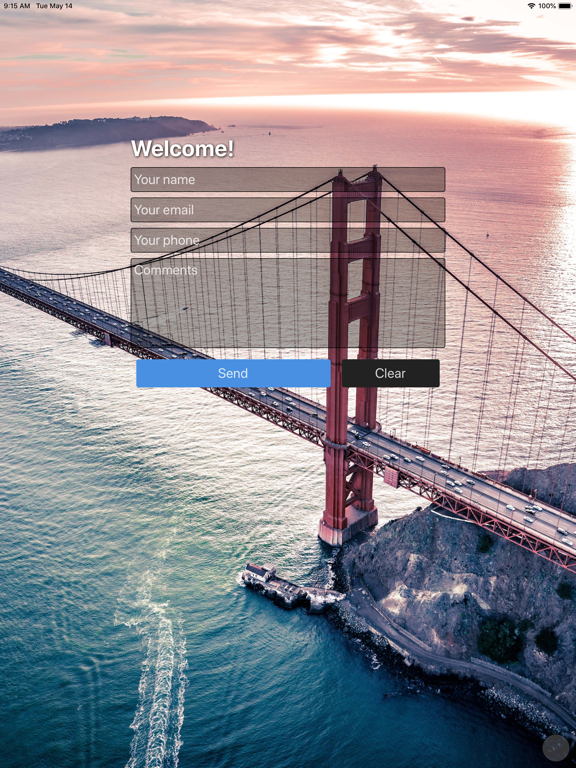
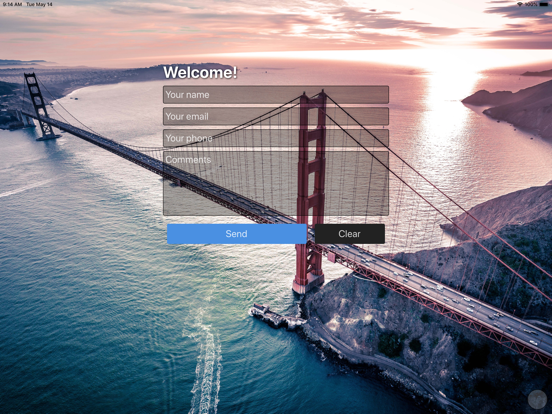
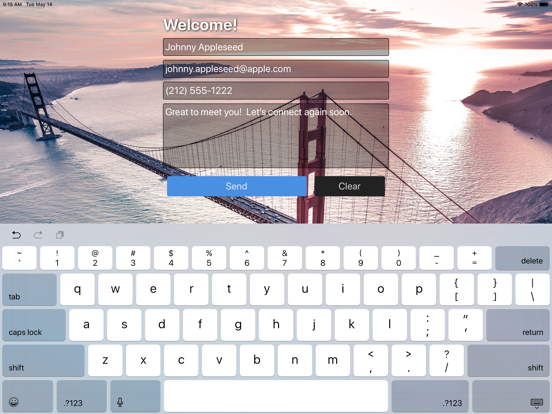
Sign Up Events turns the iPad at your front desk into a real office
visitor check-in system. Visitors fill out your form, accept your NDA
with a finger-signed signature, snap a quick photo, and you get a CSV
log of who was in the building today.
Built for offices, coworking spaces, clinics, schools, and job sites
that need a serious visitor record without a $100/month subscription.
WHAT IT DOES
• NDA & waiver acceptance with timestamped digital signature
• Visitor selfie capture on every record
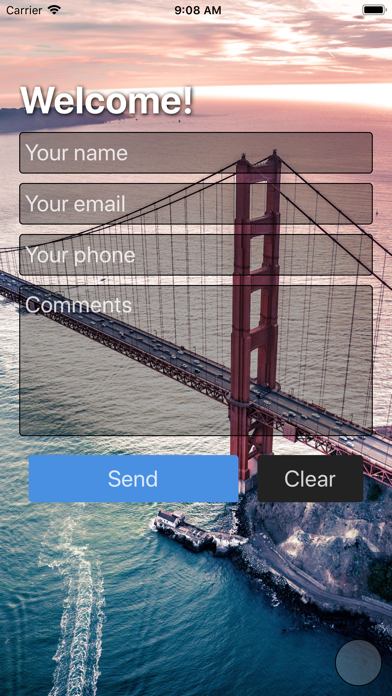
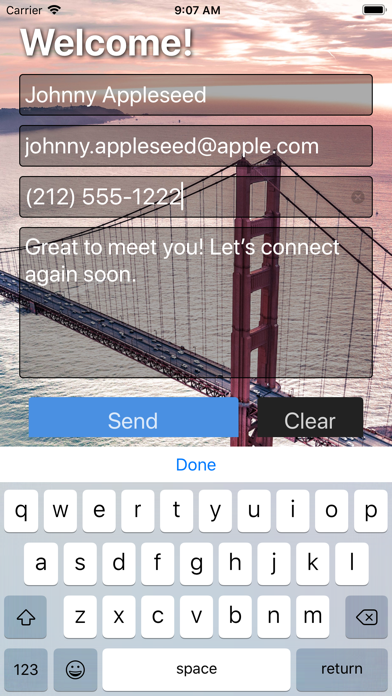
• Custom check-in form — your fields, not a template
• Branded reception screen with your logo and background
• On-device visitor log with built-in CSV viewer
• CSV export for HR, security, or compliance
• Works offline when reception Wi-Fi drops
• Passcode protection — visitor data stays on the device
WHO USES IT
• Corporate office reception desks
• Coworking and shared workspaces
• Clinics, studios, and waiting rooms
• Schools, gyms, and private clubs
• Job sites and secure facilities
• Trade show booths and field events
PRICING
One-time $5.99. No monthly subscription. No per-visitor fees.
No accounts to manage. Buy it once, run it for years.
PRIVACY
Visitor data is stored on the device. You decide when to export it.
Sign Up Events does not send visitor records to a cloud service.
IMPORTANT — MANAGE YOUR DEVICE STORAGE
Because every record stays on the iPad, your visitor log will grow
over time — especially if you collect signatures and photos, which
take up far more space than text fields alone. To keep the app
running smoothly and to leave room for future check-ins, export your
visitor log to CSV regularly and then delete older entries from the
device. We recommend exporting at the end of each week or month and
clearing records once you have a saved copy somewhere safe (email,
cloud drive, HR system). Sign Up Events cannot recover entries after
they are deleted from the device, so always export first.
FORGOT YOUR PASSCODE?
You can reset the passcode without losing your forms or visitor
records. On the passcode entry screen, press and hold the prompt
text ("Enter the passcode to continue") for about 5 seconds — a
red progress bar will fill, and you'll be asked to confirm the
reset. Your saved forms and visitor log are kept; only the passcode
is cleared.
Replace the paper sign-in sheet — and the overpriced SaaS visitor