Anti Thief

Anti Thief Summary
Anti Thief is a with in-app purchases iOS app in Tools by Jordanmeir. Released in Mar 2012 (14 years ago). Store metadata: updated May 14, 2018.
Store info: Last updated on App Store on May 14, 2018 .
0★
Ratings:
Screenshots
App Description
*****
•The most liked app by people!
•This app will keep the thief away!
•If you are not watching your iPhone at time you are busy, and you afraid from thieves. This app may have a solution for you!
*****
Do you know how it feels to go to a restaurant put the device on the table, and after 5 min is gone?
Or when you travel, did your device have a protection from the pickpocket(a person who steals from other people's pockets)?
Or if you at work and you put your device in charge an it stolen?
Do you know what it feels like when your iPhone is stolen by a thief?
this is not a good feeling.
After the device has been stolen by a thief you are trying to locate it in "Find my iPhone" but sometimes the thief remove all data of your tracking.
So, why not just stop the thief take it from you, as long as it is possible,
This application will help you stop the thief for stealing your iPhone.
How it Work?
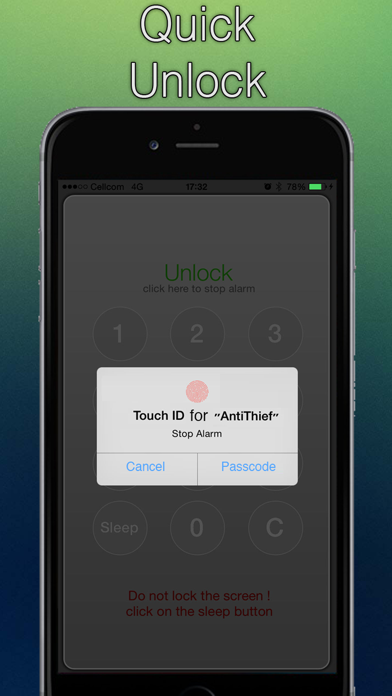
Just put your device in active mode, and when the thief will steal it, it will activate the alarm, and the only way to stop it is by your passcode
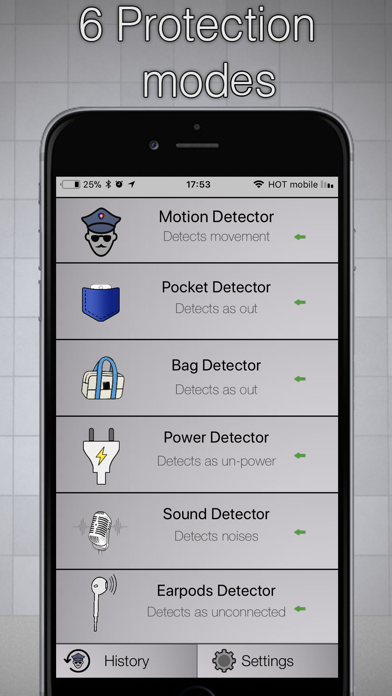
you have 6 way to detect the thief:
1.Motion Detection:
when you put your iPhone on the desktop in your office, anyone can just take it and run away, so when someone will take your iPhone the iPhone will play a sound (Alarm) and will lock the app... that mean you can stop the Alarm only with the Passcode you was set in the first step...
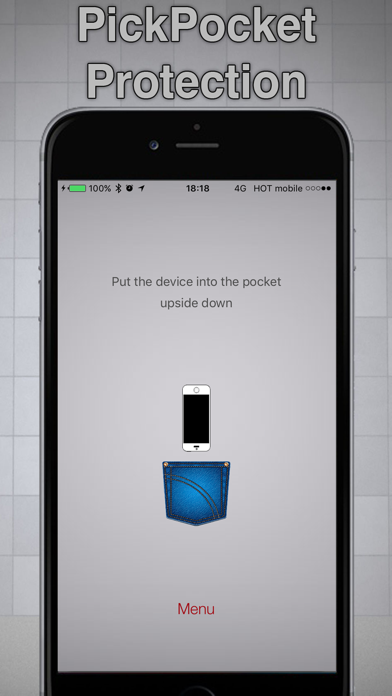
2.Anti-PickPocket (stealing from your pocket):
All you have to do is to put the device in your pocket and it will activate the mode.
this option using the Proximity Sensor, that mean you can move and run and shake the iPhone and it will not activate the alarm because it use the Proximity Sensor. only when the iPhone is go out from your pocket it will alarm...(if you don't know what mean "Proximity Sensor" so search that on the web).
3.Anti-Bag Picker:
if you are in the Metro and your iPhone is in the bag so anyone can steal your iPhone easily...
NO MORE !!!!
when the iPhone will go out from the bag it will Alert you and Alarm...
this option using the Proximity Sensor that mean the iPhone is secure in your bag
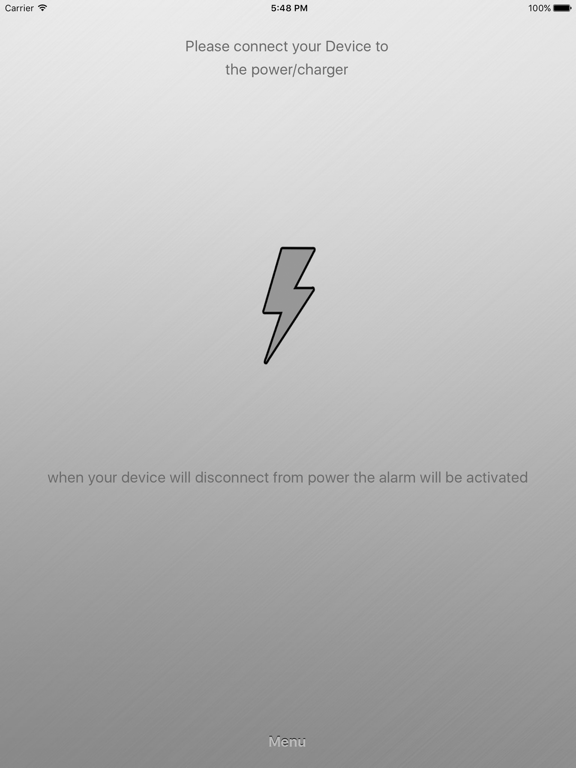
4.Power detector:
when your device will disconnect from power the alarm will be activated. and this will keep away the thief,
you can lock the screen of device and it will continue to keep your device from thief
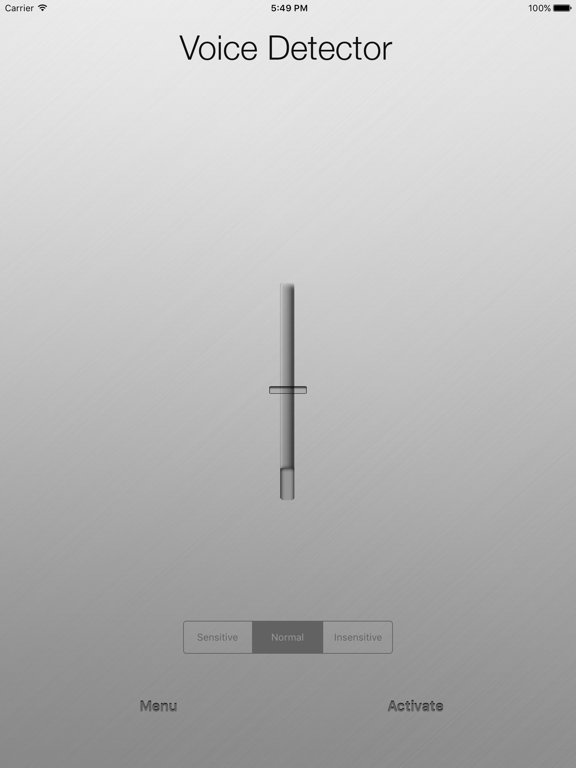
5.noise detector:
the device is using the mic, and when a thief will make noise, Anti Thief will start alarming.
it's like a big home system to alert from thief
6.earPods detector:
when your device will disconnect from earPods the alarm will be activated. and t