iFTP Pro - The File Transfer, Manager and Editor

iFTP Pro - The File Transfer, Manager and Editor Summary
iFTP Pro - The File Transfer, Manager and Editor is a mobile iOS app in Business by Jayanti Katariya. Released in Apr 2012 (14 years ago). It has 19 ratings with a 2.06★ (poor) average. Based on AppGoblin estimates, it reaches roughly 93 monthly active users . Store metadata: updated Jun 9, 2017.
Store info: Last updated on App Store on Jun 9, 2017 .
2.06★
Ratings: 19
Screenshots

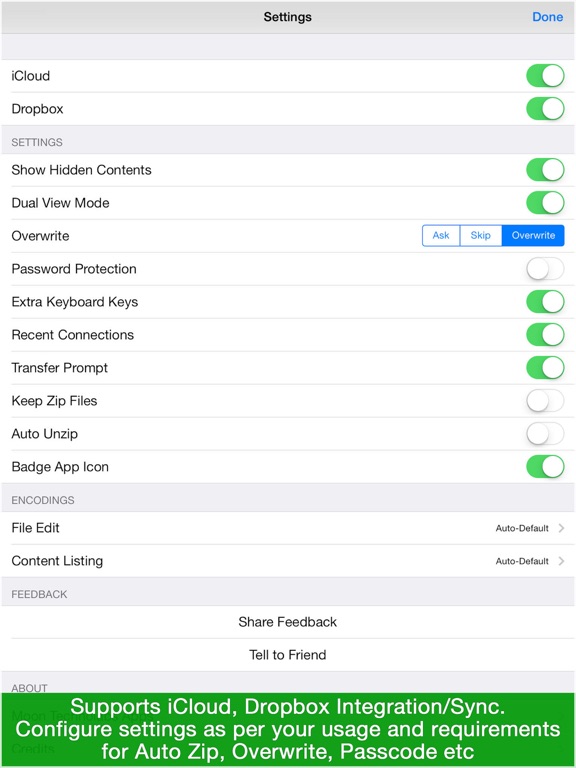
App Description
An iFTP Pro is 3 in One App with Offline File Manager, FTP/SFTP File Manager and Rich Text Editor
? Why this app
- Before buy any other ftp app please confirm there is features like SFTP support, RSA Key management, background download/upload with directory support, advanced text editor & dual and side by side viewer in this price, other many more?
> Main Features <
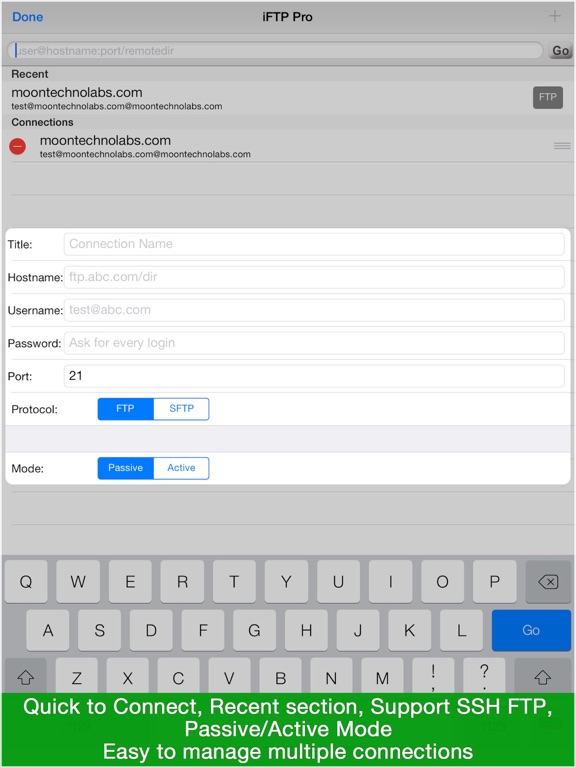
- Support SFTP (over SSH) using RSA Key Support and FTP
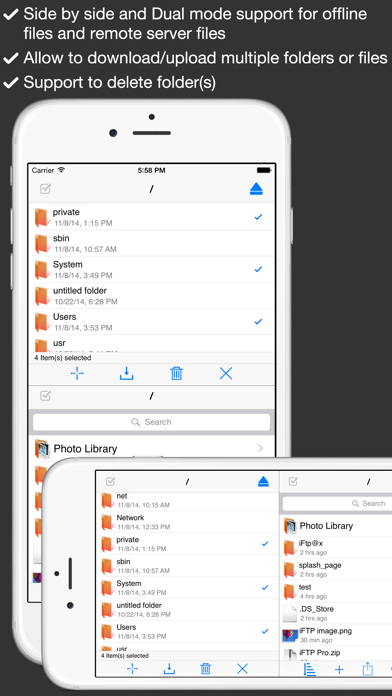
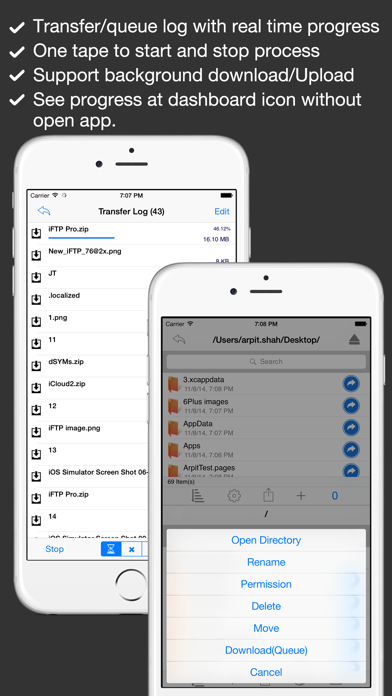
- Directory & Files Upload, Download, Rename, Delete, Move and Set permission (CHMOD)
- View office and other files (.doc, .docx, .xls, .xlsx, .ppt, .pptx, and all other supports by apple)
- Edit Rich Text and Plain Text files with built-in Advanced Text Editor (.rtf .txt, .text, any text file)
- Play audio & video files ( mp3, wav, mp4 and all other supports by apple)
- View Photo/Images (.png, .jpeg, .jpg, and all other supports by apple)
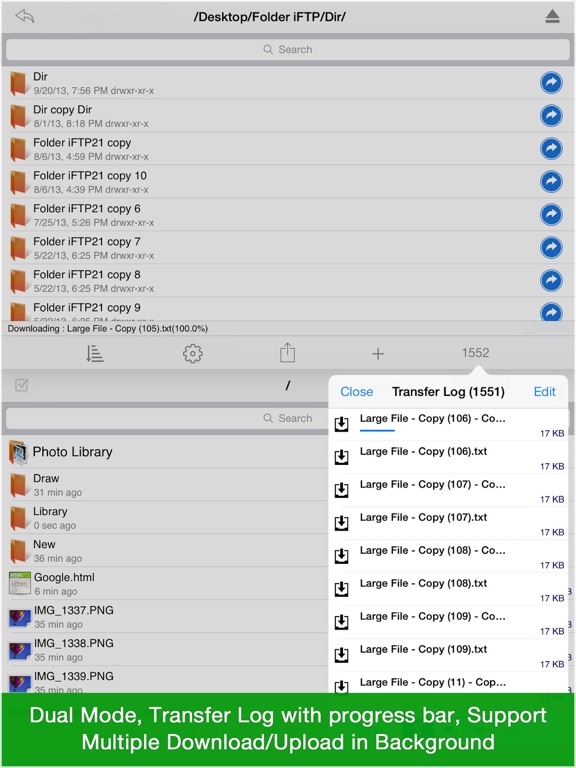
- Dual and Side by Side View for Remote Server and Local storage
- RSA Key Management (Generate, Import & Email)
- Support Active & Passive Mode
- Allow to open all kind of documents or files support by iOS SDK
- Inbuilt Text Editor with all basic features like Find, Replace, GoTo Line, Change Encoding
- Share files via WIFI, iTunes Sharing, Email or upload on FTP server or Open In with other installed supported apps
- Local storage with directory structure and all basic operations like rename, move and delete etc
- Upload Media content from your Photo Library with multiple selections with original file
- Allow to use local storage for offline use as USB Drive
- You can do other work while uploading and downloading process or you can use other application, as iFTP will notify when process will be completed via Local Notification feature
- Import files from Mail attachments or other apps files
Notes:
1) Server info sample data
title : whatever nick name
hostname : ftp.example.com or 192.168.1.1
username : test
password: your password
-RTF file Editing only available for iOS7 users only
Q/A
-To Hide local files, Just turn off dual mode at settings
-To multiple files/folder selection just tape at bottom action icon and tap on top-left check mark icon