OneLogin Protect

OneLogin Protect Summary
OneLogin Protect is a free iOS app in Business by OneLogin, LLC. Released in Mar 2012 (14 years ago). It has 741 ratings with a 2.15★ (poor) average. Based on AppGoblin estimates, it reaches roughly 3.8K monthly active users . Store last updated May 7, 2026
Recent activity: 1.00 new ratings this week View trends →
SDK intelligence: AppGoblin detected 5 development tools(e.g. nanopb),and 1 analytics: product integrated into OneLogin Protect. View full SDK list →
OneLogin Protect SDKs Summary
OneLogin Protect was last scanned for SDKs on 2026-07-08. Below is the overview of third-party companies detected in the app. The full list of SDKs, permissions and unknowns is available here.
AppGoblin saw OneLogin Protect uses 5 Development Tools
 nanopb
 ReactiveX
 Google
 SDWebImage
AppGoblin saw OneLogin Protect uses 1 Analytics: Product
 Firebase
2.15★
Ratings: 741
Screenshots
App Description
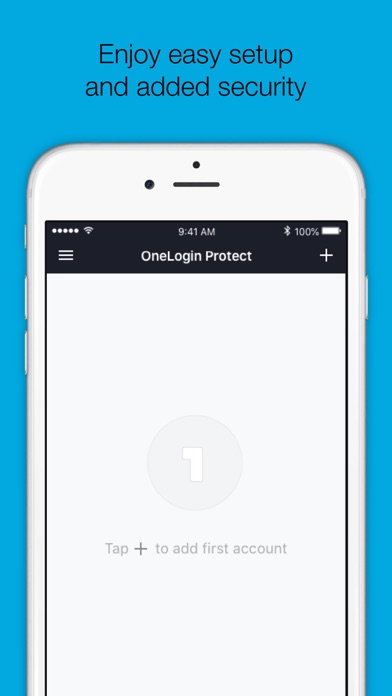
OneLogin Protect authenticator, a free, enterprise-ready MFA app, provides two-factor authentication for all your OneLogin SSO accounts and thousands of third-party apps and services. When you use multi-factor authentication, you automatically increase the security of your online accounts.
Features
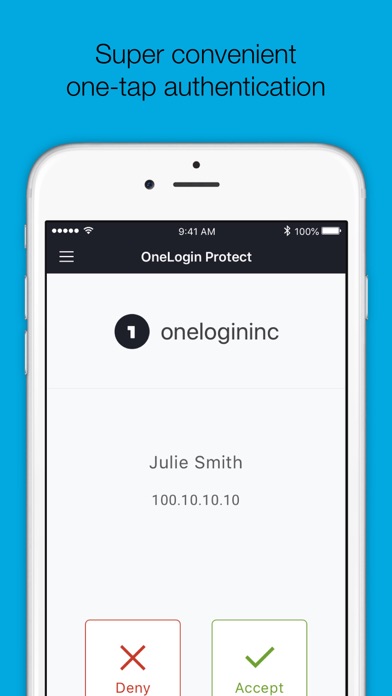
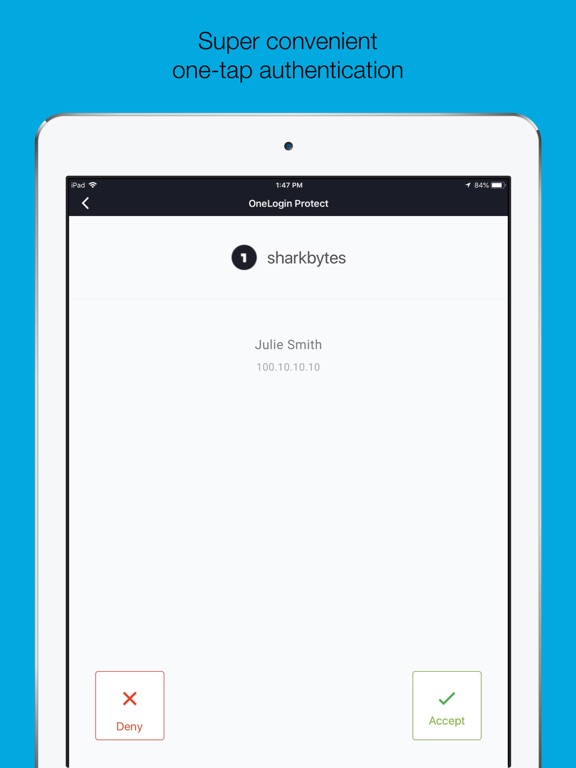
• Alerts user with a push notification, user responds with just a tap (OneLogin accounts only).
• Requires your Touch ID, Face ID, or PIN to accept push notification (OneLogin accounts only).
• Works with third-party providers and accounts which you can add at any time.
• Compatible with services using OATH security tokens (i.e. Google Authenticator).
• Generates a unique 6-digit code every 30 seconds for each account (TOTP).
• Generates verification codes without a data connection.
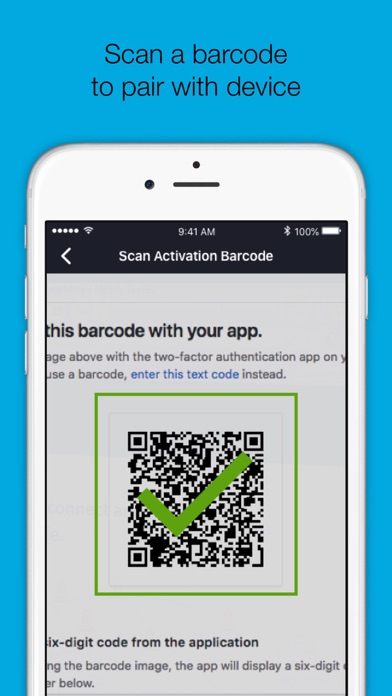
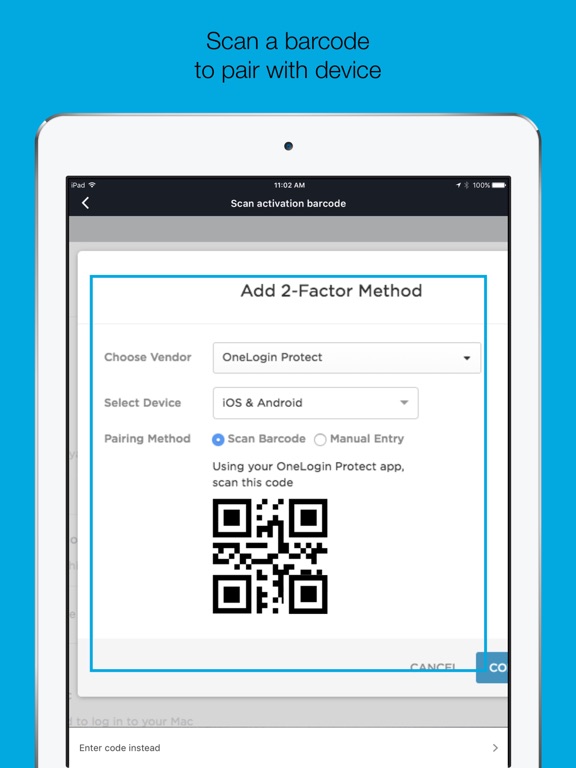
• Adds a new account by scanning a QR code or by entering it manually.
• Securely backup and restore your accounts to your own Google Drive
Permissions
• Camera access for scanning QR code when adding new accounts.
• Push notifications for delivery of OTP requests
Learn more
• Learn more about 2-step verification at onelogin.com/onelogin-protect-authenticator
• Follow us on Twitter: https://twitter.com/onelogin
• Like us on Facebook: https://www.facebook.com/onelogin