Foscam Pro: Multi IP Camera Viewer

Foscam Pro: Multi IP Camera Viewer Summary
Foscam Pro: Multi IP Camera Viewer is a mobile iOS app in Tools by Synaptic Edge LLC. Released in Mar 2012 (14 years ago). It has 410 ratings with a 3.32★ (mixed) average. Based on AppGoblin estimates, it reaches roughly 1.2K monthly active users . Store metadata: updated Nov 12, 2015.
Store info: Last updated on App Store on Nov 12, 2015 .
3.32★
Ratings: 410
Screenshots
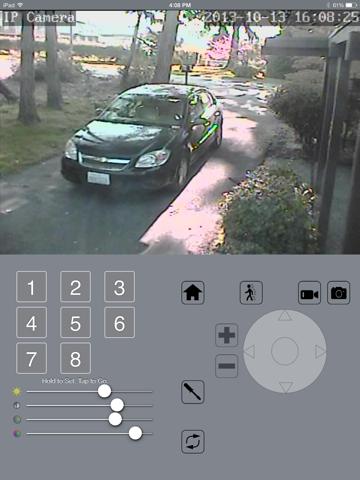
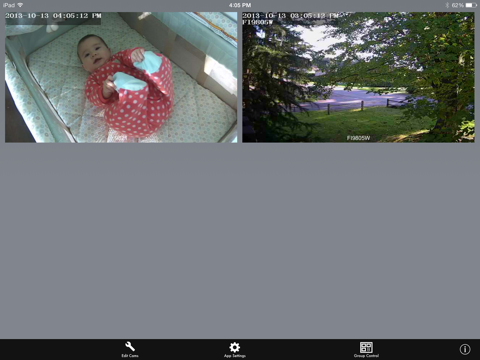
App Description
The app Foscam Pro is the most feature rich Foscam iPhone app and iPad app to take advantage of your Foscam IP cameras both HD and SD, as well as other MJPEG cameras. Alll the features you want and need are in one place. For almost all Foscam HD and SD cameras there is two-way audio, video recording, and image capture.
Note: Foscam Pro is not made by or affiliated with Shenzhen Foscam Intelligent Technology. Please do not contact us with camera hardware problems. Thank you.
Compatible cameras WITH two-way audio where supported: FI8905W, FI8908W, FI8909W, FI8910W, FI8916W, FI8918W, C1, FI9803P V2, FI9804P, FI9805, FI9805W, FI9816P, FI9821P, FI9821P V2, FI9821W, FI9821W V2, FI9821W V2.1, FI9826P V2, FI9826W, FI9828P, FI9828W, FI9831P+V2, FI9853EP, FI9900P, FosBaby, FosBaby P1 , C2, R2, and Insteon 2864-232.
Compatible cameras WITHOUT audio: Foscam FI9821V1, FI8620, FI8608, Cis-co WVC-80N, D-Link DCS-942L, Agassio 522, Panasonic CL0230, and the WowWee Rovio robot.
Other cameras might work but it is not guaranteed; choose a camera in the settings that looks similar. If you find cameras that are compatible, please let us know and we will add them to this list.
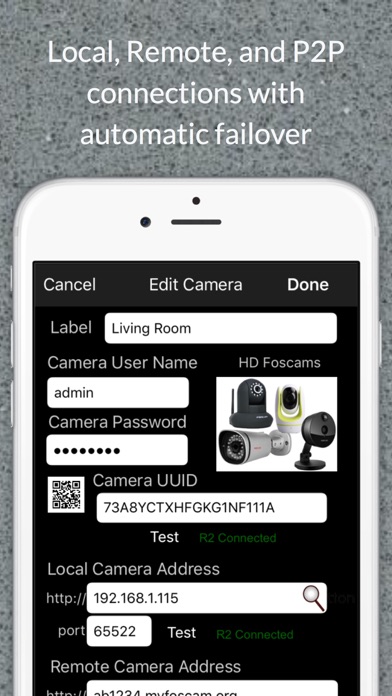
To view your cameras remotely, you will have to setup dynamic DNS and/or port forwarding on your home router. Get your camera working with your browser first. Then setup the app.
See this page for help: http://synapticedge.com/setupfoscam
Need help? Tap the info button to contact us.
Please contact your camera reseller for support with your initial setup.
Current Feature Summary:
▶Preset camera position control
▶Two-way Audio on compatible models (see list above)
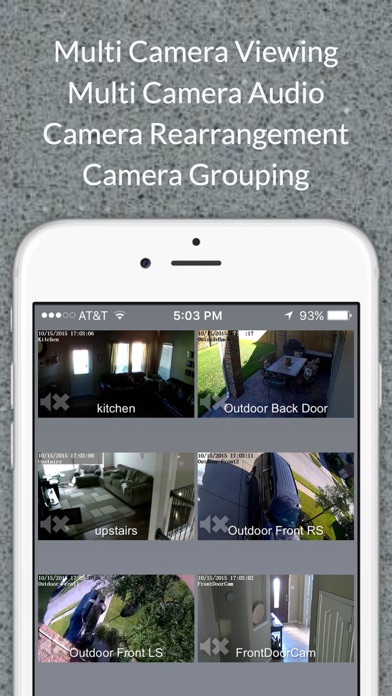
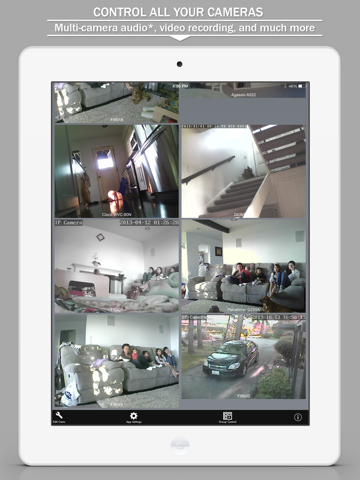
▶Listen to multiple cameras at the same time
▶Listen to camera audio while the app is in the background
▶Adjustable camera arrangement
▶Up to four camera groups
▶Live settings feedback
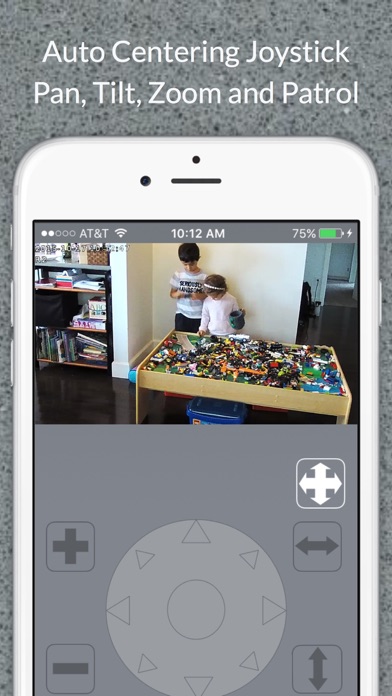
▶2 Control Methods ("No look" Joystick or Screen Drag)
▶Control of your camera's motion detection, ftp upload, and email and SD features (as applicable based on camera models)
▶Pan and Tilt Speed Control
▶In App motion and face detection (with automatic image/video capture) for SD model cameras.
▶Video Recording to camera roll (with audio on compatible models)
▶Optional Passcode Lock
▶Fast multiple camera setup
▶Save/e-mail your camera settings to other users/devices
The "no look" joystick allows you to look at the camer